06
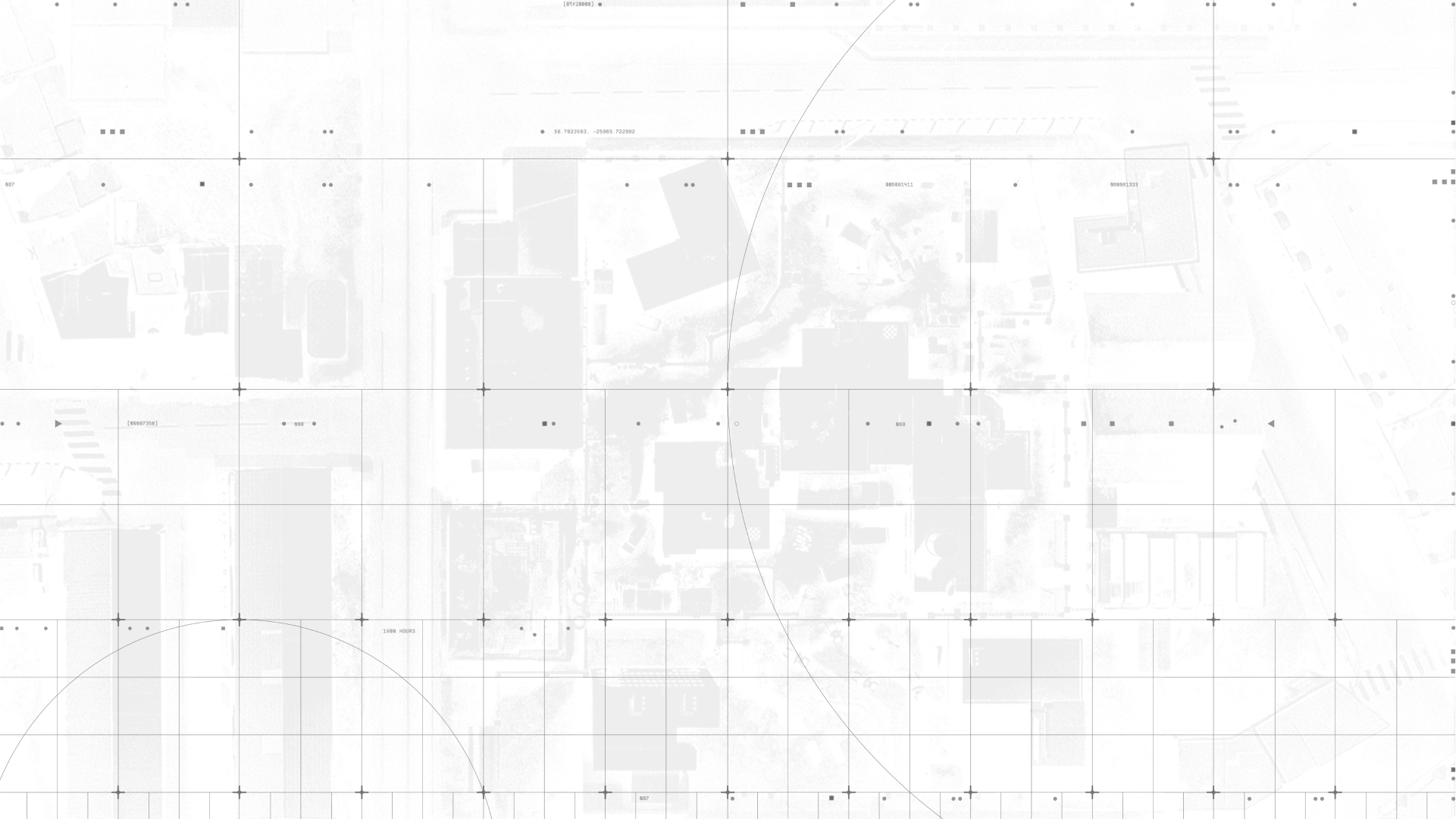
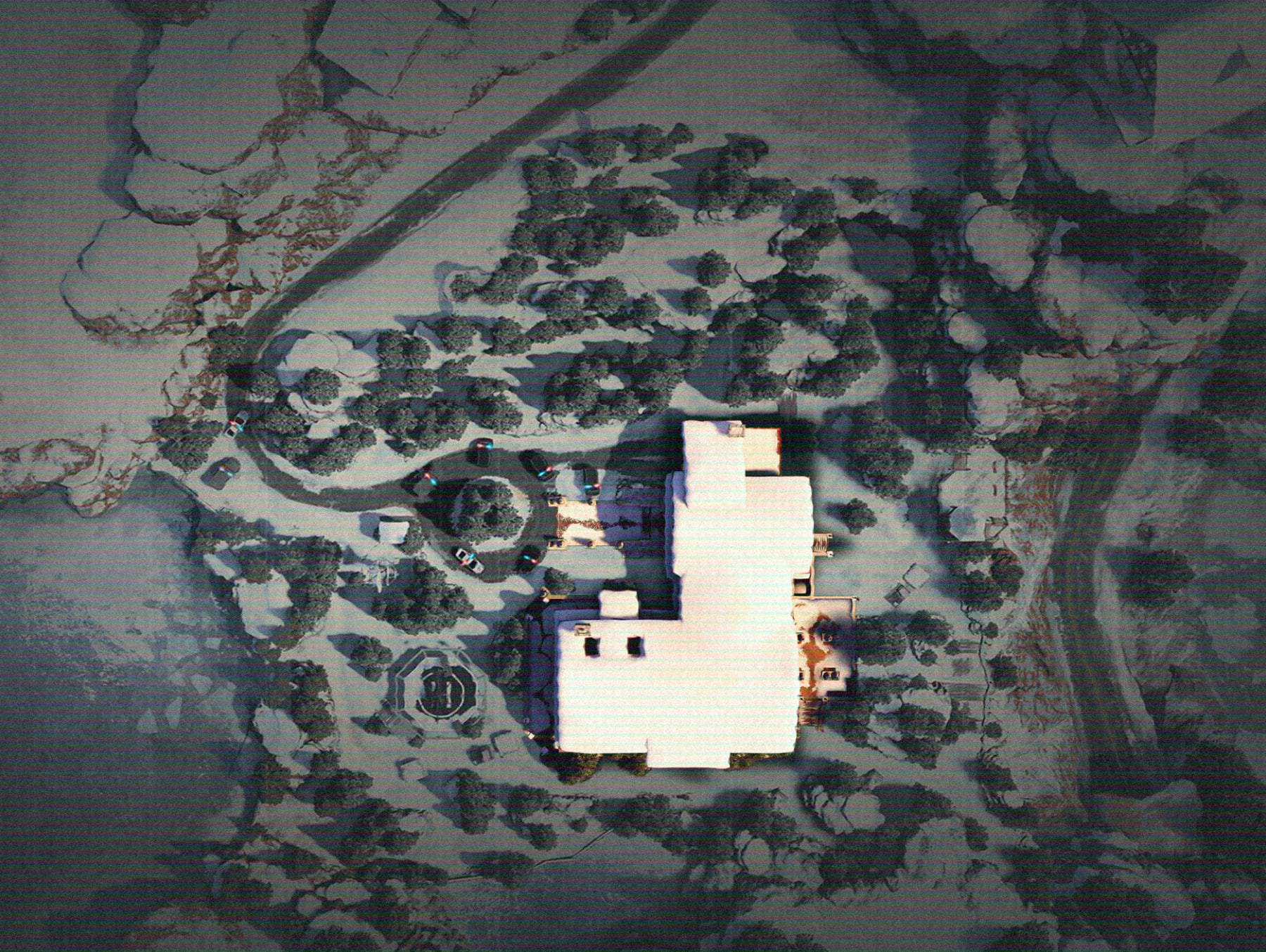
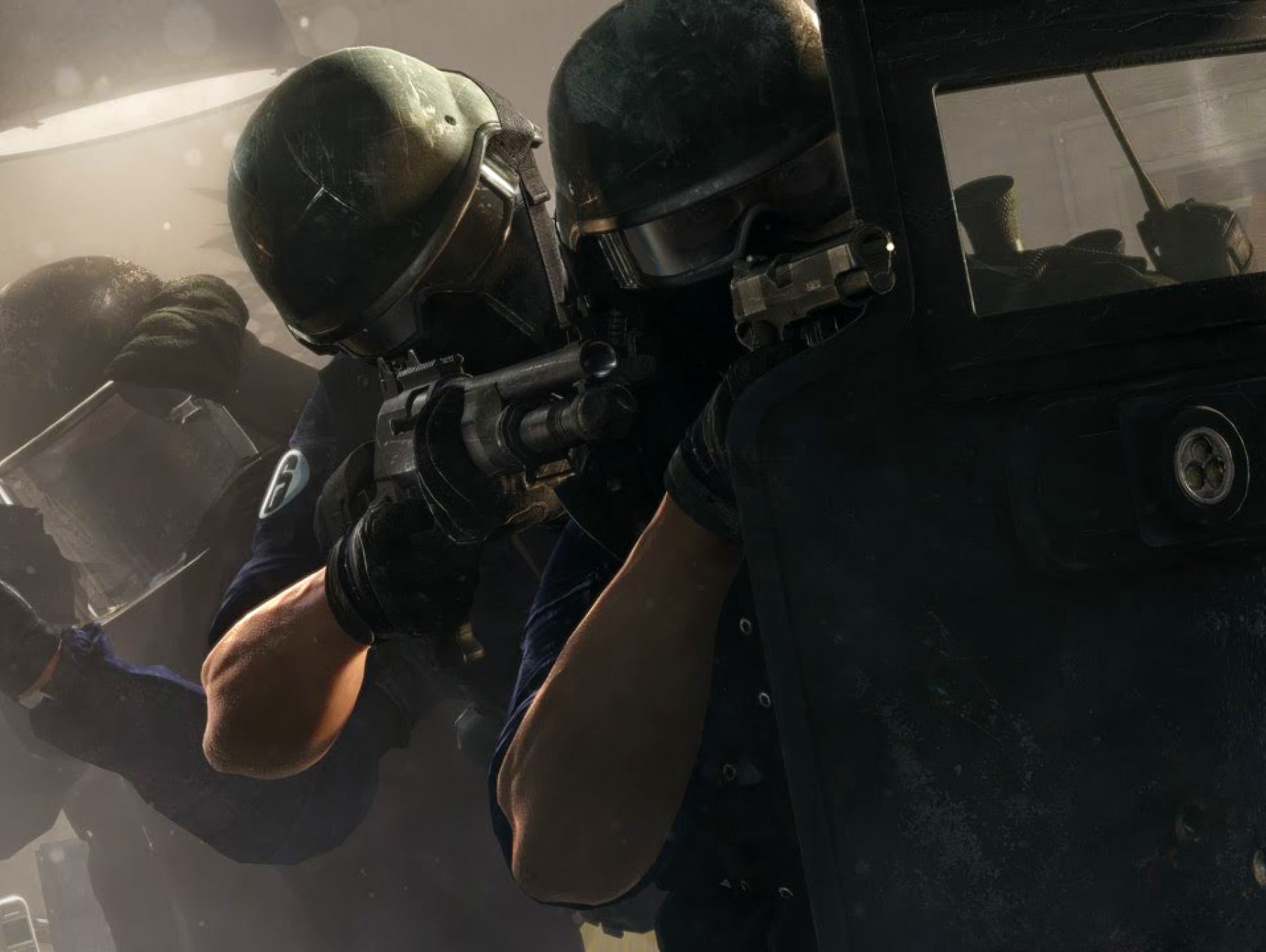
Our Art Direction illustrate two stages of an operation: before, with the planning and collecting of information from afar, and during, with the operators in action.
In this section we will see the different styles of Art Direction within our toolkit, how to create them and how to use them.
BEFORE - PLANNING
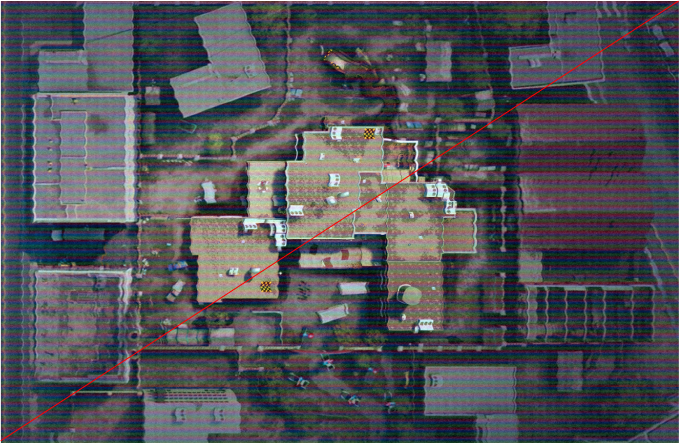
Our Art Direction showcases locations and operators in a way that illustrates the steps and research done to prepare for an assault, through the use of aerial views, multiple angles of a same location and single operators.
DURING - ACTION
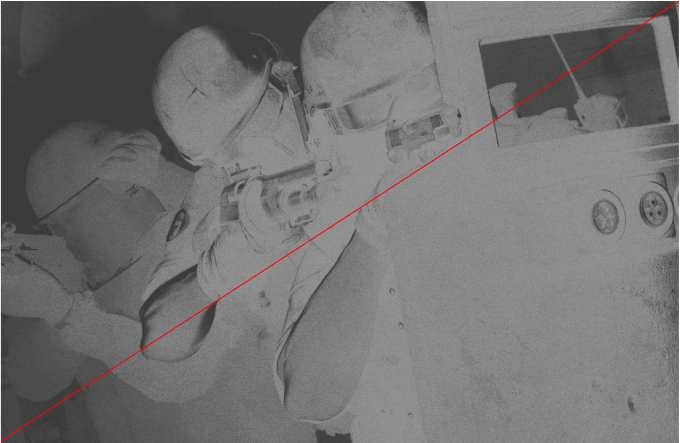
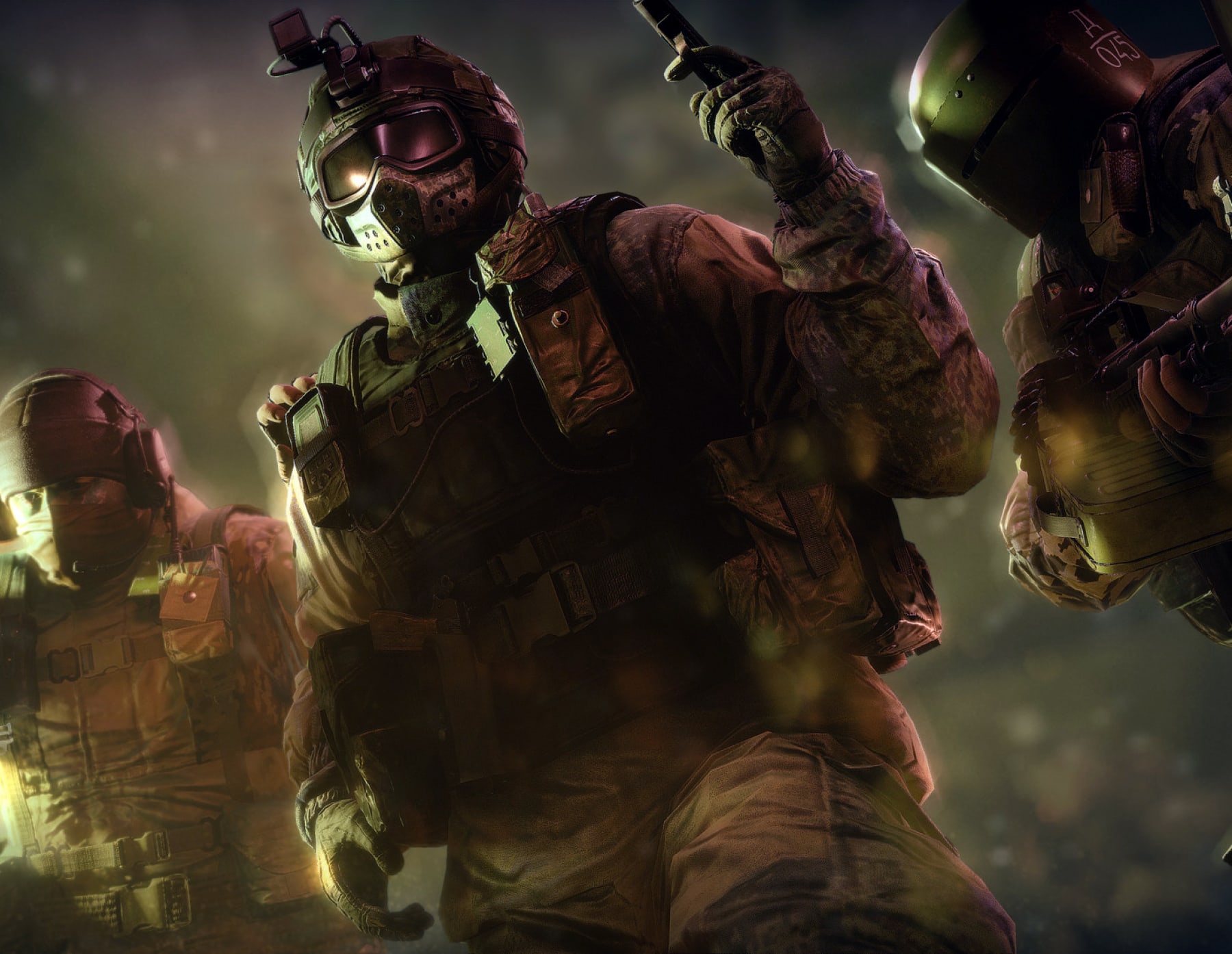
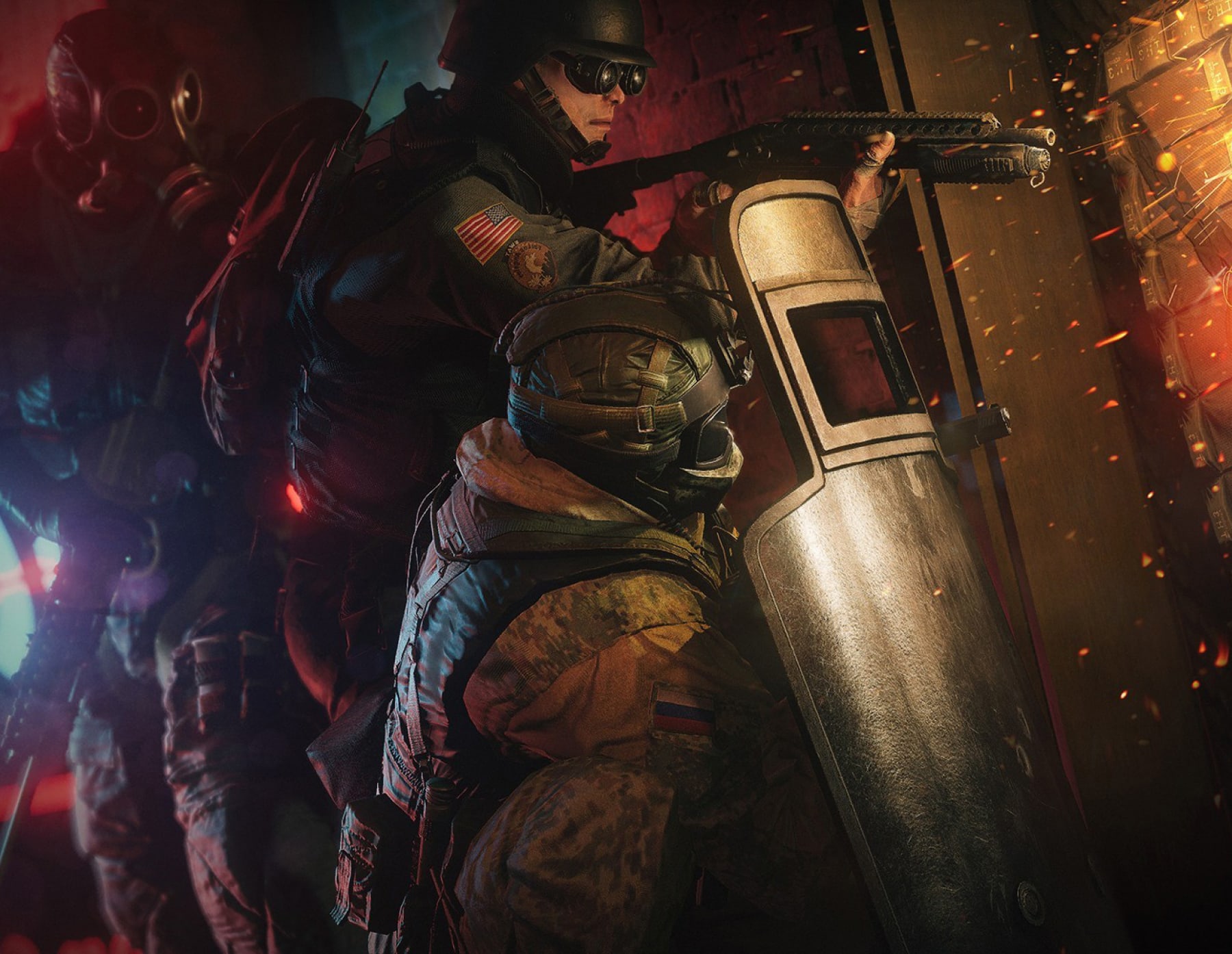
Our Art Direction also shows the result of the planning: the operation itself. It showcases the operators working as a team, in the middle of action.
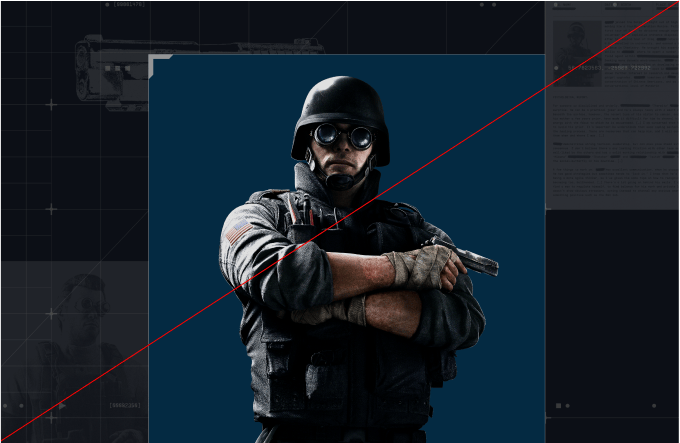
Our operators can be presented individually, in a manner that is bold and empowering, capturing their essence with commanding presence. They should always be used with our backgrounds grids and textures to tie the Art Direction to the visual language, using specific textures that represent and create a backstory for the operator.
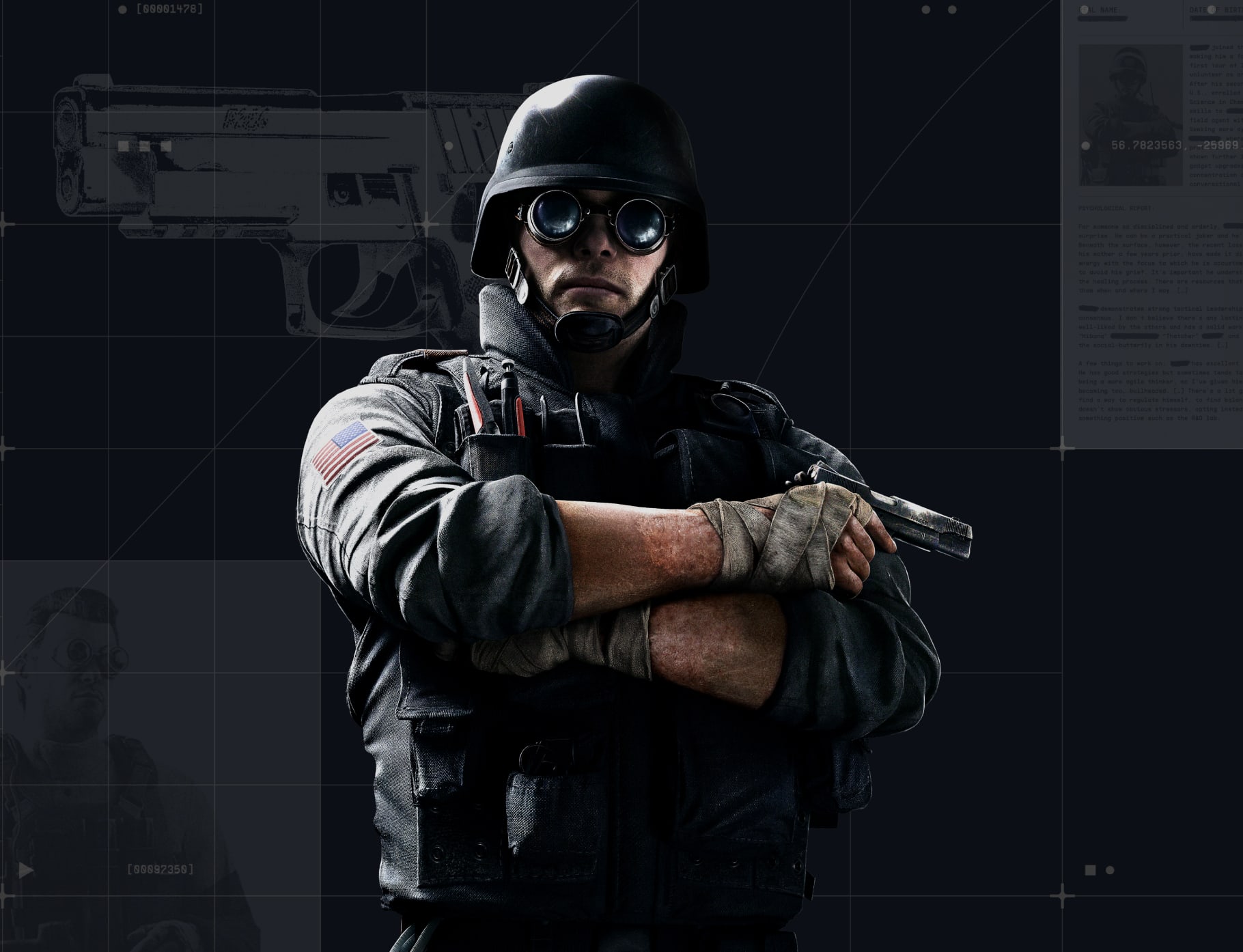
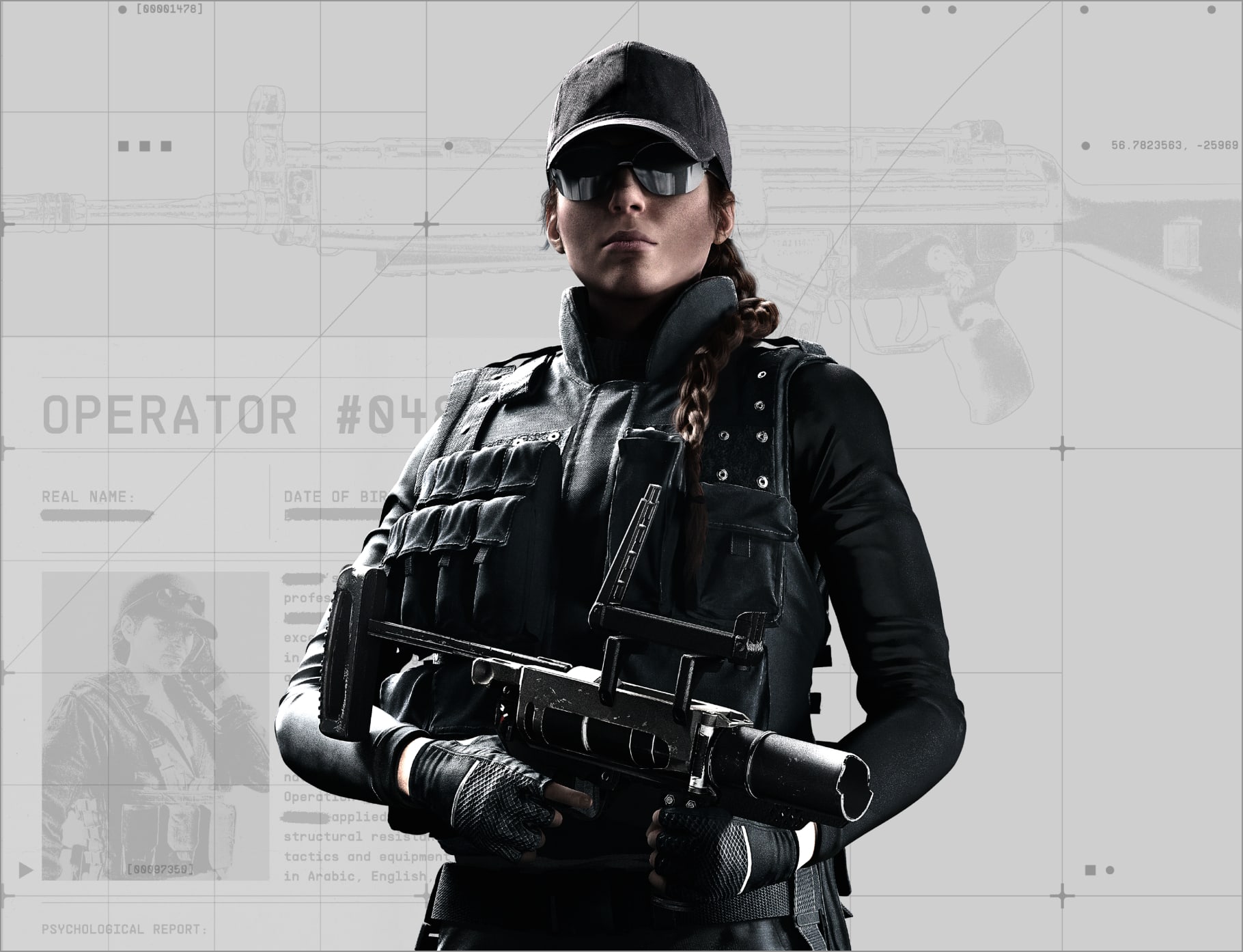
When selecting operator poses, they should always reflect their expertise and skillset - remaining confident and commanding.
Follow this guidance to make sure shots of our operators are always consistent and impactful.
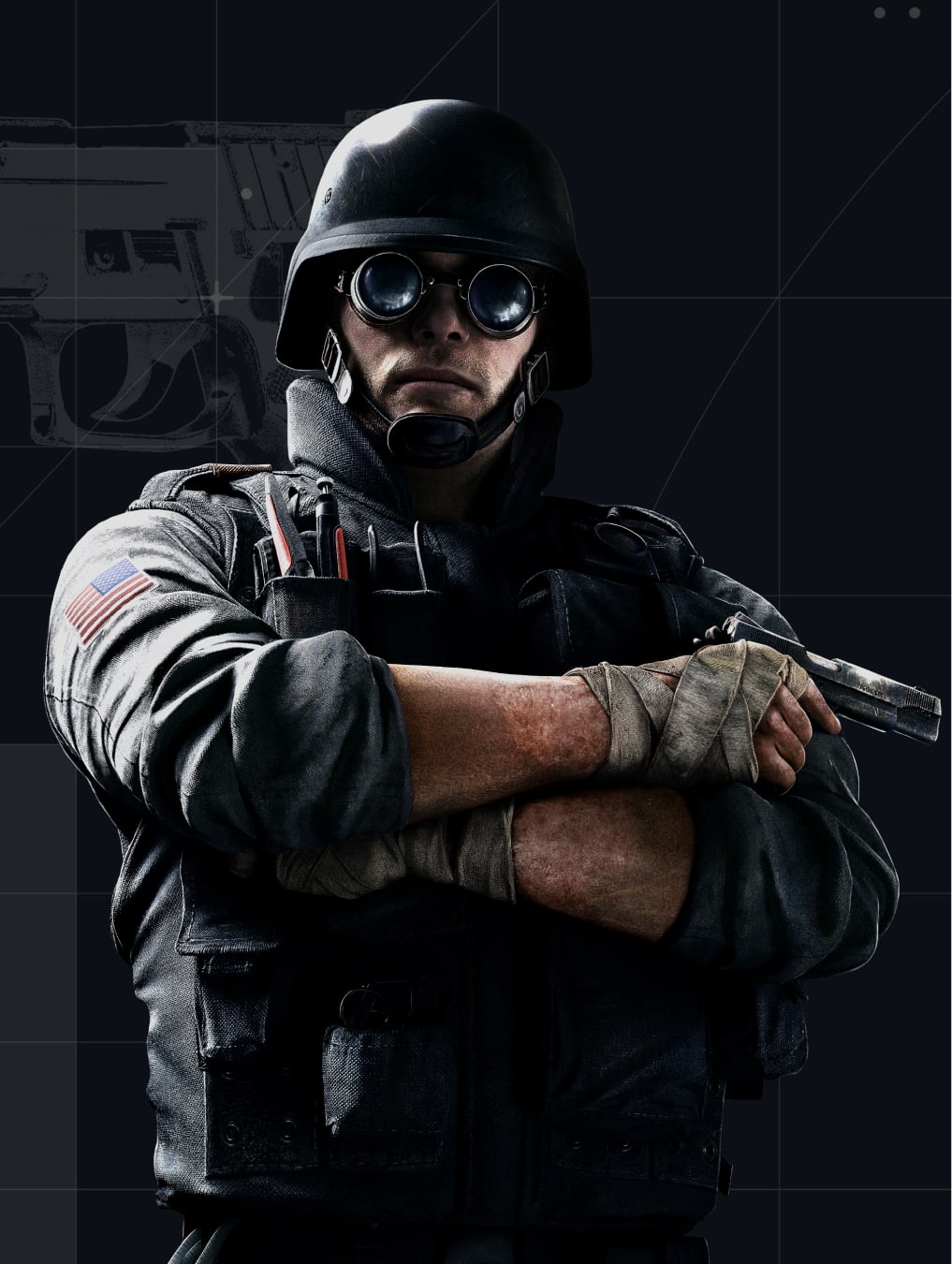
Textures in the background such as weapon blueprints, scanned documents and images help build a backstory for the operators.
The operators’ attitude should be confident and commanding. They are never in action, but posing for the shot.
Shots of operators should be 3/4 length, focussing on the operators weapon and expression.
The operators weapon should always be in shot.
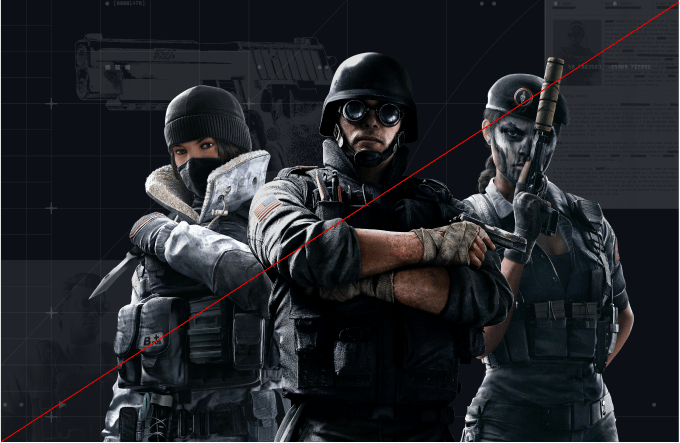
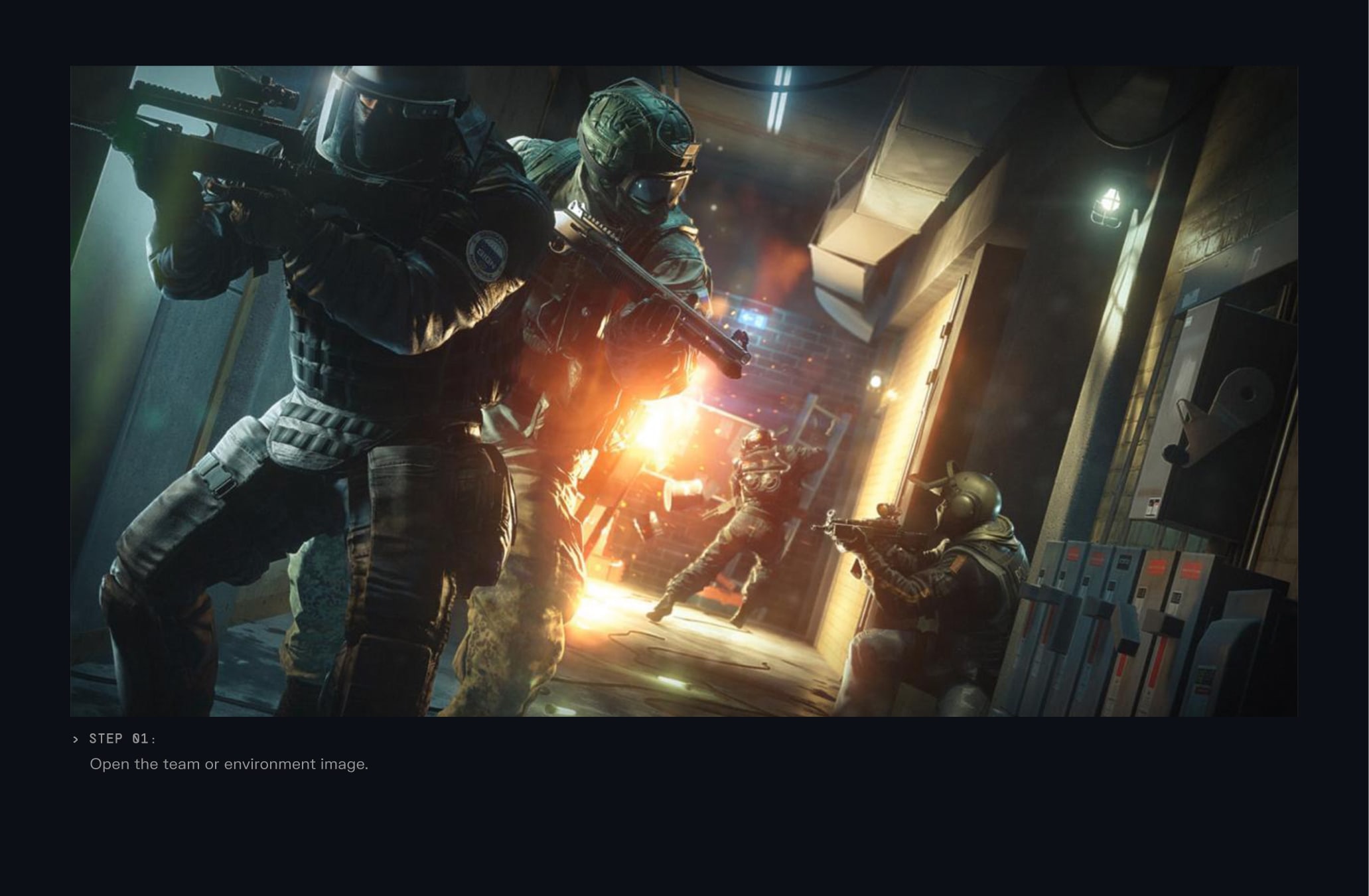
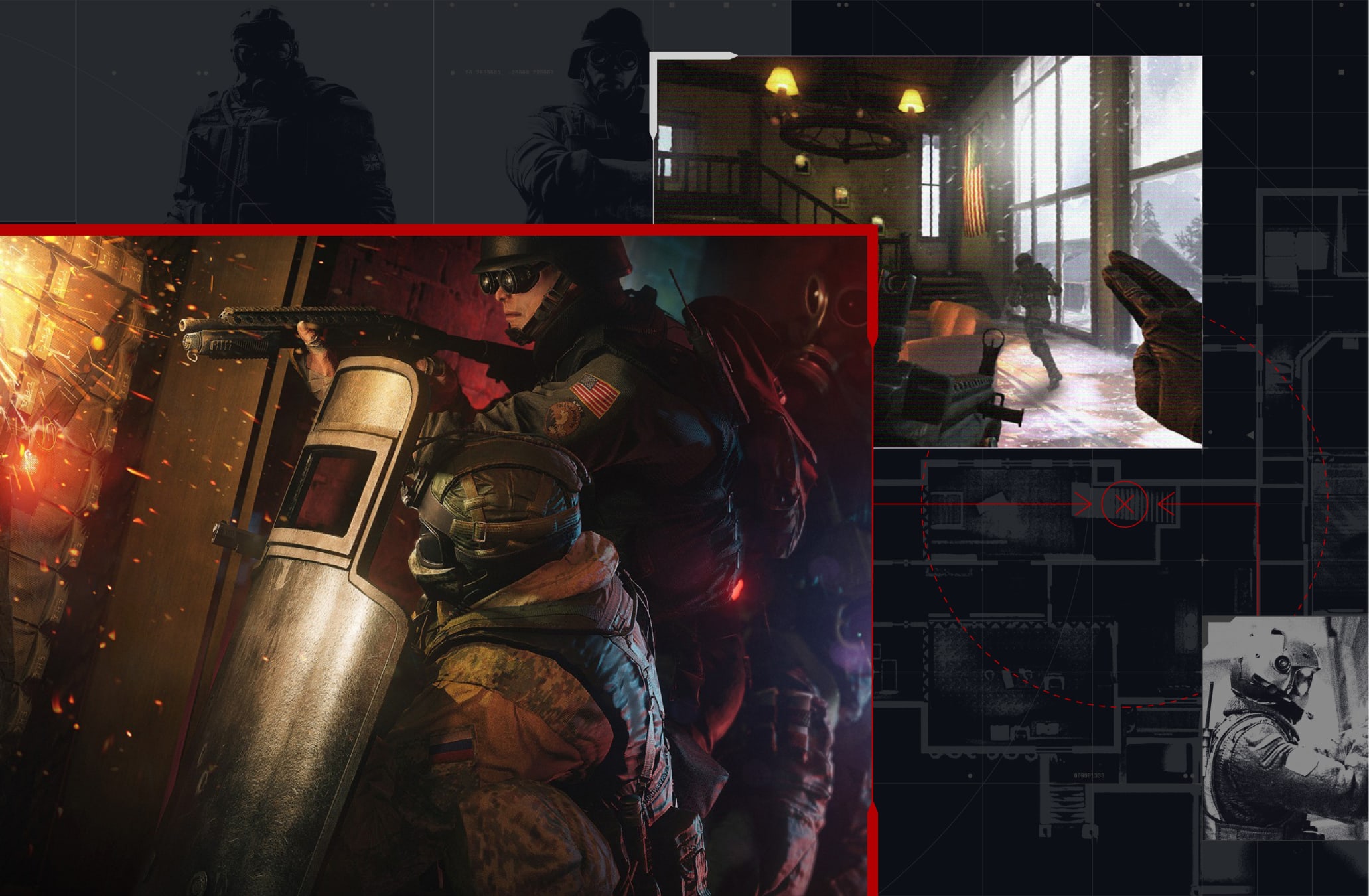
When showing multiple operators they should primarily be shown as a team, during an assault. They are always shown in anticipation or in action, working together.
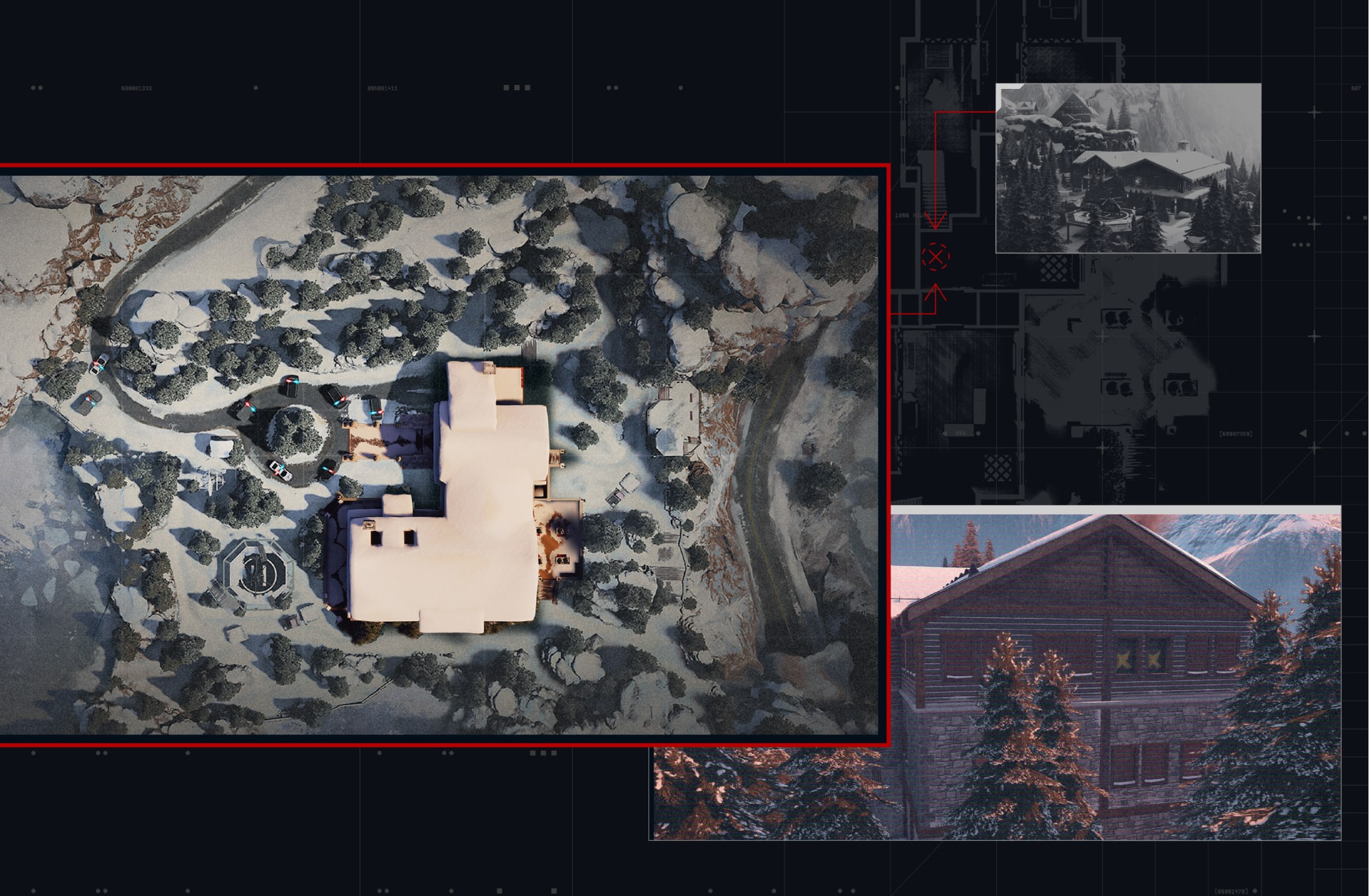
Environments are always shown using an aerial view of the map. This hints at the narrative of collecting intelligence from a distance, studying a location before an assault.
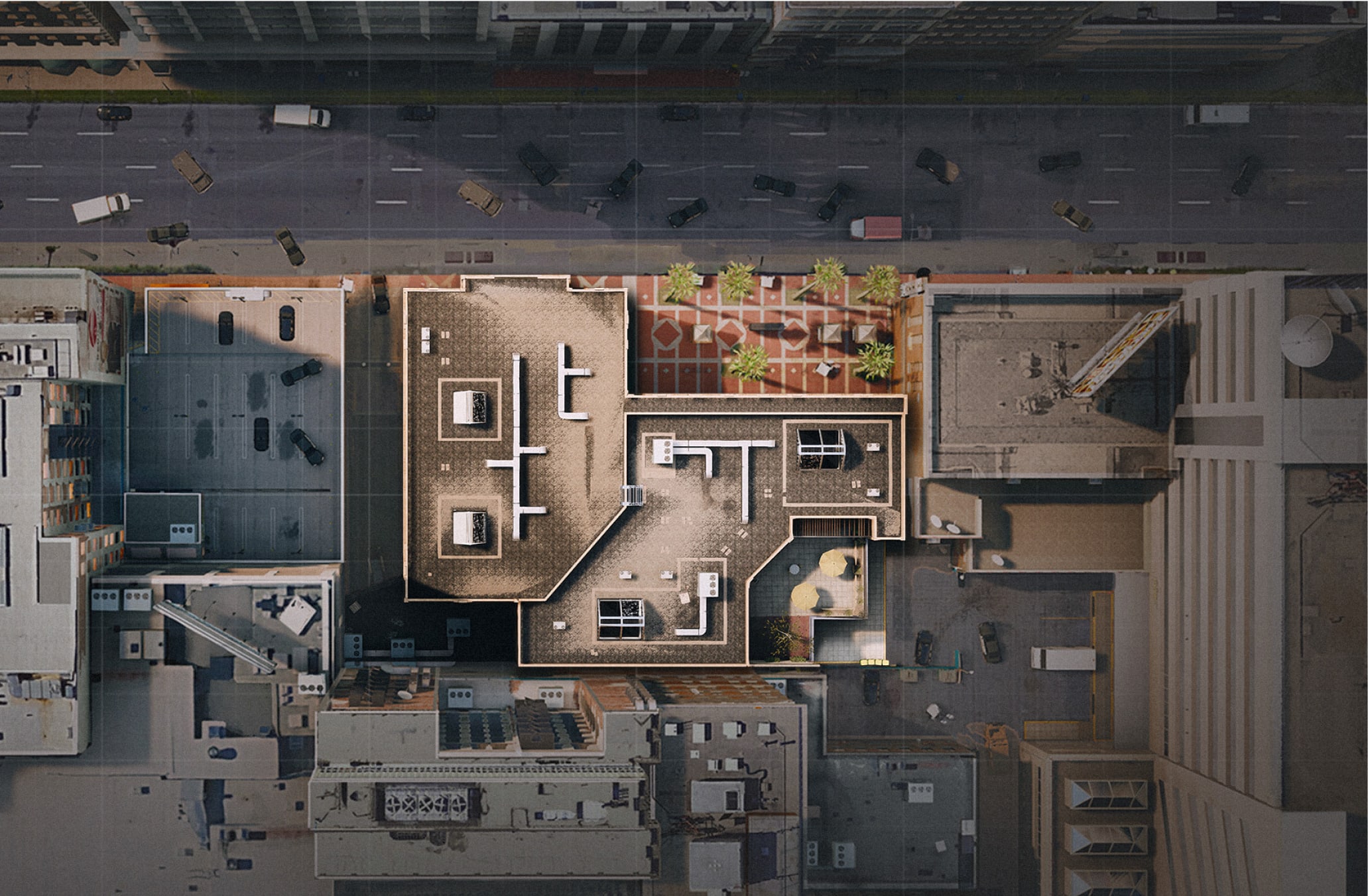
For supporting environment photography in additional to aerial view, we can also use multiple angles of the same location as supporting imagery. The extra details and view points introduced by these images help add to the narrative.
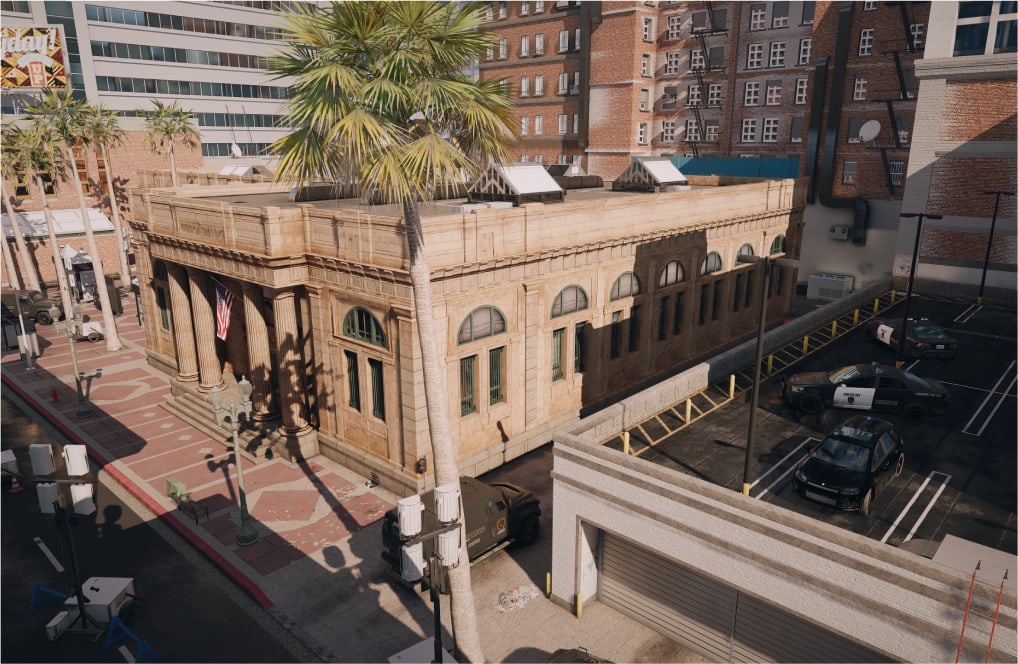
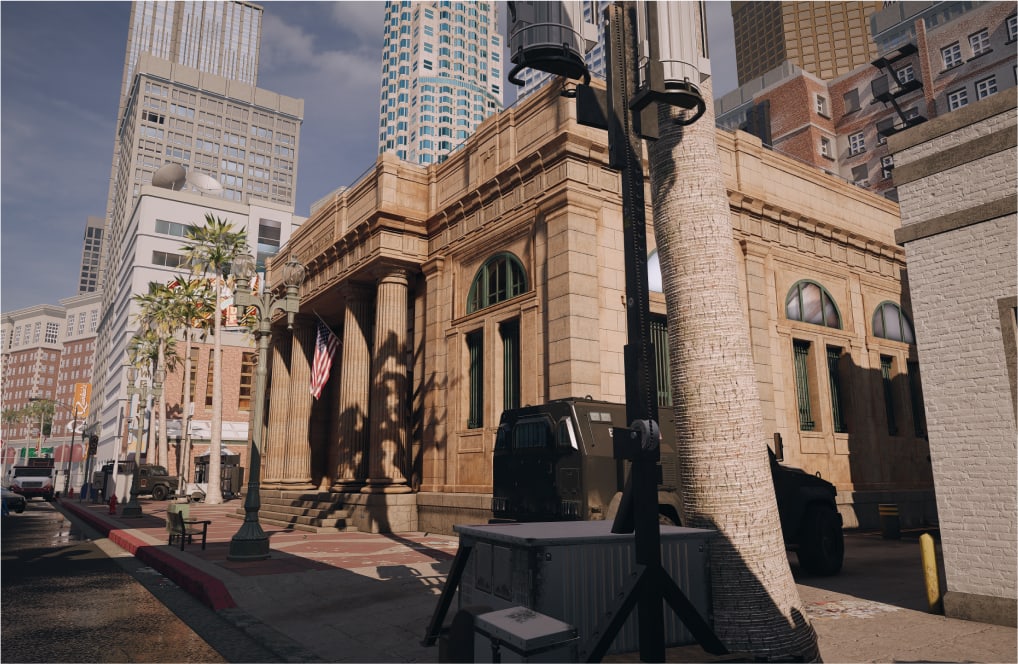
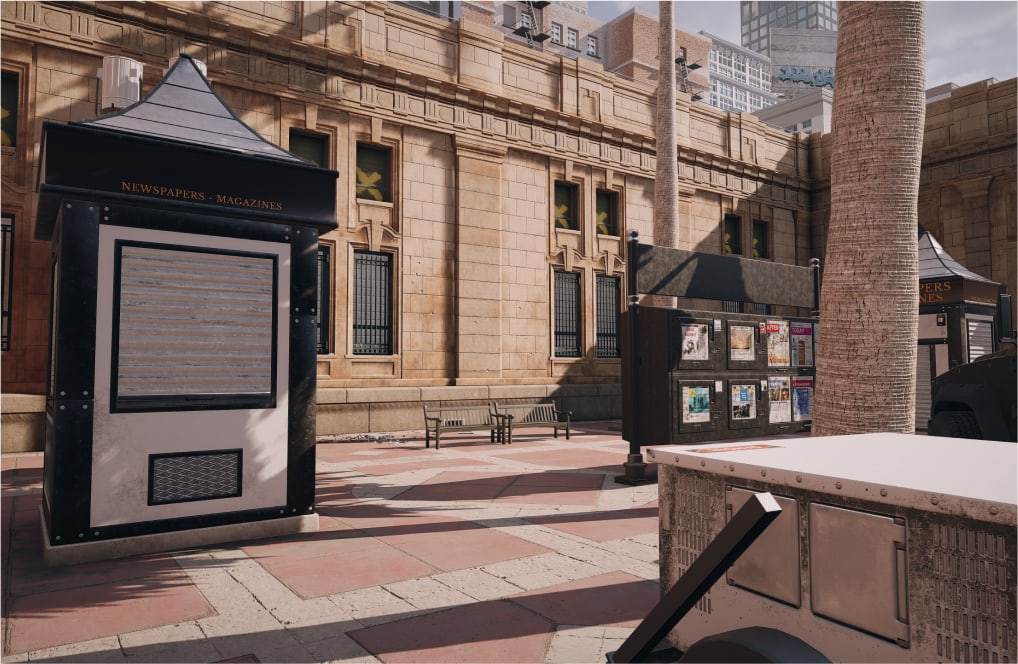
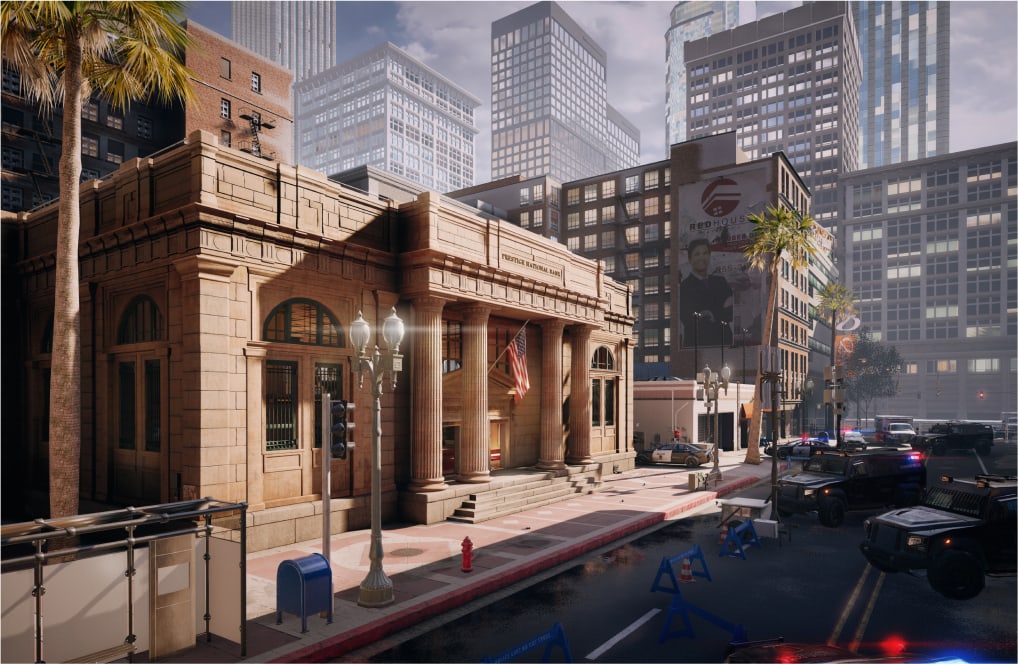
A digital effect can be added to images of locations or operators in action. This effect alludes to the commander watching the operation from a distance.
This treatment is only used on secondary or supporting images.
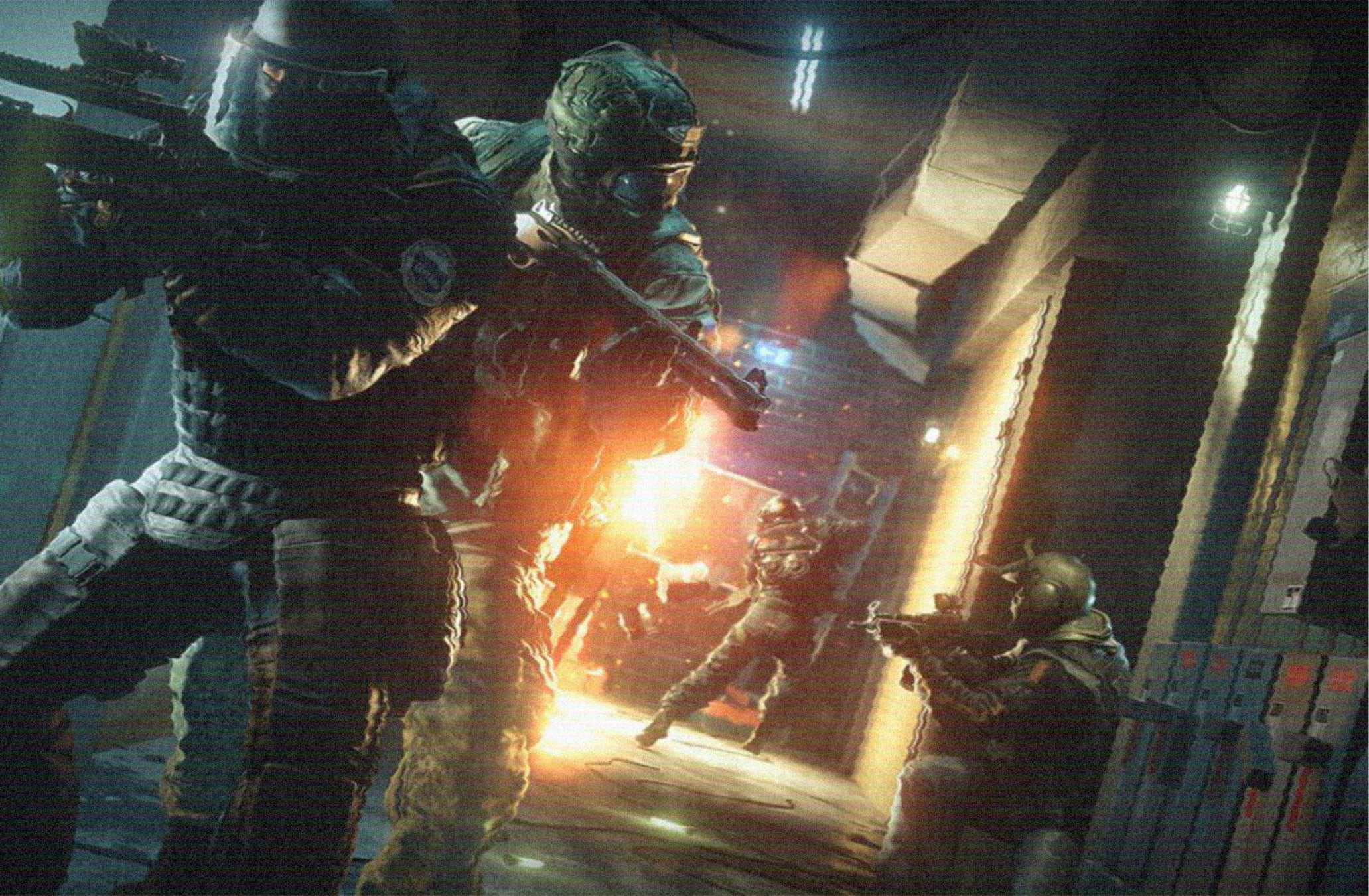
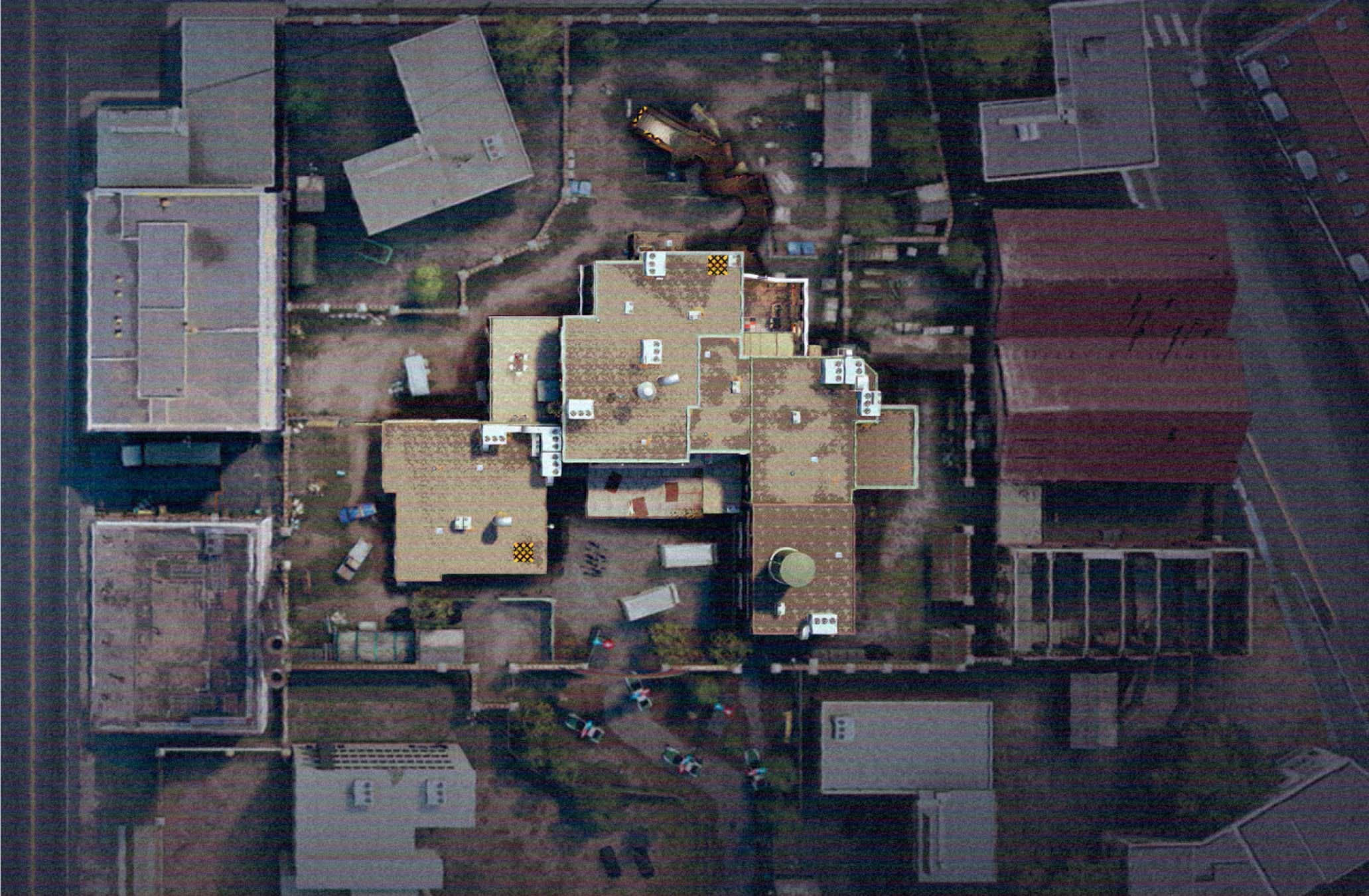
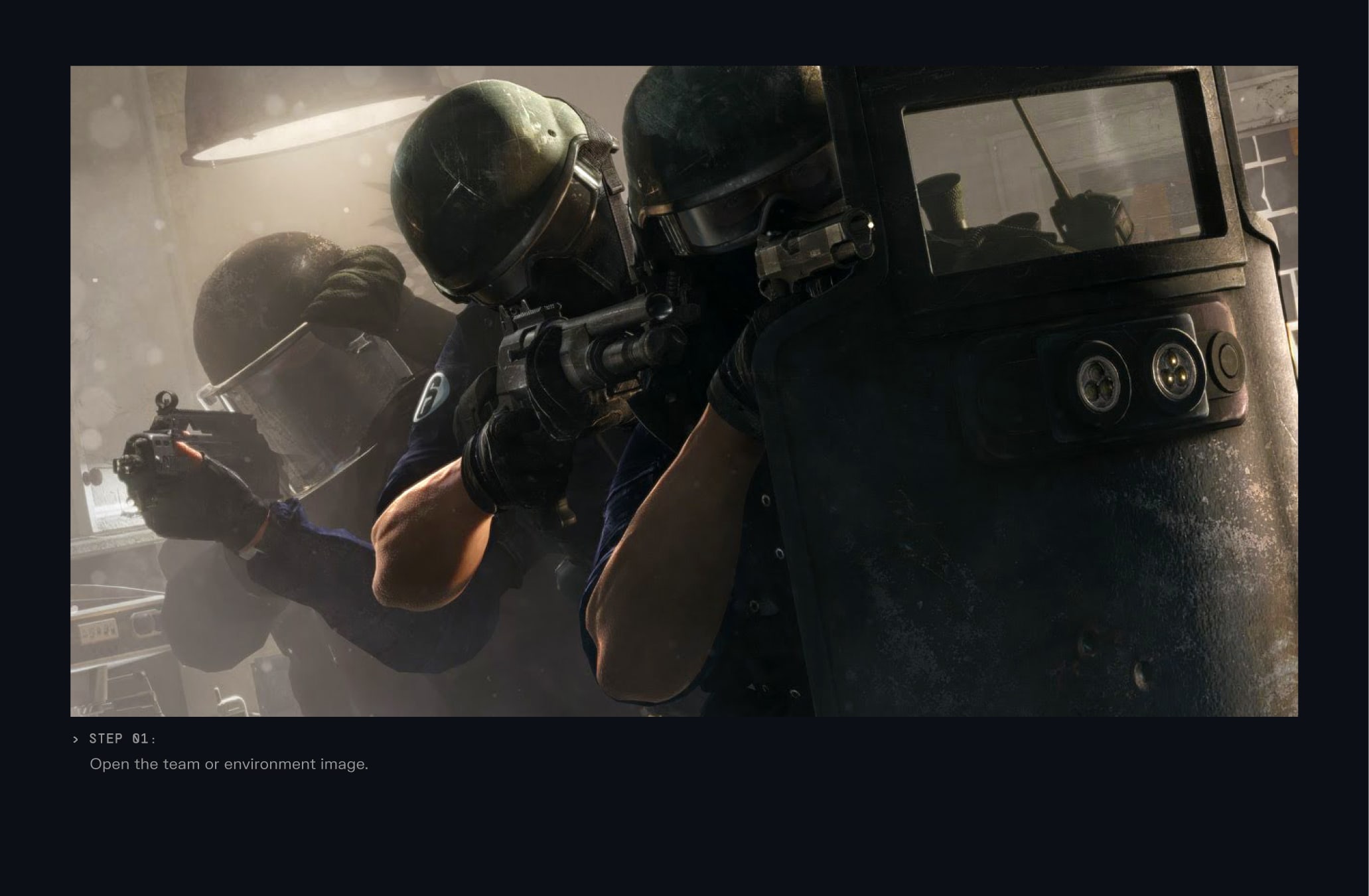
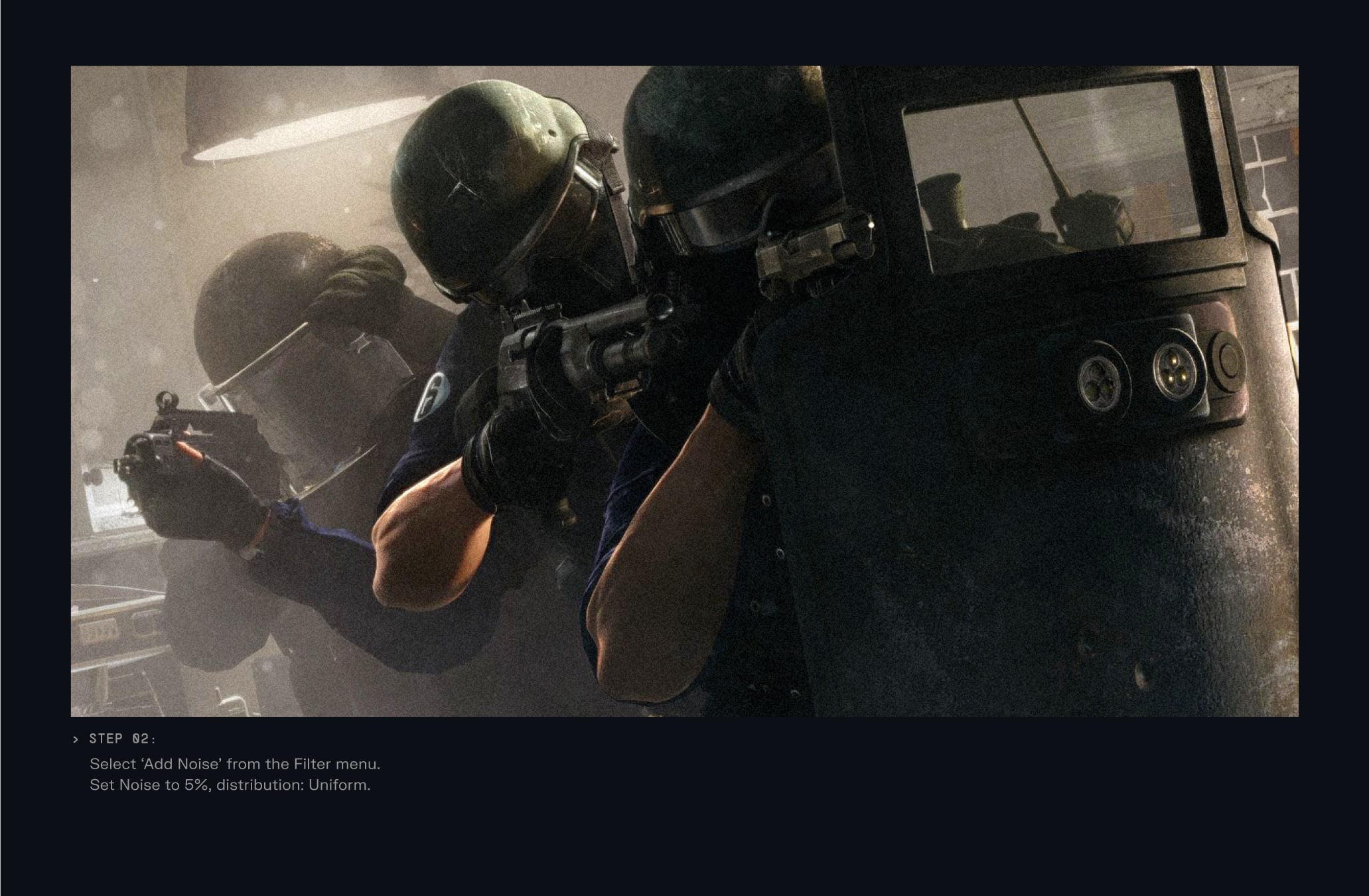
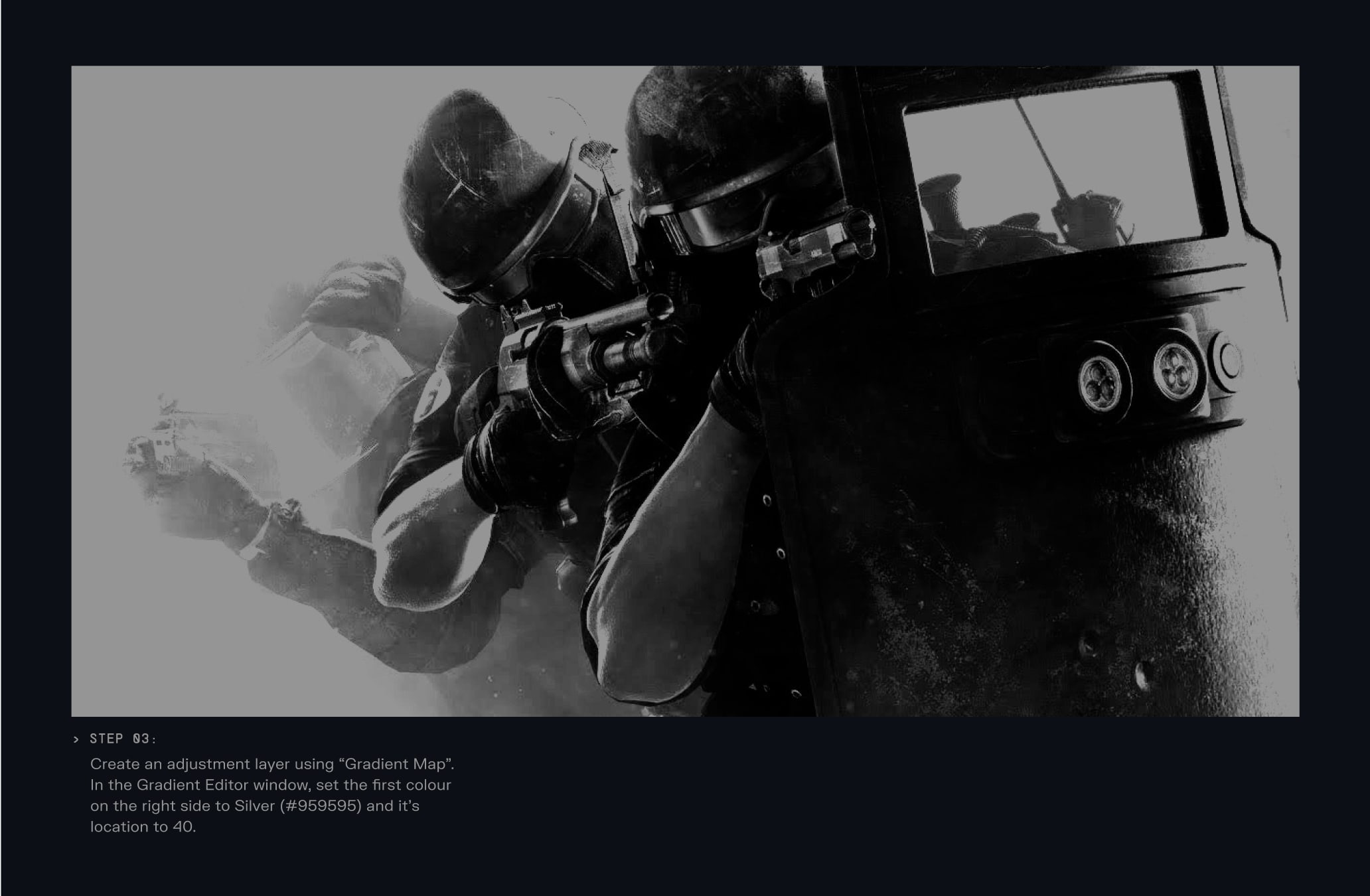
To create our digital effect we should follow this step by step guide in Adobe Photoshop to create a consistent digital treatment on art direction.
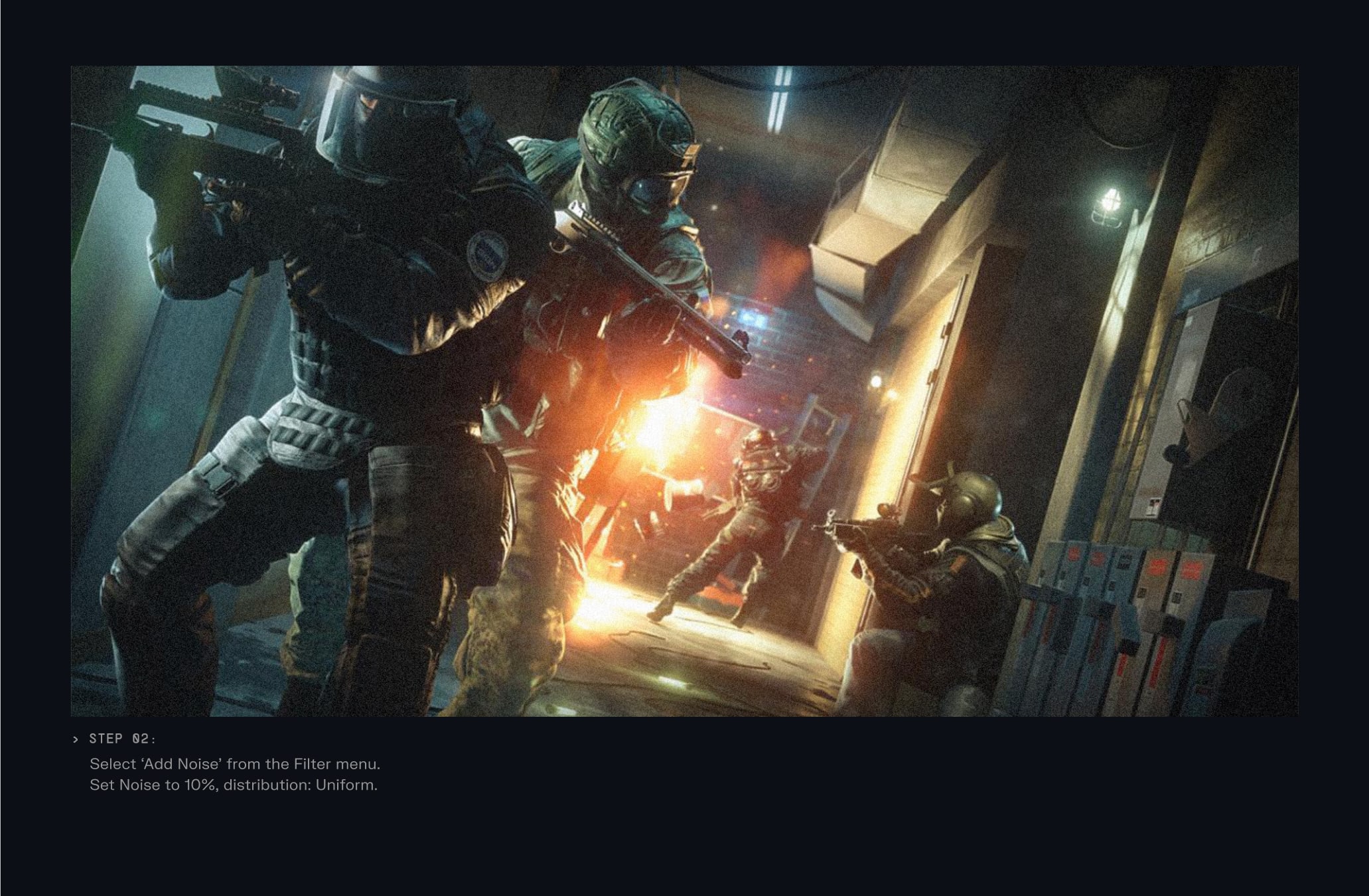
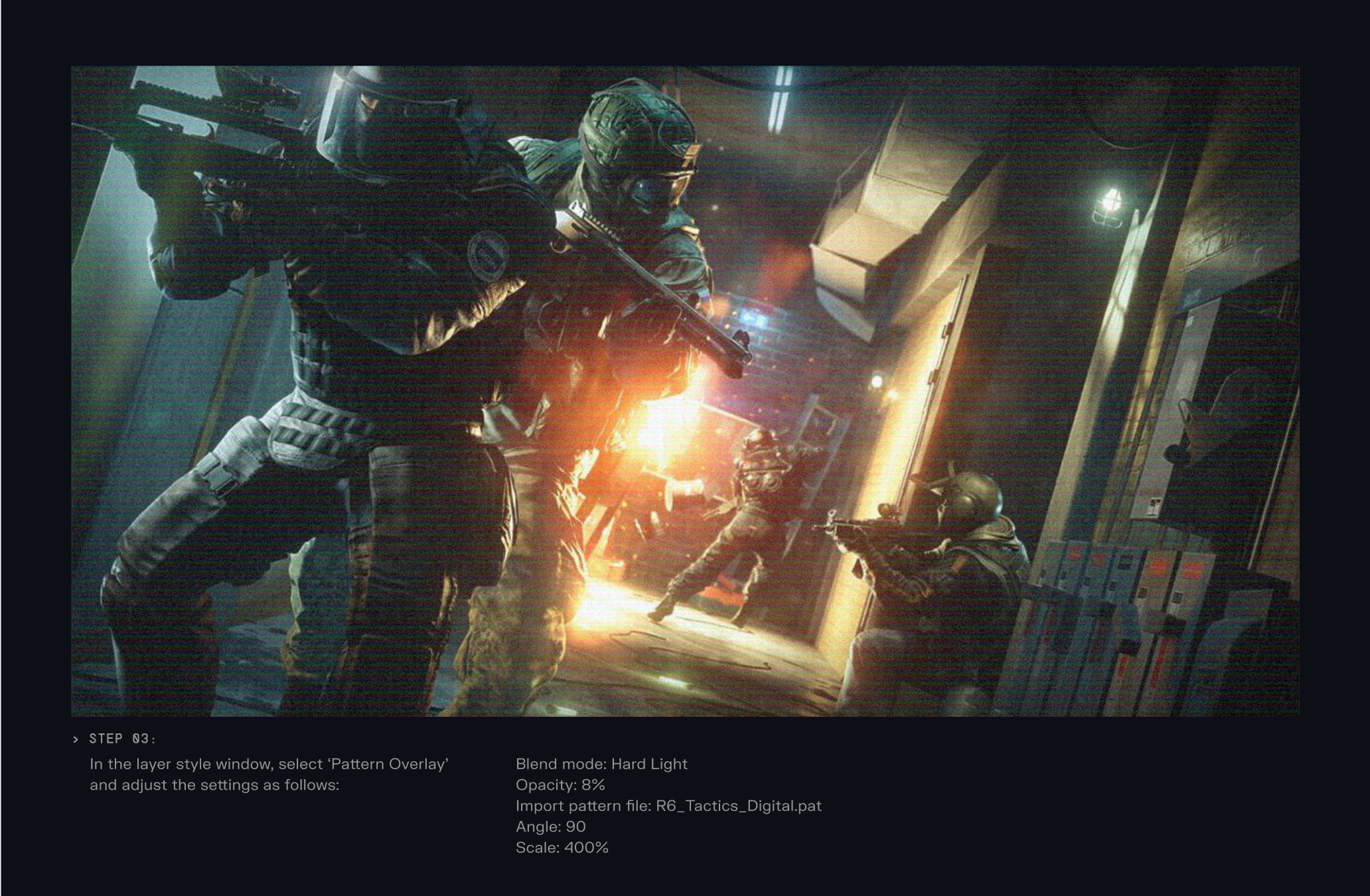
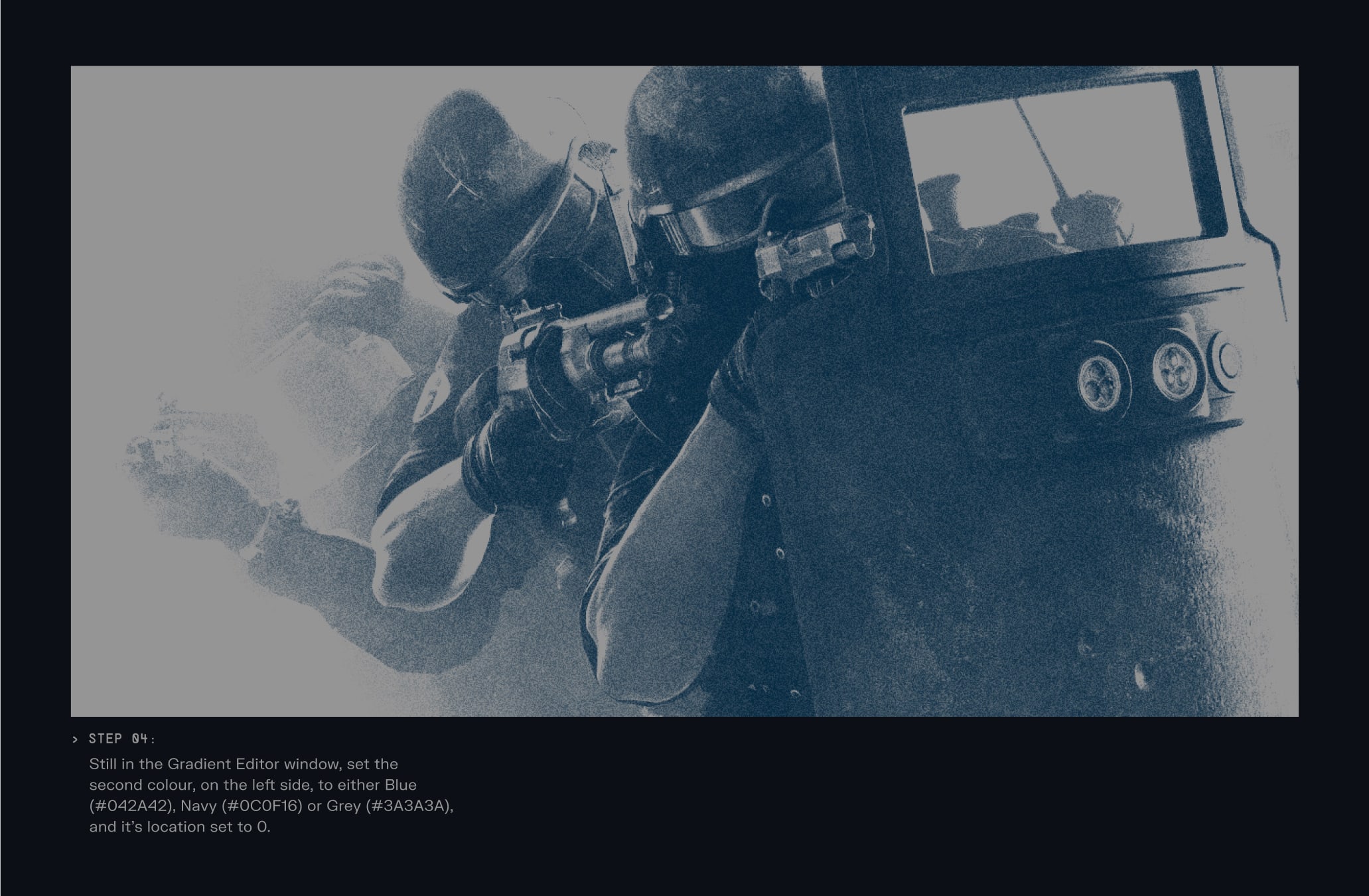
We can use Duotone treatments on Operator team Art Direction, using Tactics Silver as a base and pairing it with either Tactics Blue, Tactics Grey or R6 Navy.
This treatment is only used on secondary or supporting images.
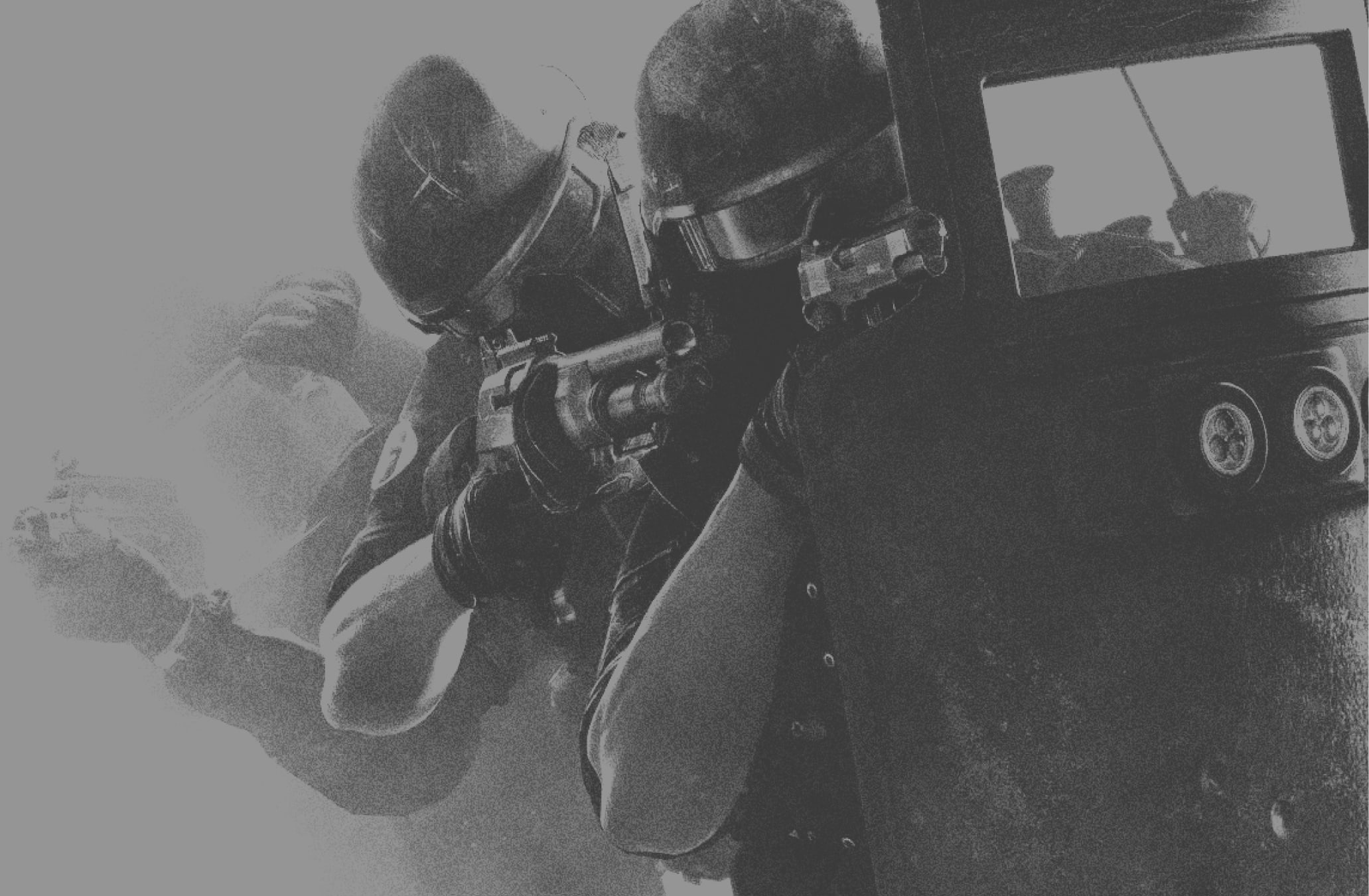
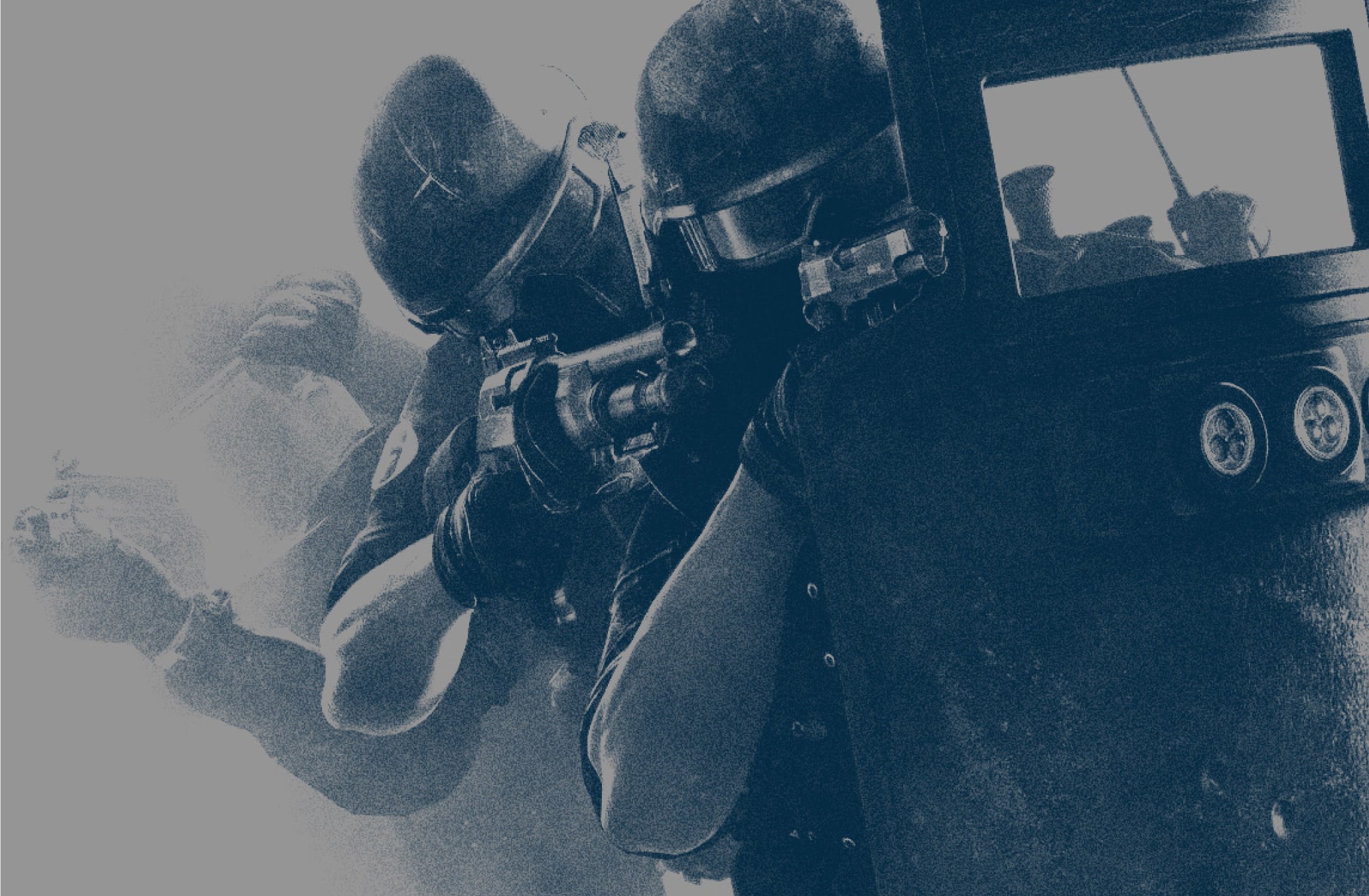
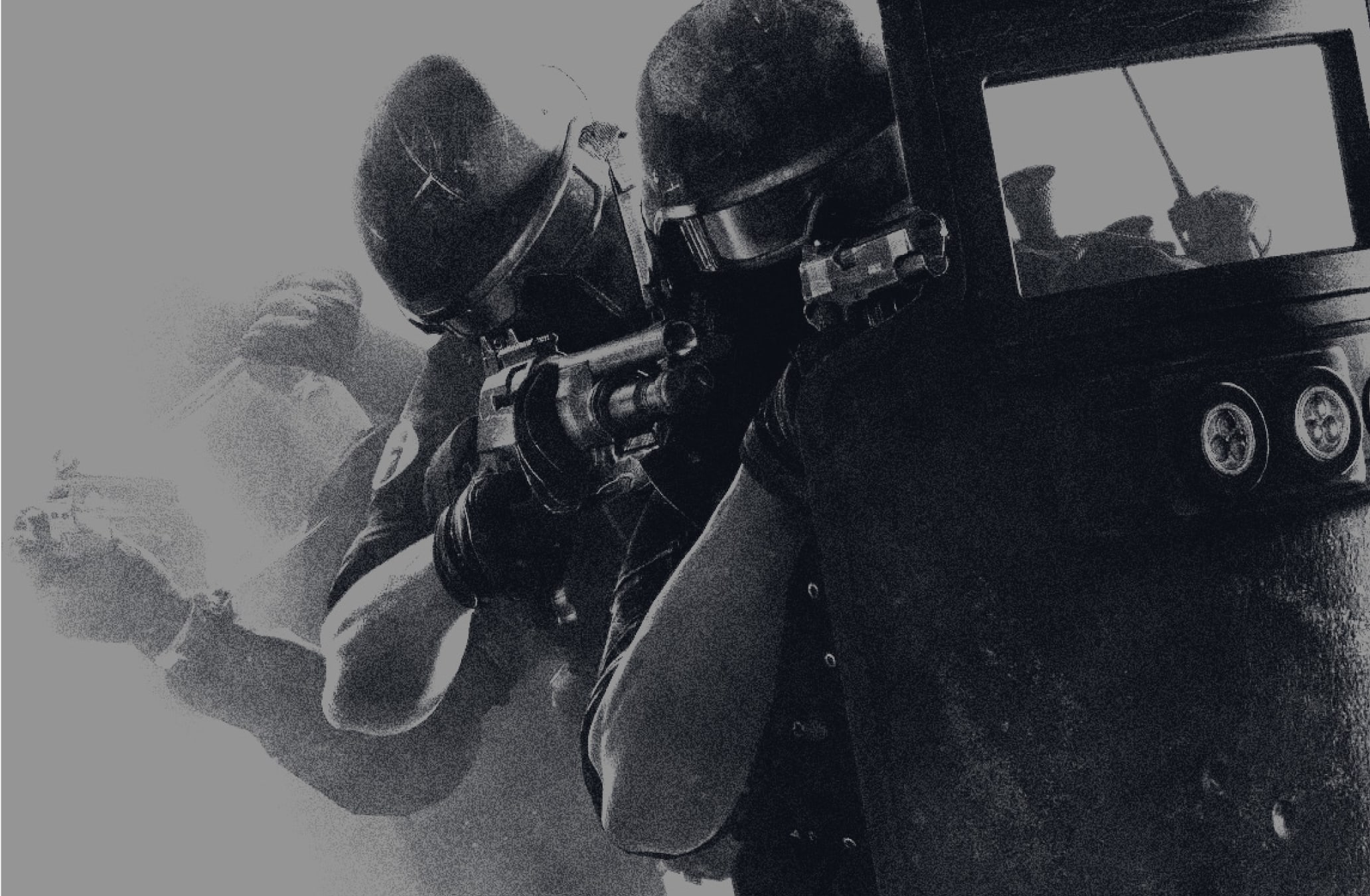
To create our Duotone we should follow this step by step guide in Adobe Photoshop to create a consistent digital treatment on Art Direction.
Here is an example of our Environment Art Direction in use, and how pairing these images with our textures and annotations help build a narrative around the location depicted.
To learn more about using Environment imagery within layouts please refer to our Graphic Devices and Layout sections.
Here is an example of our Operator Art Direction in use, and how pairing these images with our textures and annotations help build a narrative around the operators.
To learn more about using Operator imagery within layouts please refer to our Graphic Devices and Layout sections.
Make sure to follow this guidance to ensure our Art Direction is used correctly in all formats and applications.