04
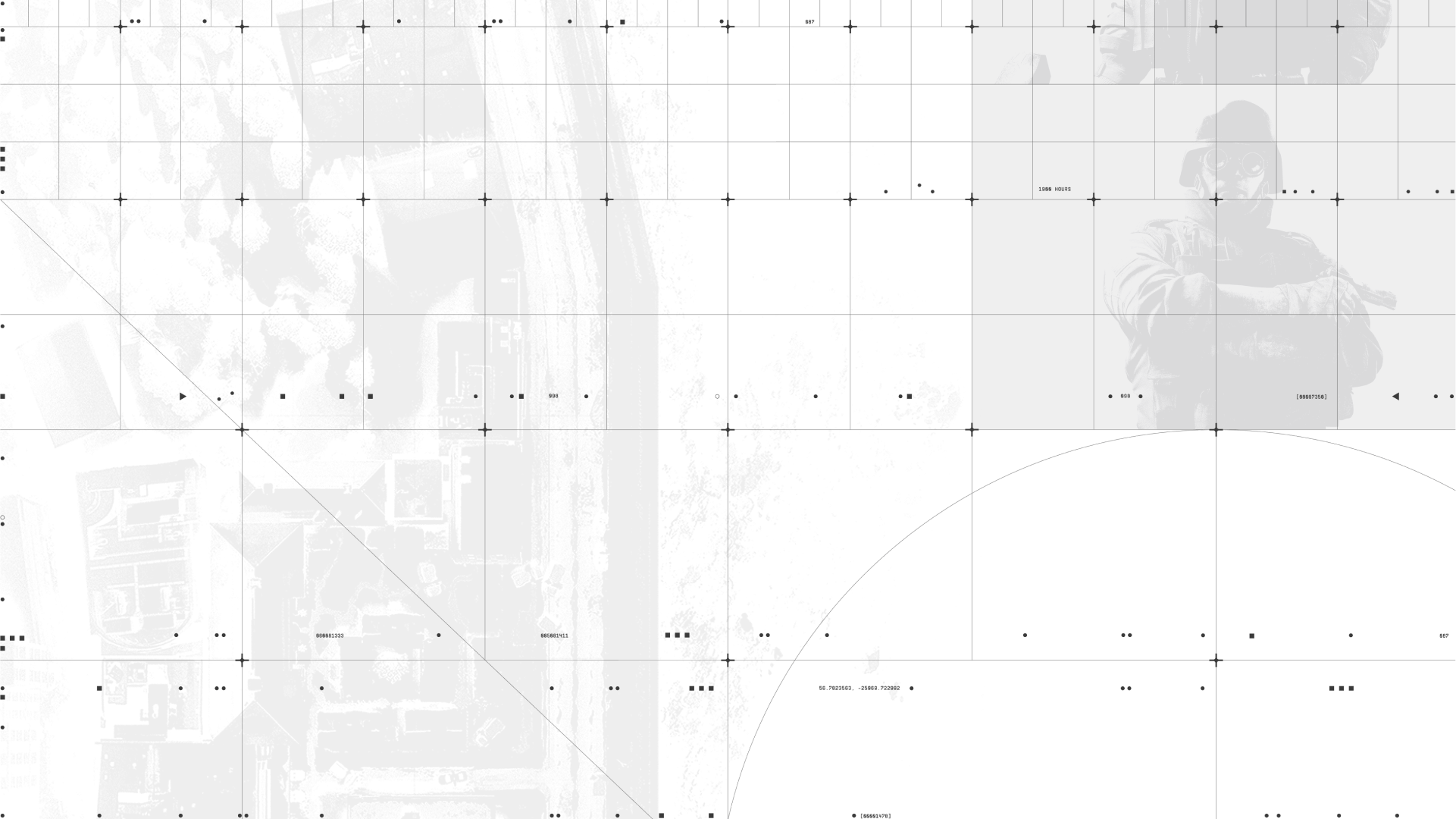
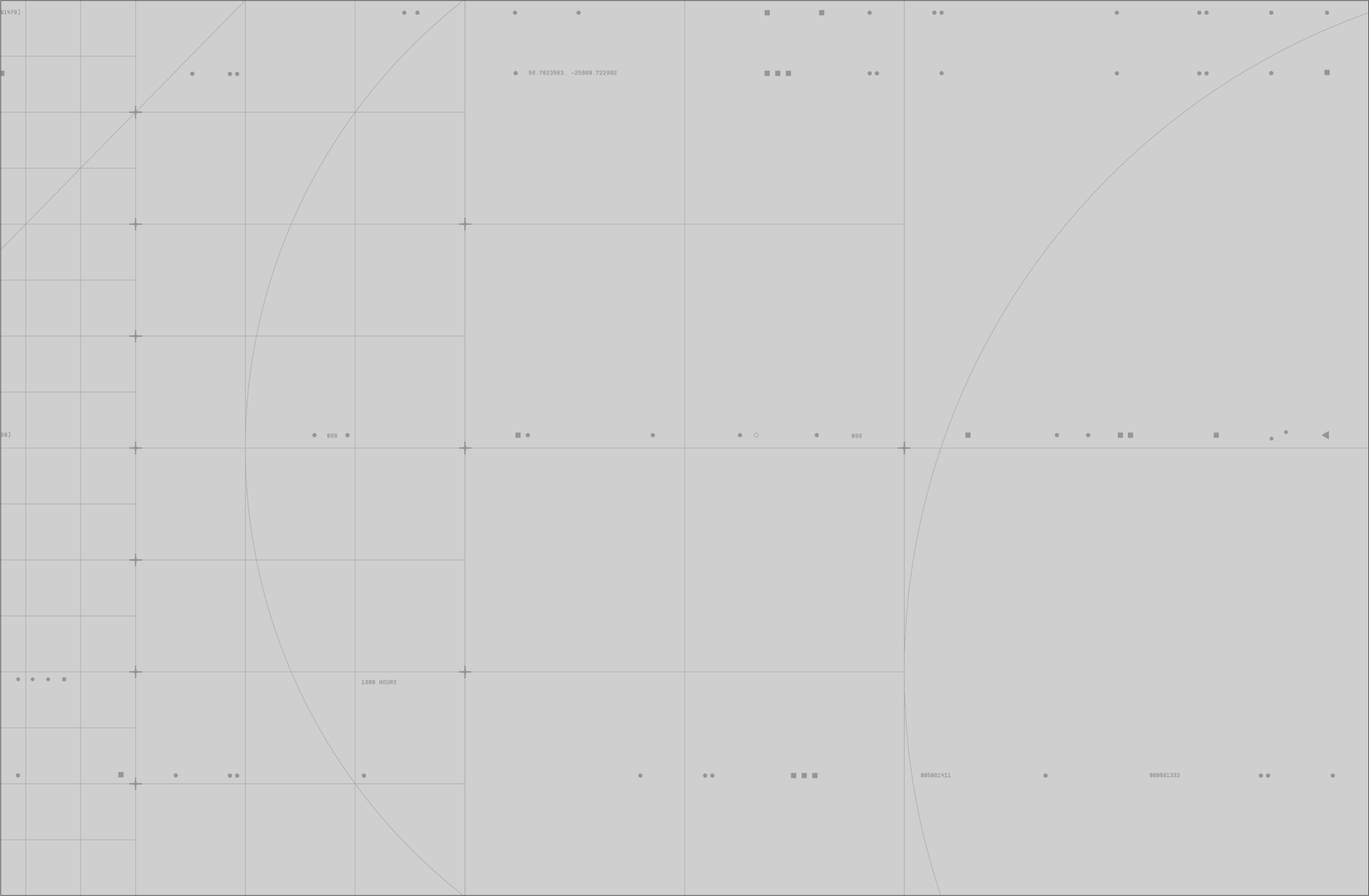
Our backgrounds are the foundation of our visual language. Made up of textures and an intricate grid system, they represent the digital control board owned by the leader of Rainbow Six, showcasing the collecting of information and the planning behind an operation.
In this section we will showcase our backgrounds, how to use them and build them.
Please visit our Downloads Centre to access all Background assets.
The first layer of our background is the visible digital grid. This grid is a representation of the digital control board owned by the leader of Rainbow Six, where information is collected and analysed. It adds a strong structure to our layouts, while introducing considered tactical detailing, through small crosshairs and digital codes.
Various versions of the grid exists, giving it a dynamic aspect. This also allows us to create numerous different types of layouts.
Please visit our Downloads Centre to access all background assets for print and digital formats.
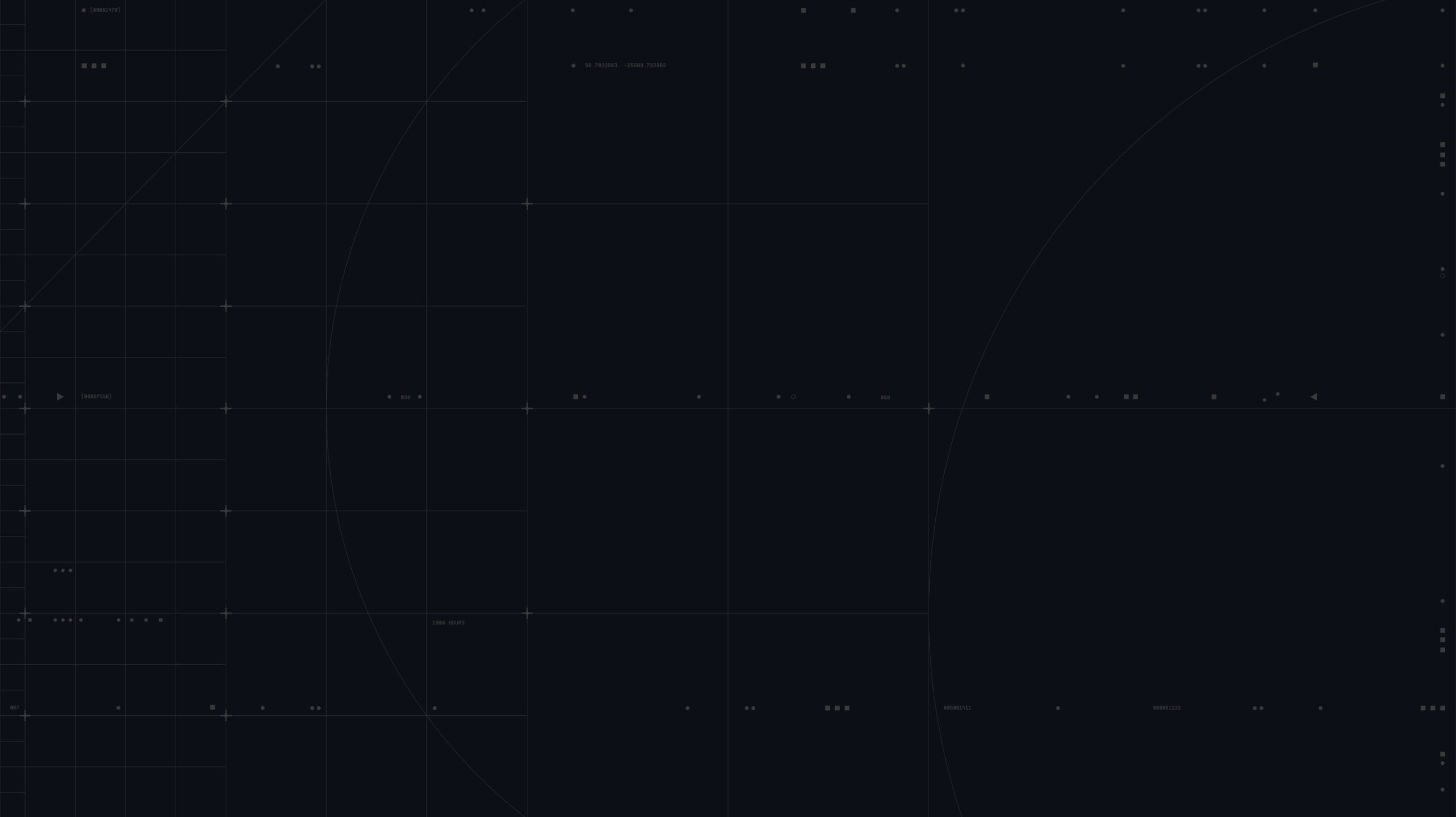
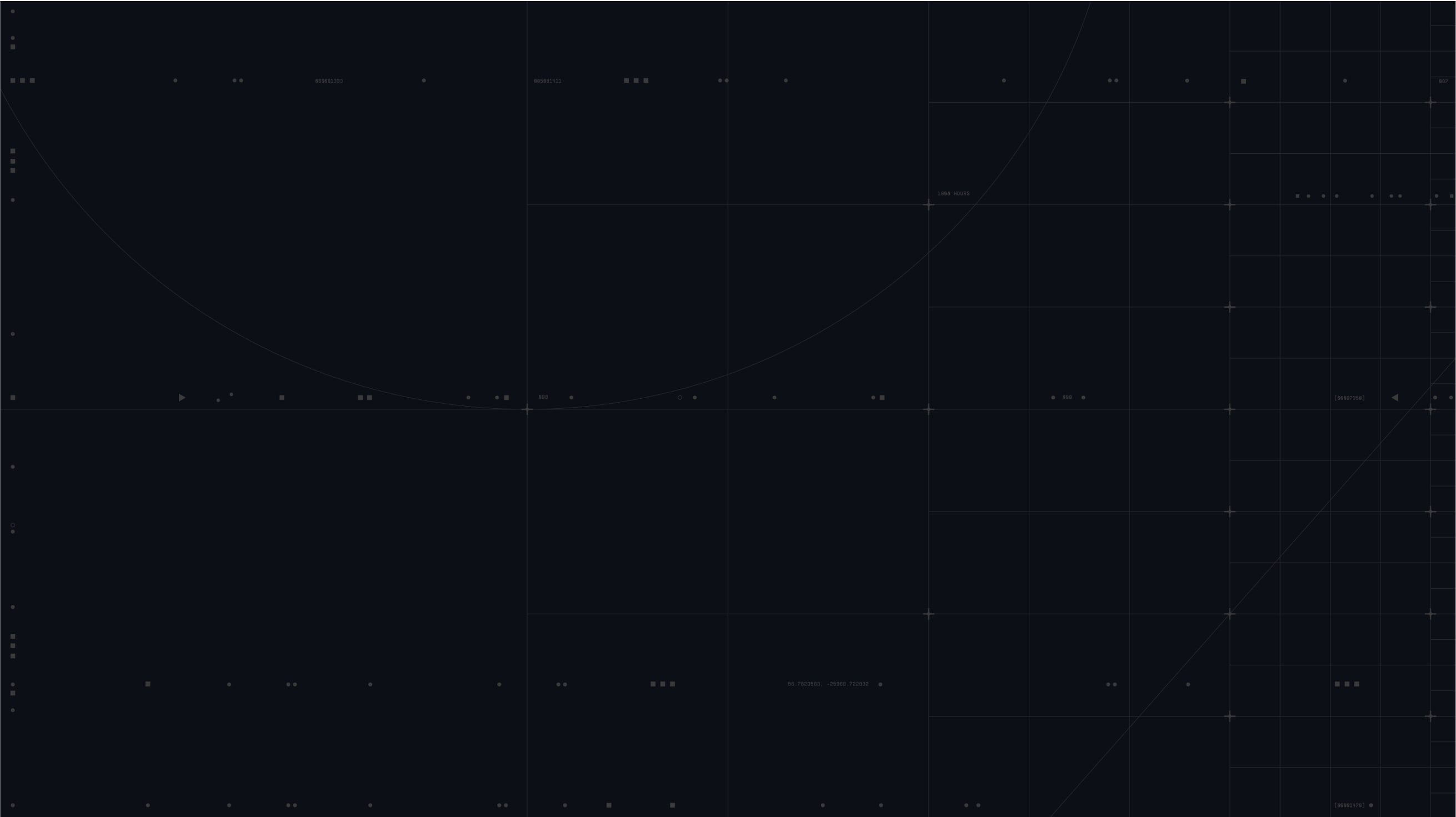
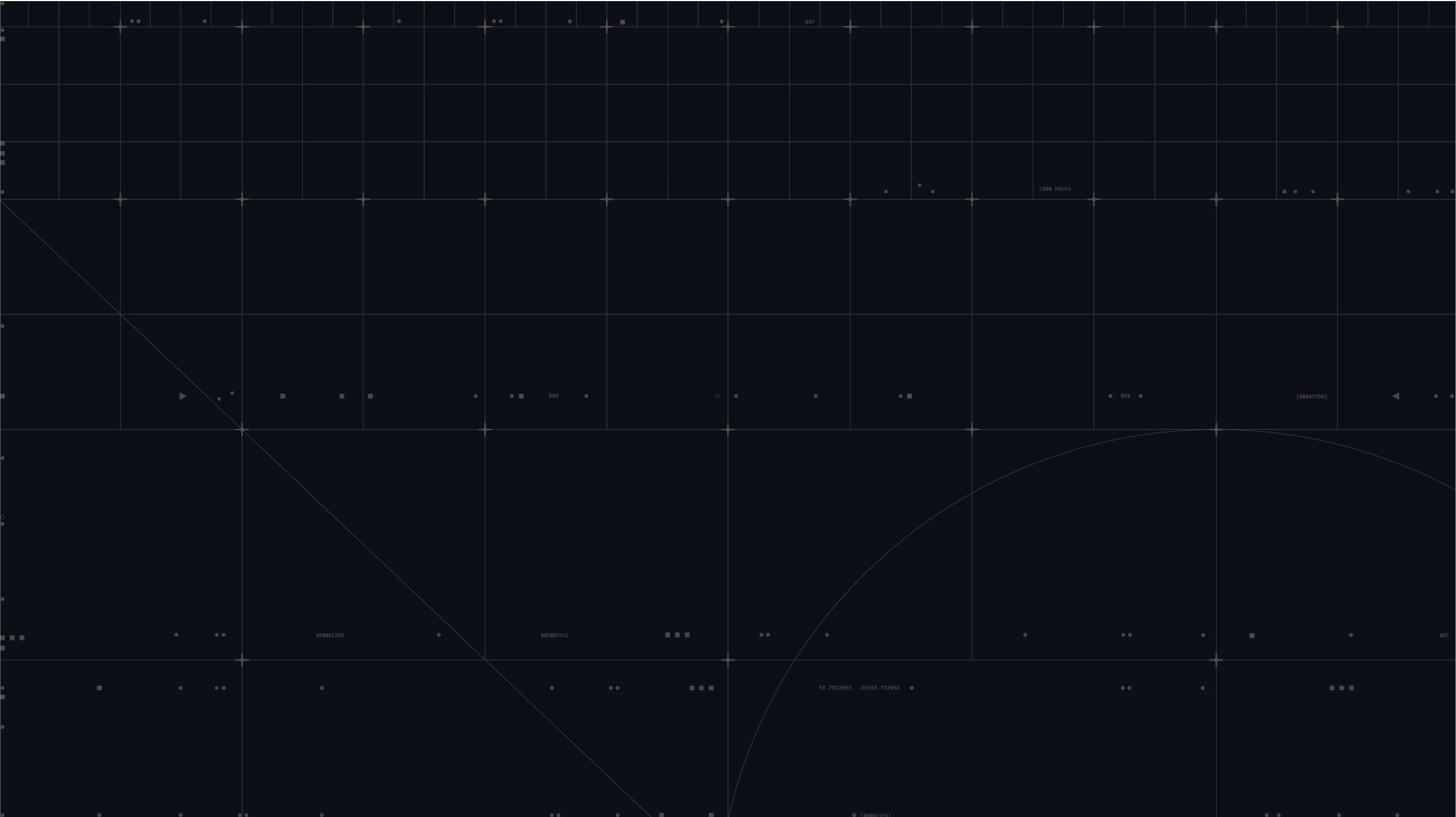
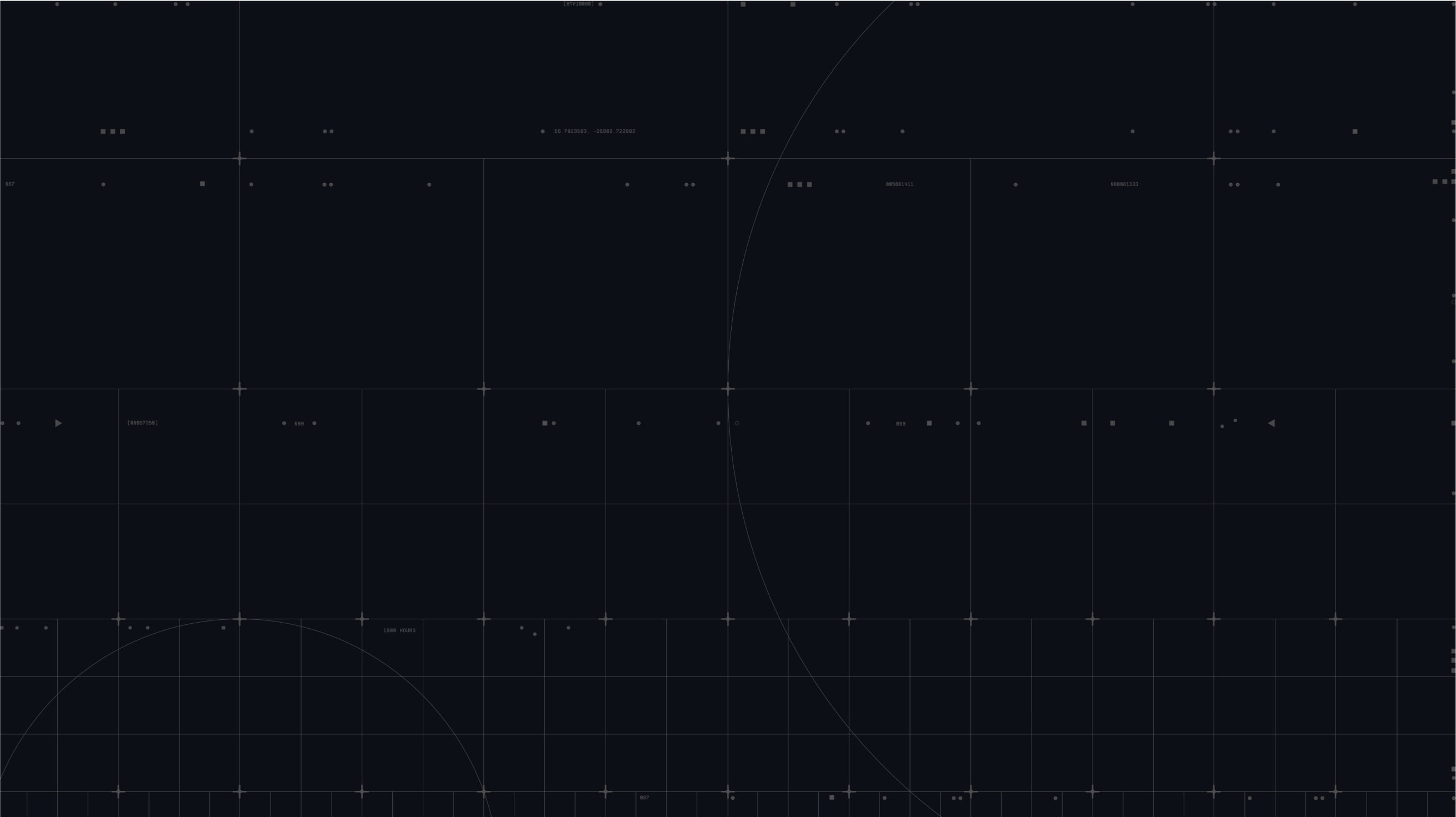
The digital grid can flex and adapt to various formats, for example here with square and portrait formats.
Please visit our Downloads Centre to access all background assets for print and digital formats.
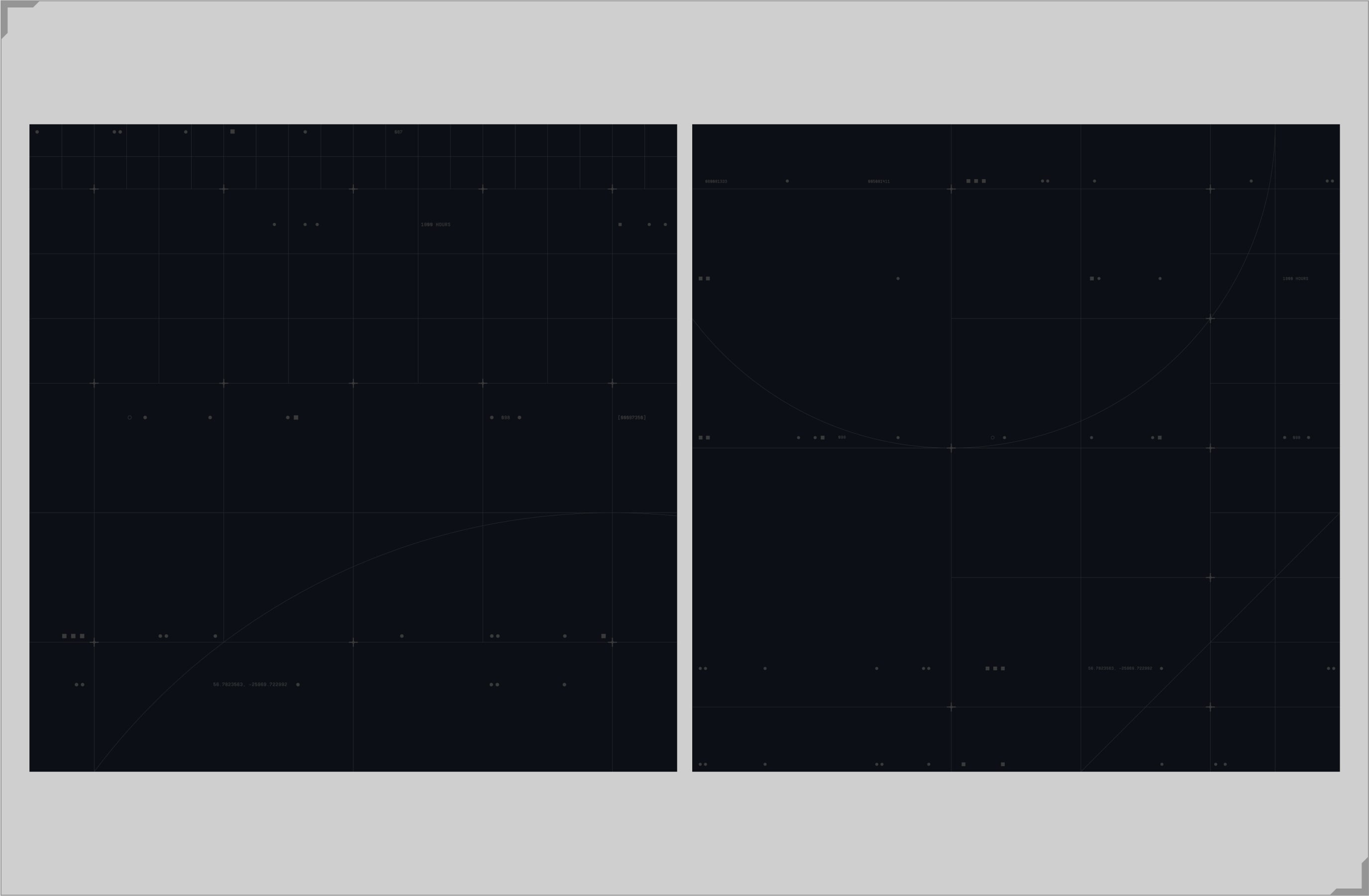
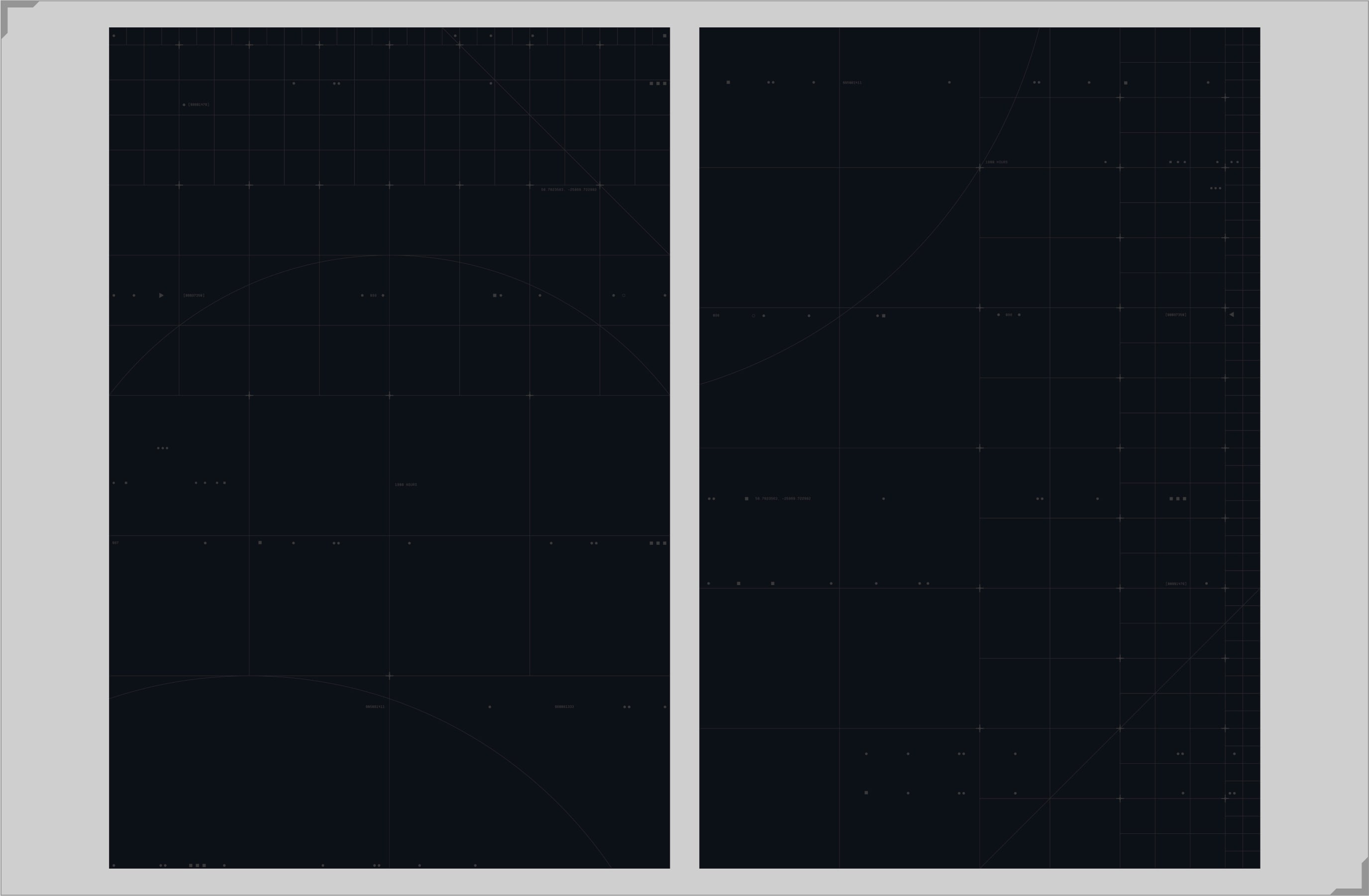
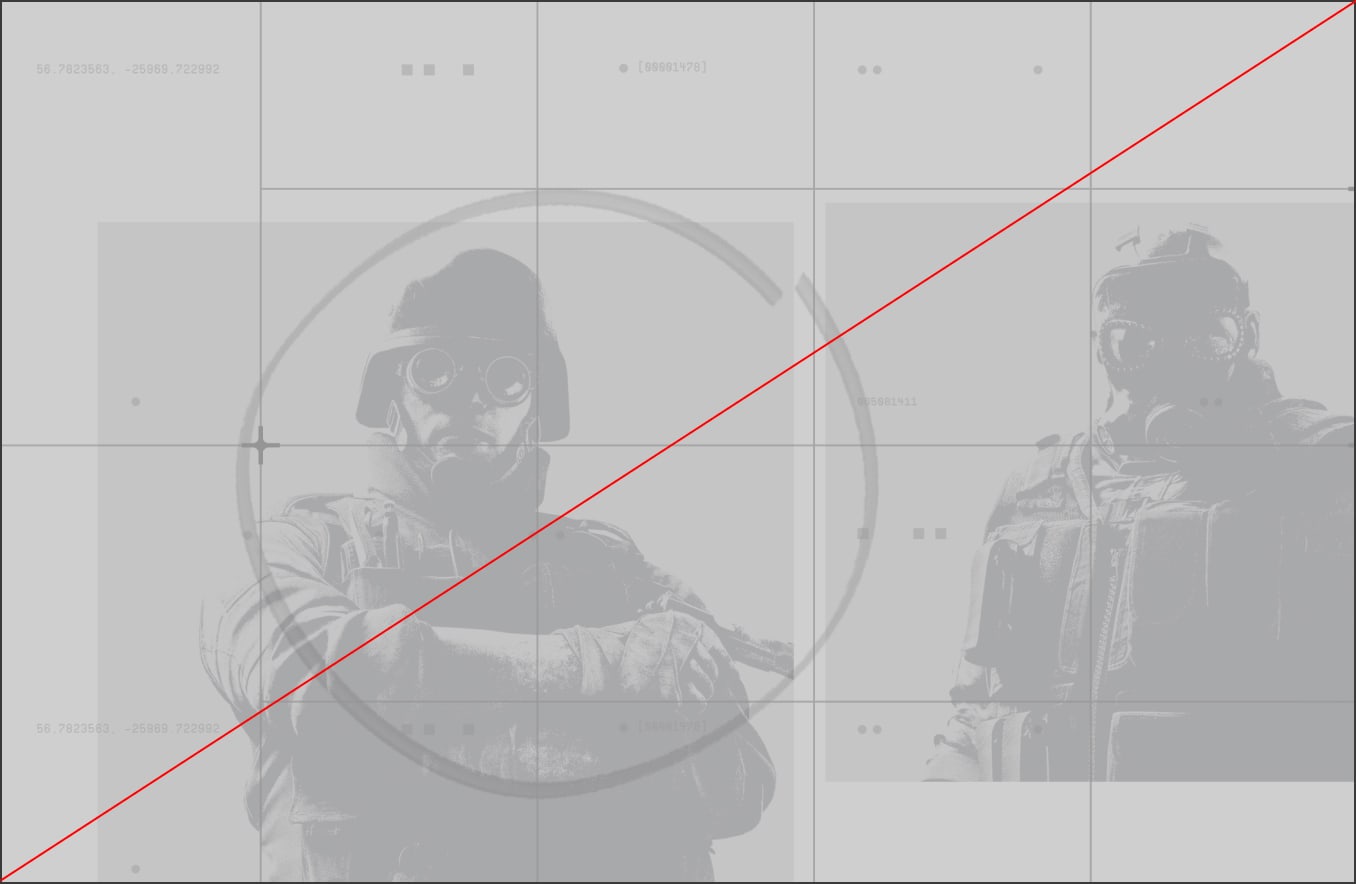
We have two versions of our background grids, dark and light mode. They are recessive assets that we can customise and layer with different assets to create rich and dynamic layouts.
In Dark Mode:
The grid lines, the crosshairs and the digital code all feature in Tactics Grey (#3A3A3A), on the Navy (#0C0F16) background.
The grid lines are set to 70% opacity.
In Light Mode:
The grid lines, the crosshairs and the digital code all feature in Tactics Silver (#959595), on the Off-White (#CFCFCF) background.
The grid lines are set to 70% opacity.
Please visit our Downloads Centre to access all background assets for print and digital formats.
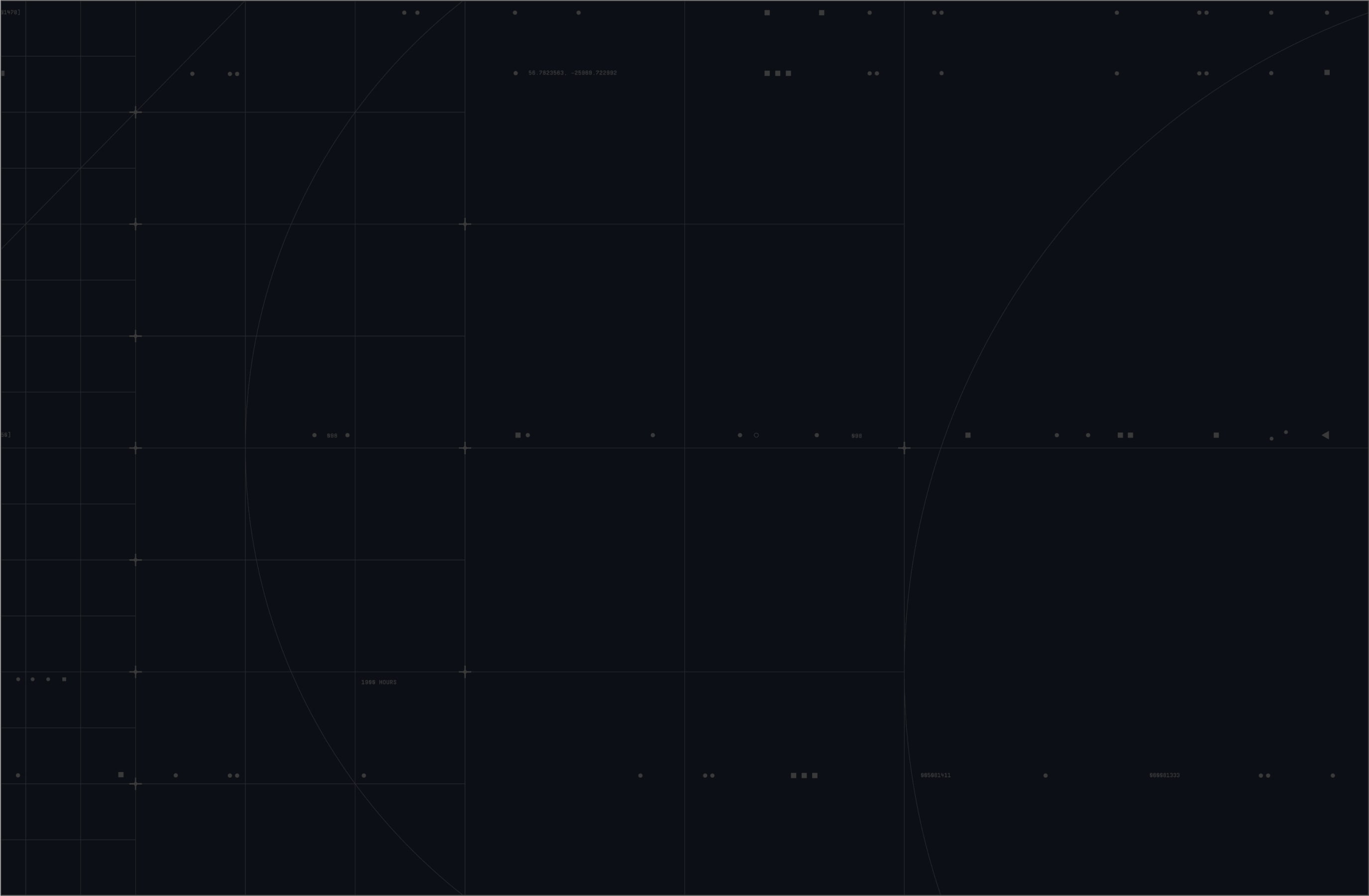
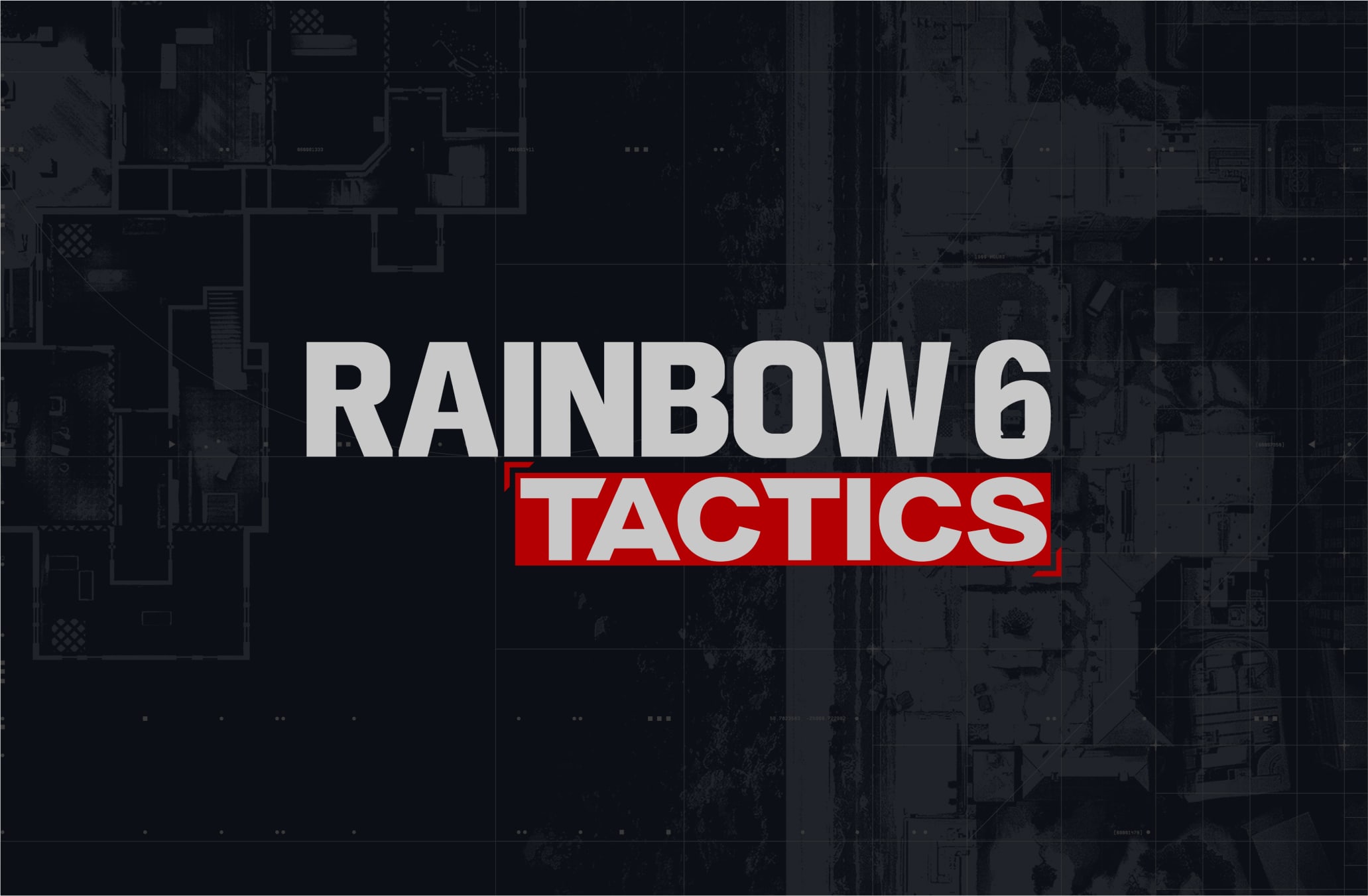
In specific use cases our digital grid can be dialled up to create a more expressive background. This would only ever be for use on simple layouts with minimal assets (e.g. logo key visuals)
In Dark Mode:
The grid lines, the crosshairs and the digital code go from using Tactics Grey (#3A3A3A) to using Tactics Silver (#959595). This allows them stand out more on the Navy background.
In Light Mode:
The grid lines, the crosshairs and the digital code go from using Tactics Grey (#3A3A3A) to using Tactics Silver (#959595). This allows them stand out more on the Navy background.
Digital code can be duplicated and added to the grid for more details.
Please visit our Downloads Centre to access all background assets for print and digital formats.
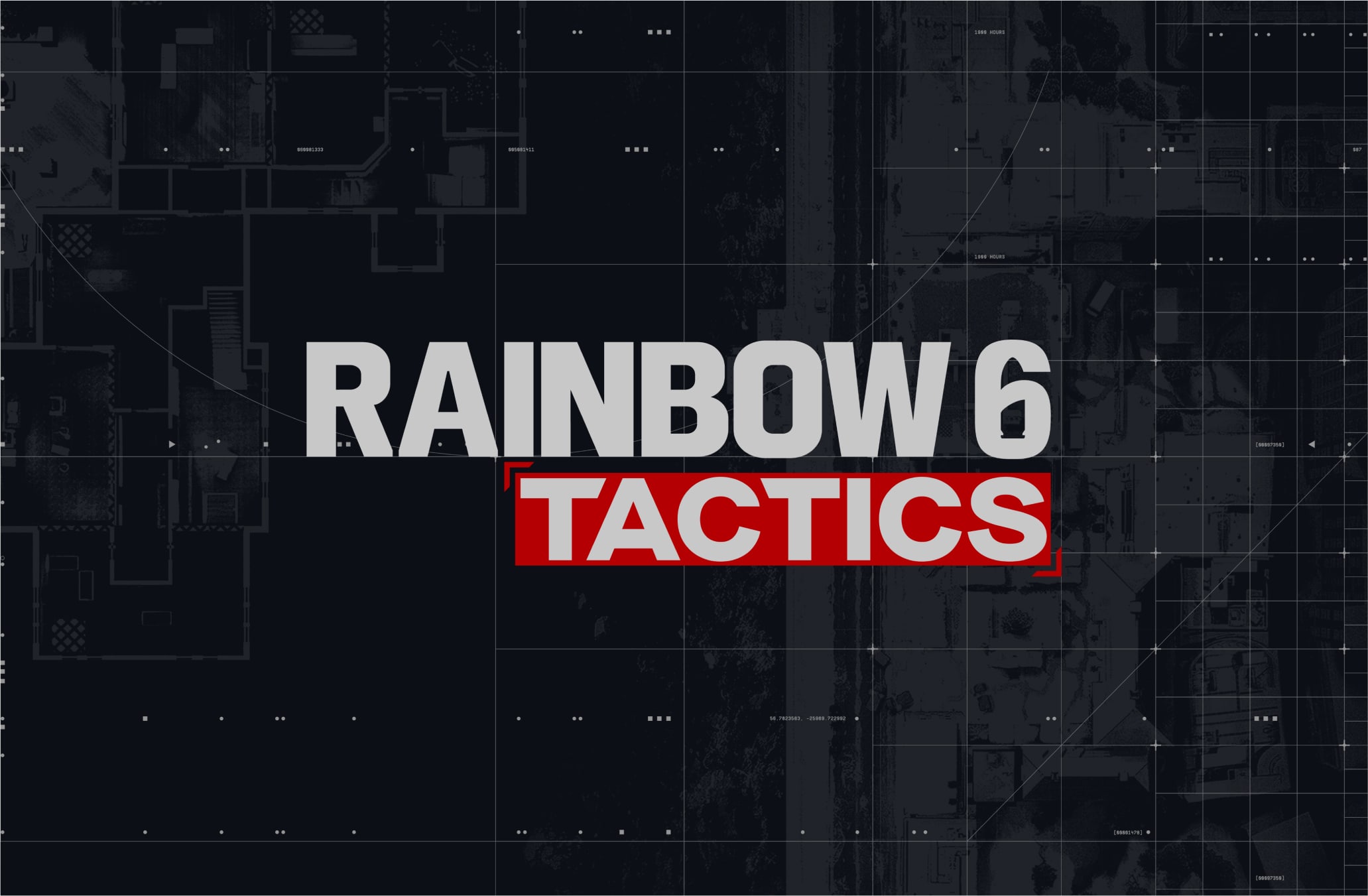
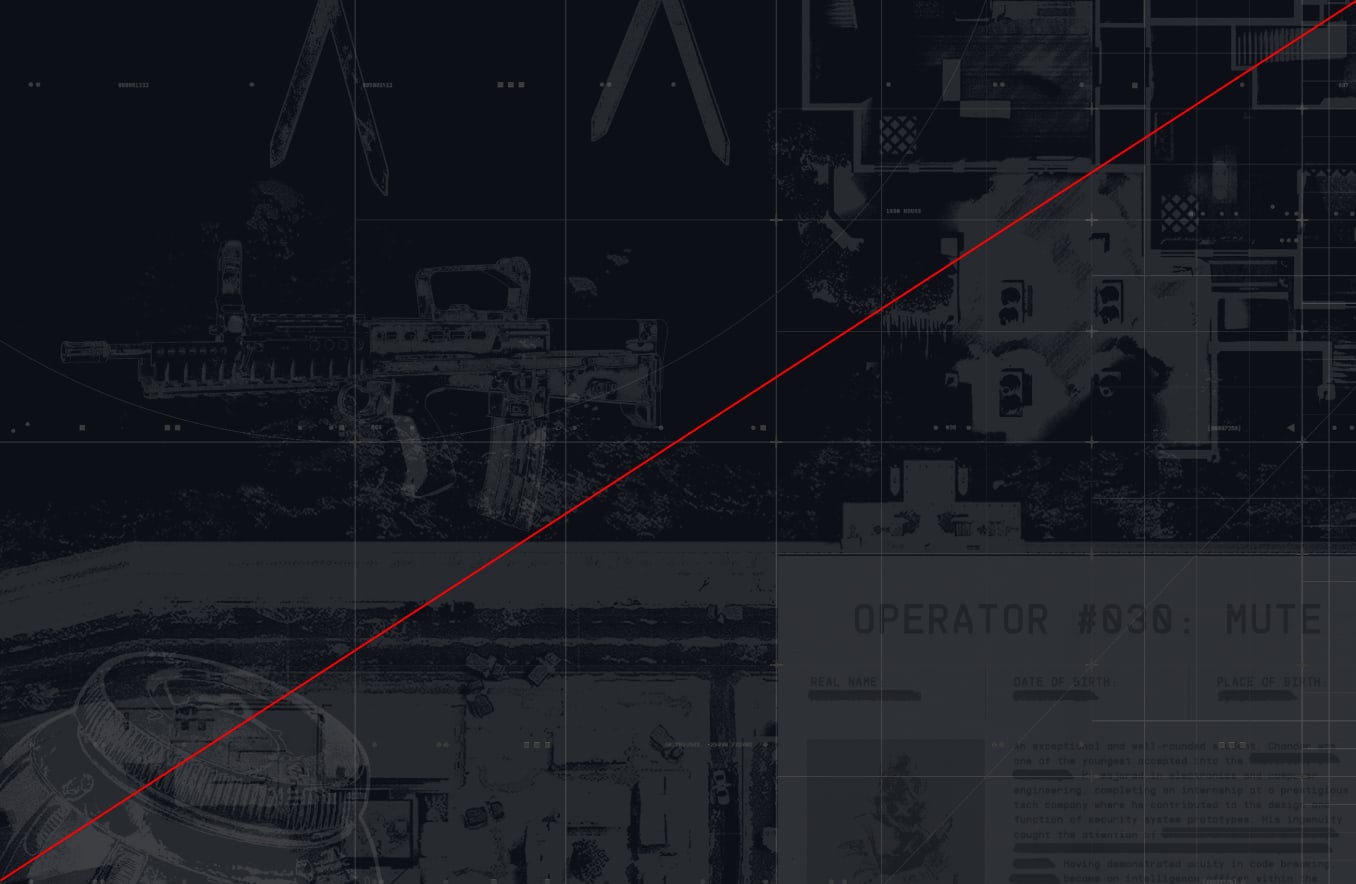
Textures are introduced underneath the grid to add context and create a narrative in our layouts. They nod to research and collection of intel, about locations and operators.
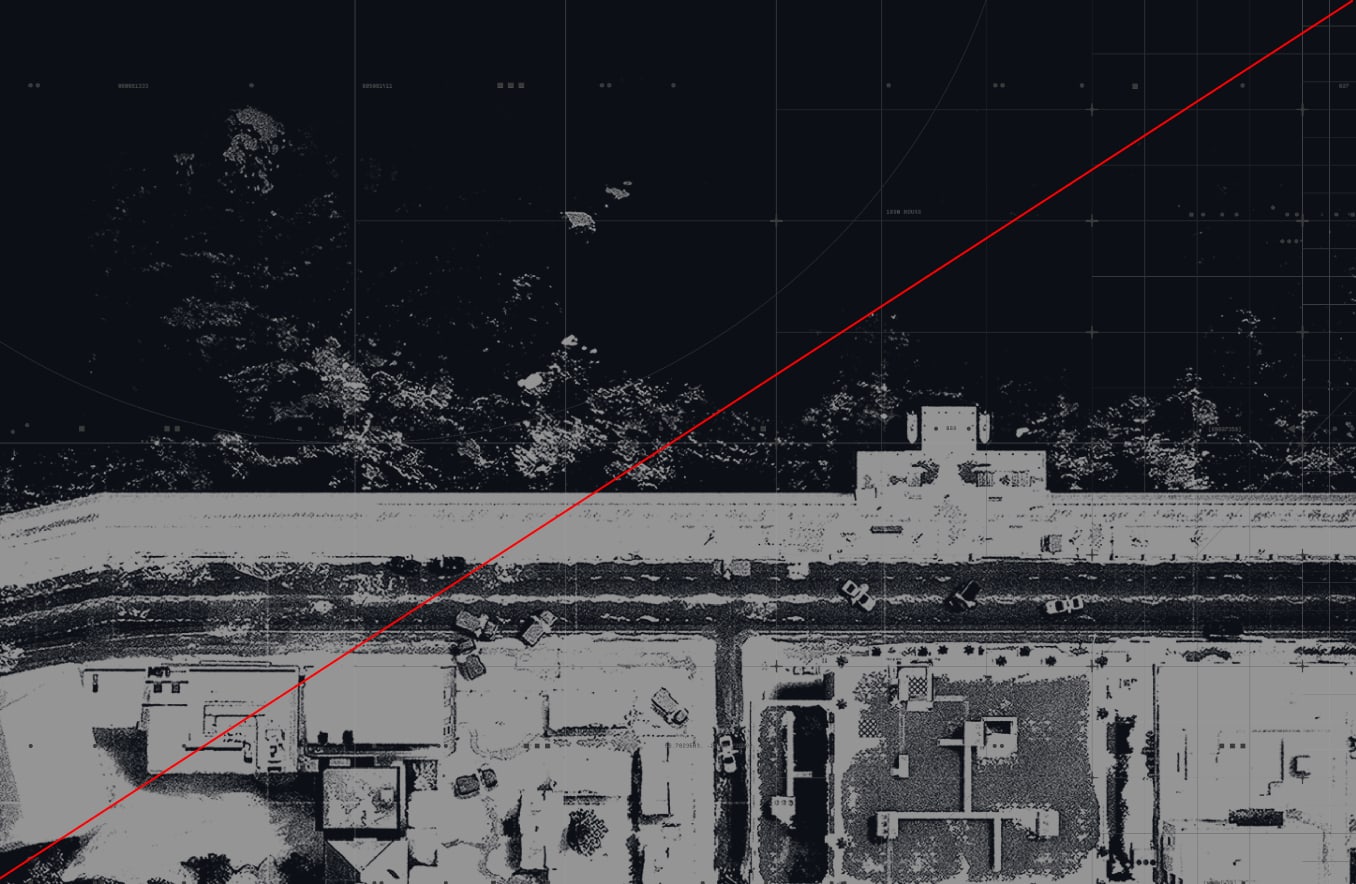
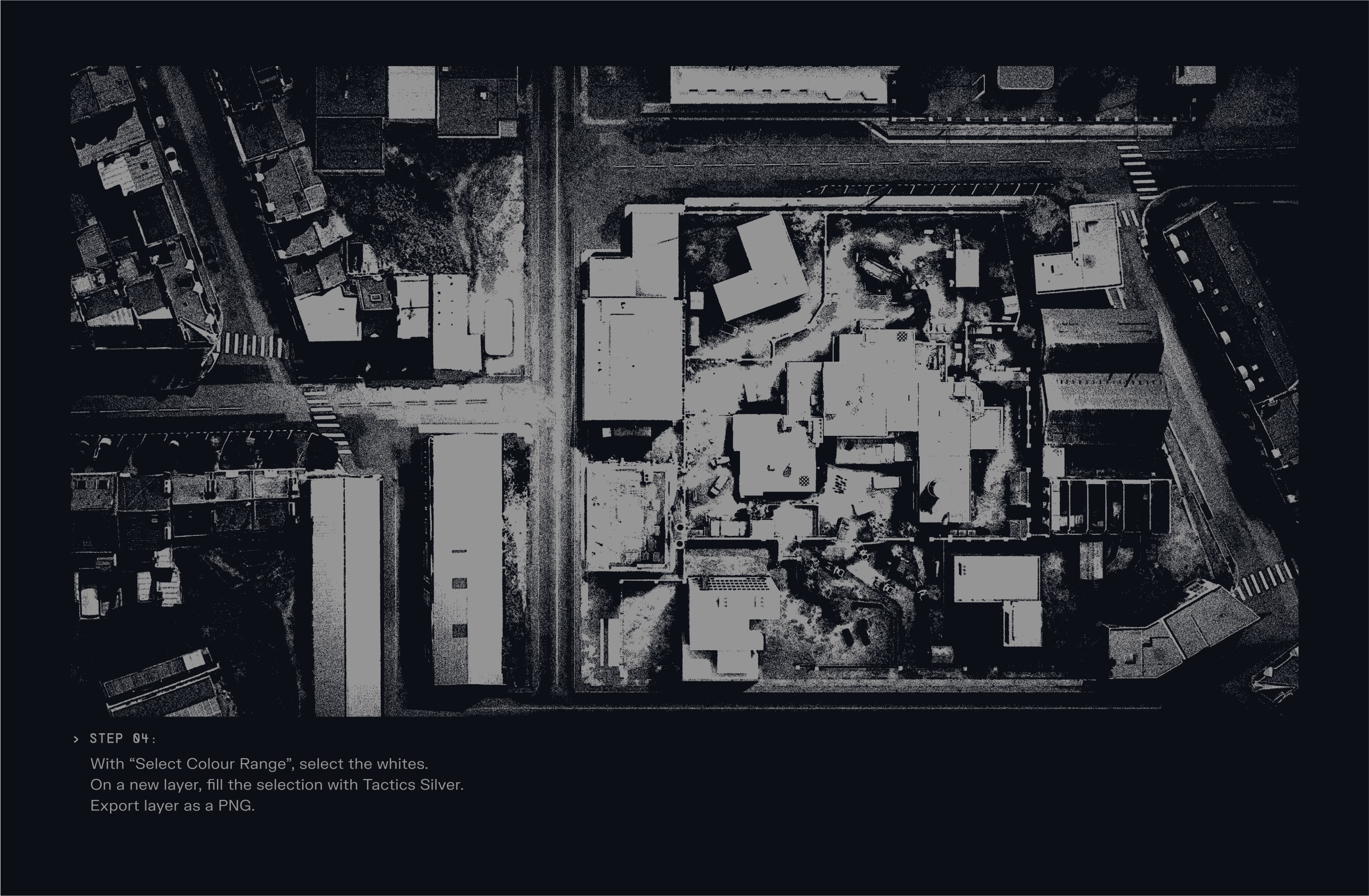
Blueprints are a type of texture used in our backgrounds. They either represent top-down views of urban maps, a precise building or different weapons from the operators.
To learn more about how to find the right images for blueprints, please refer to the Art Direction section.
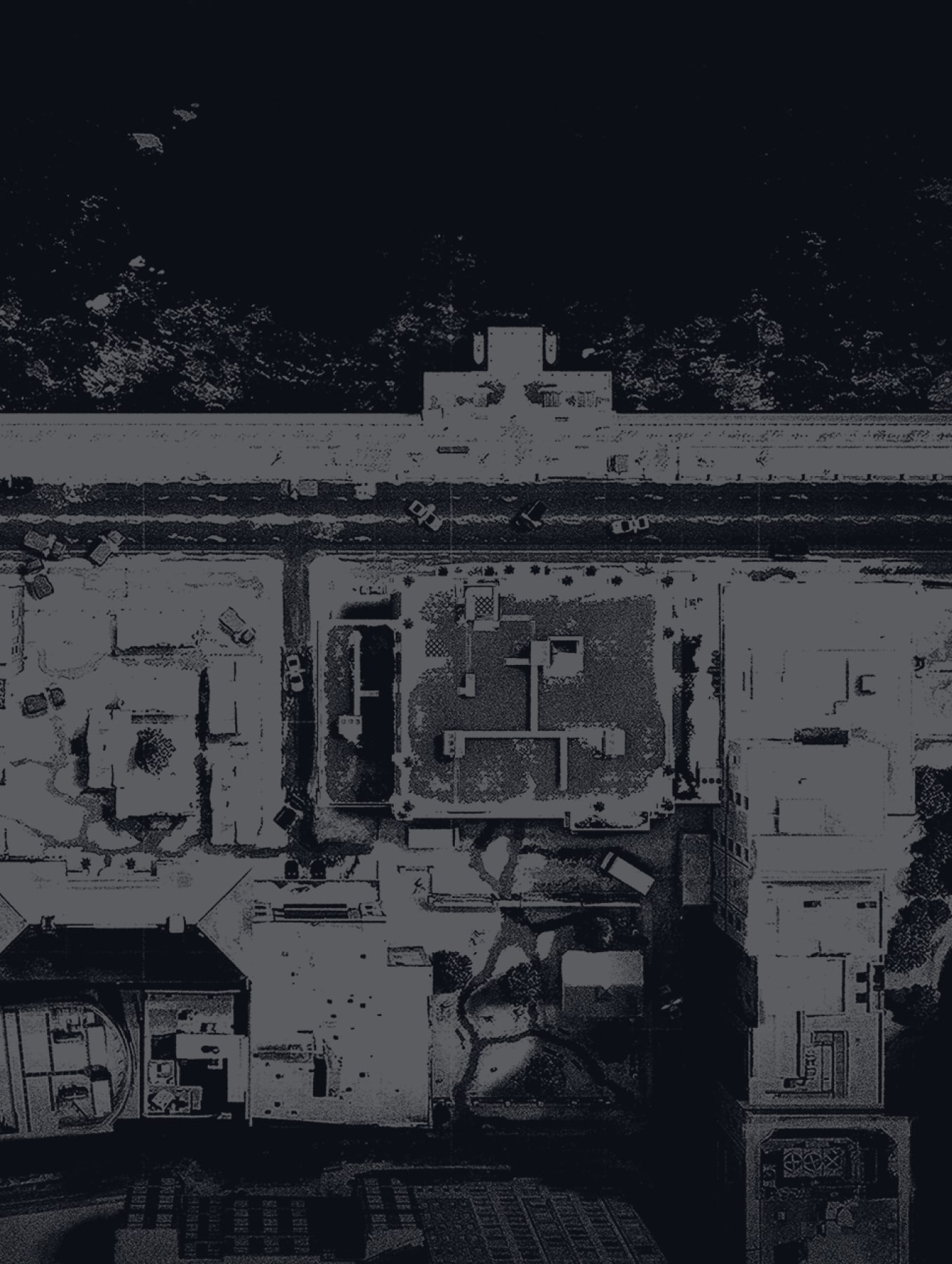
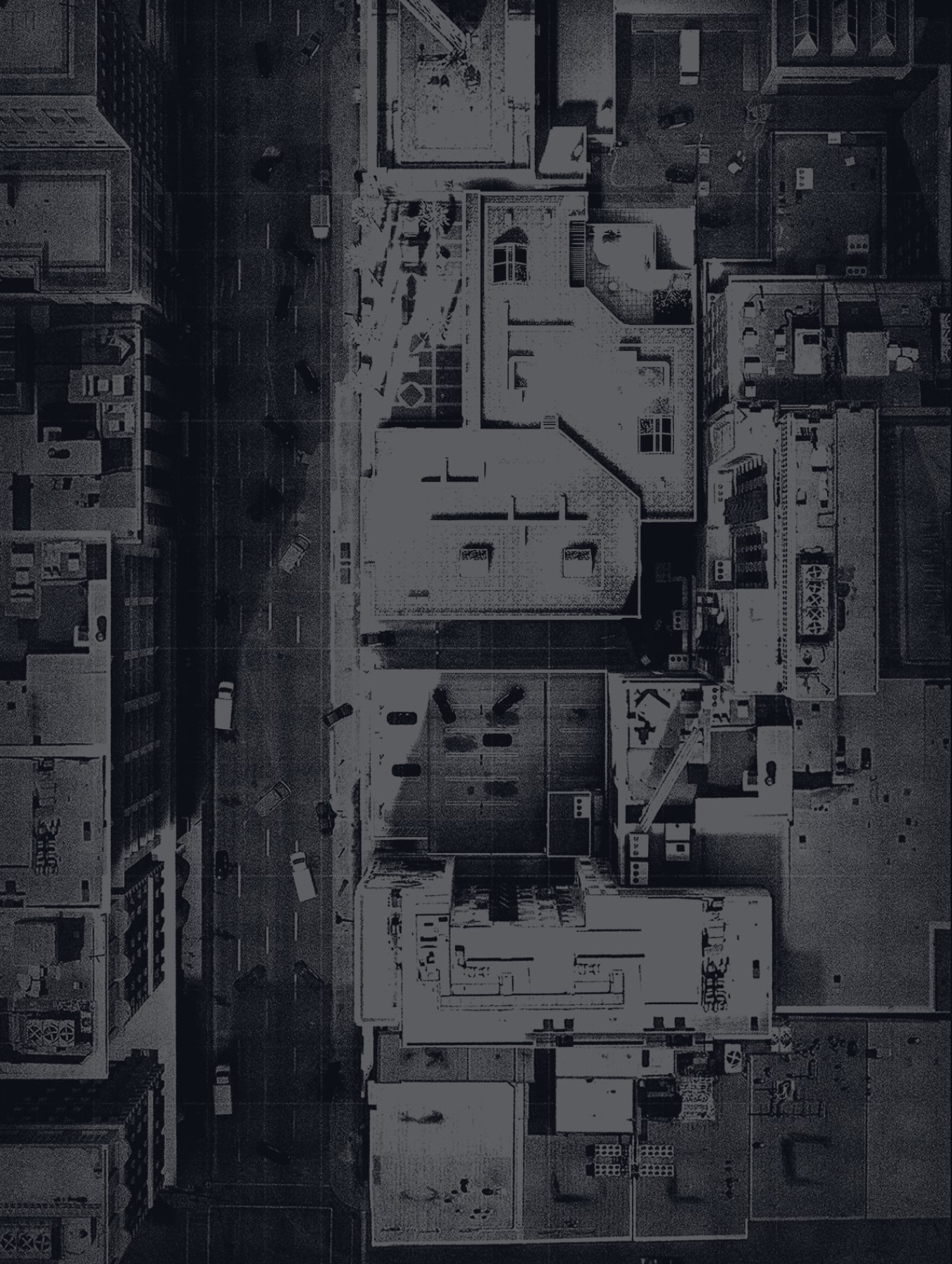
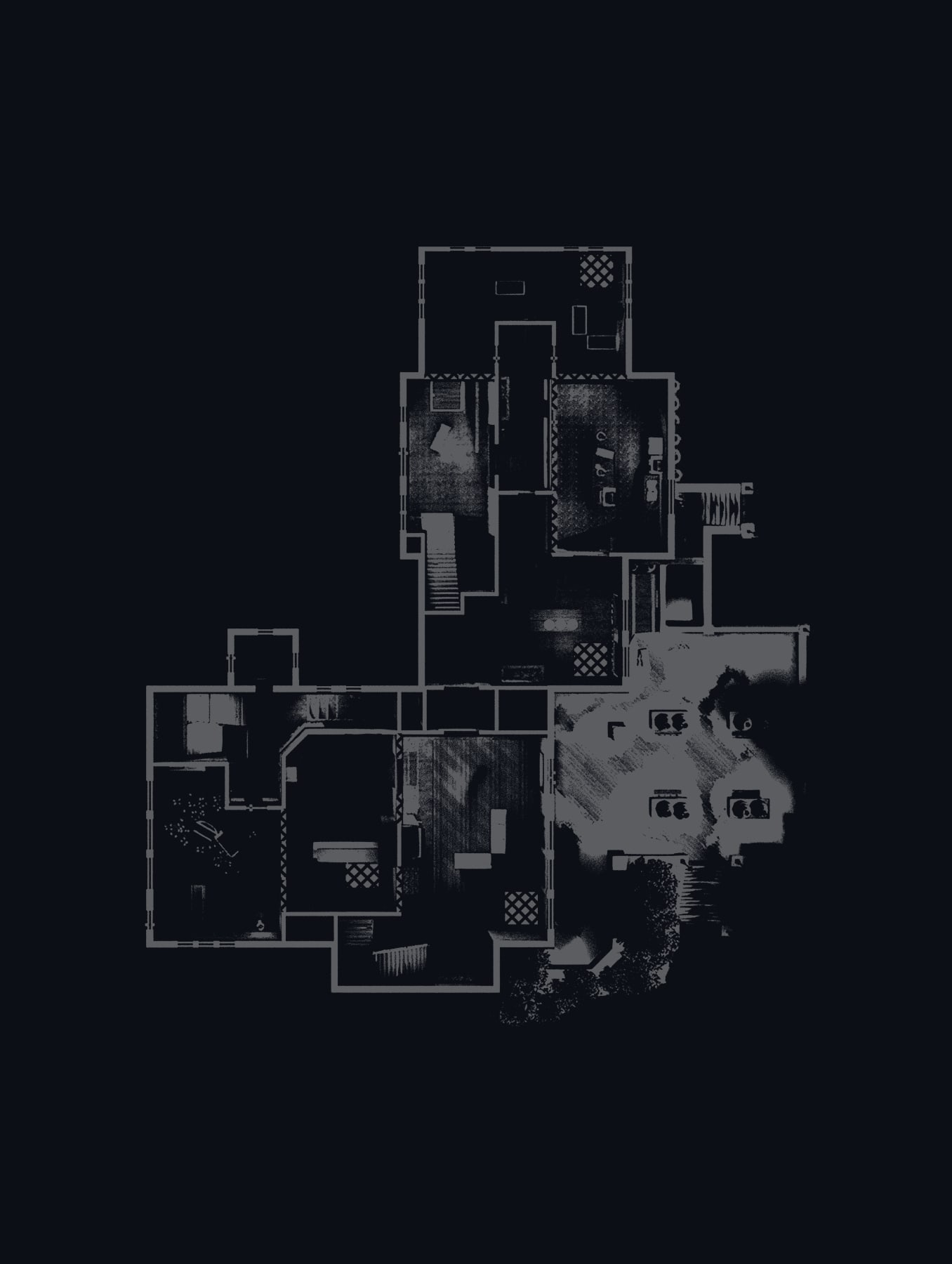
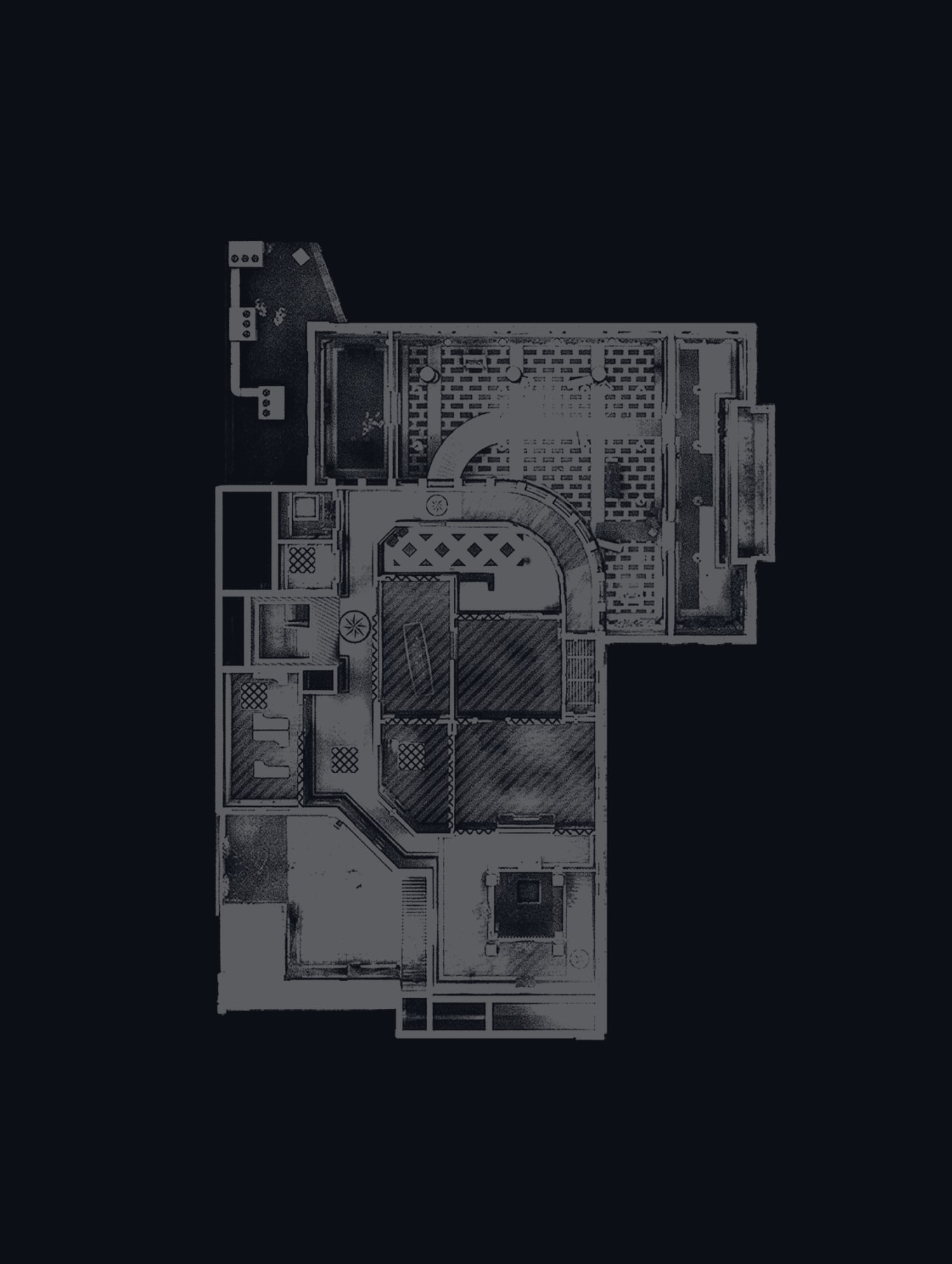
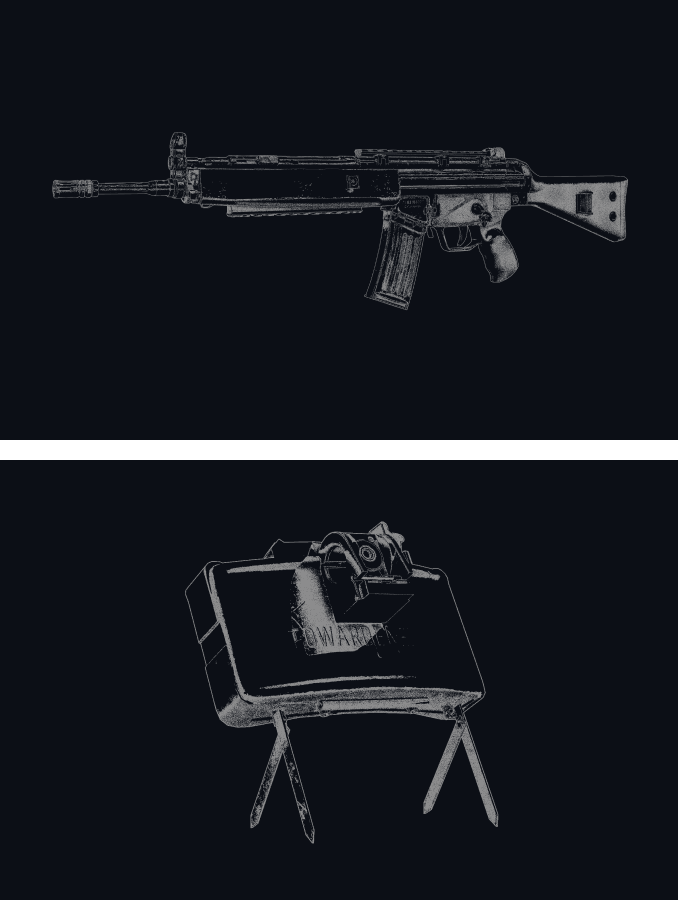
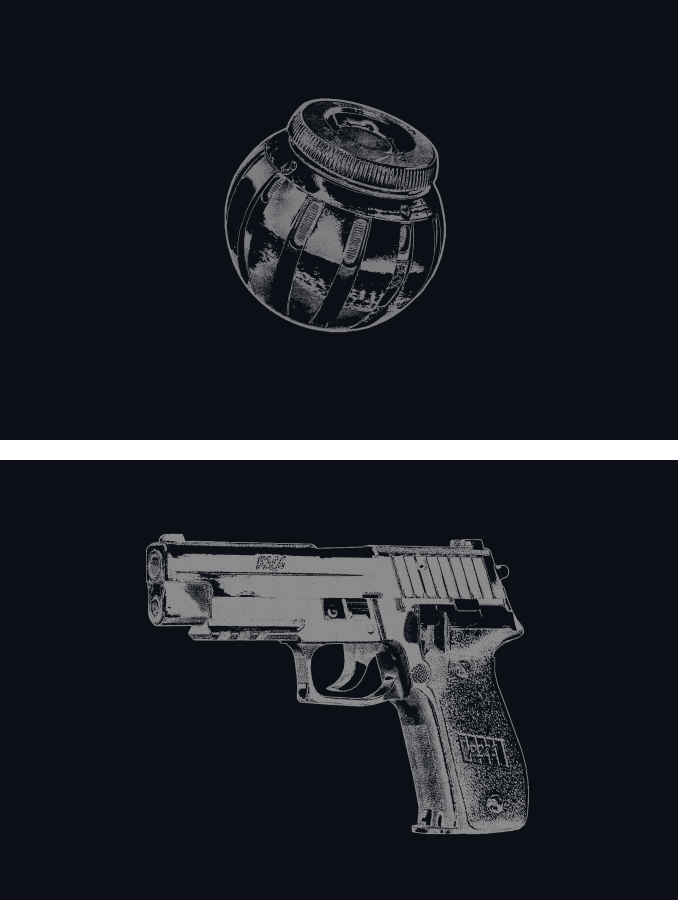
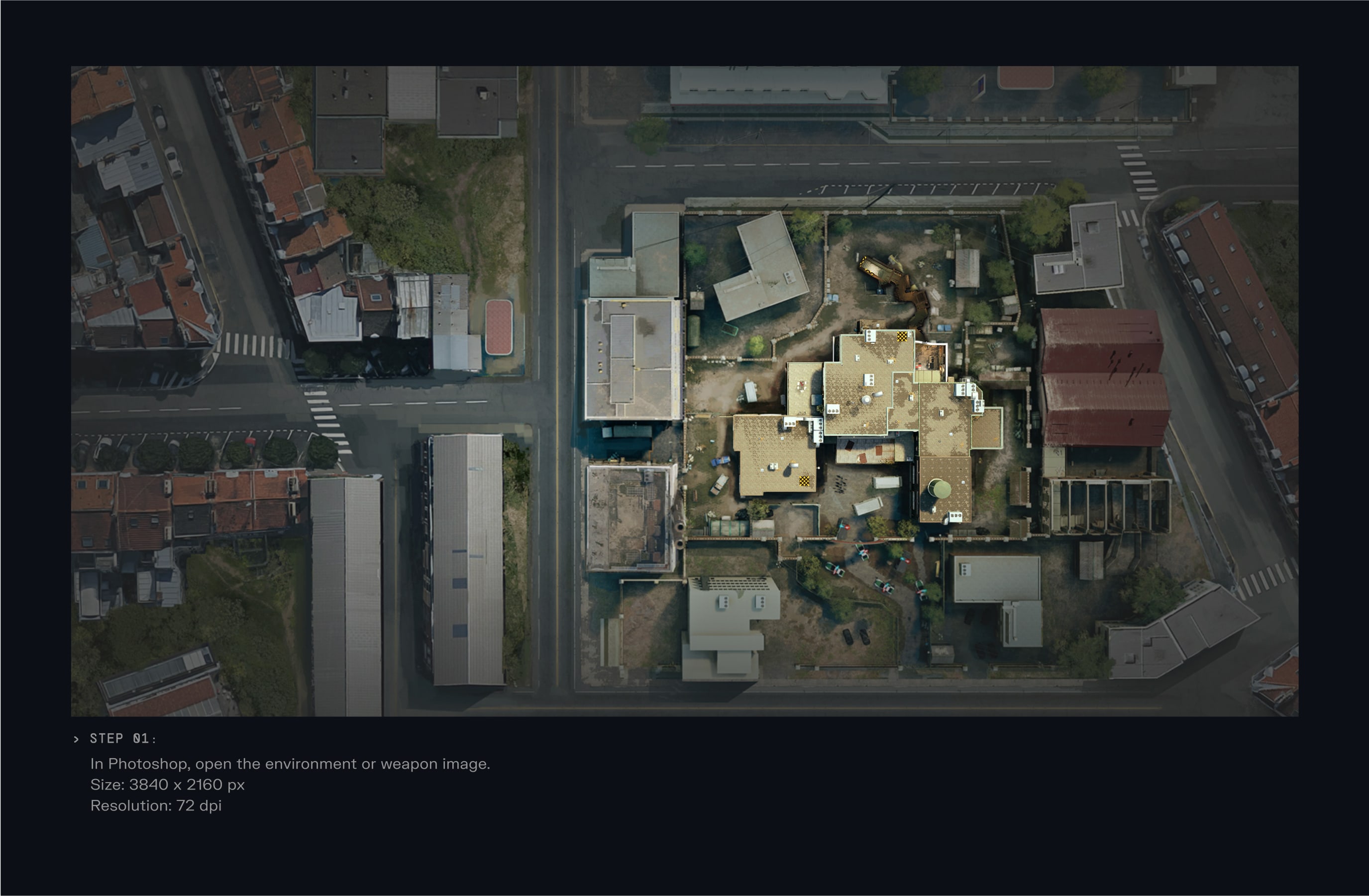
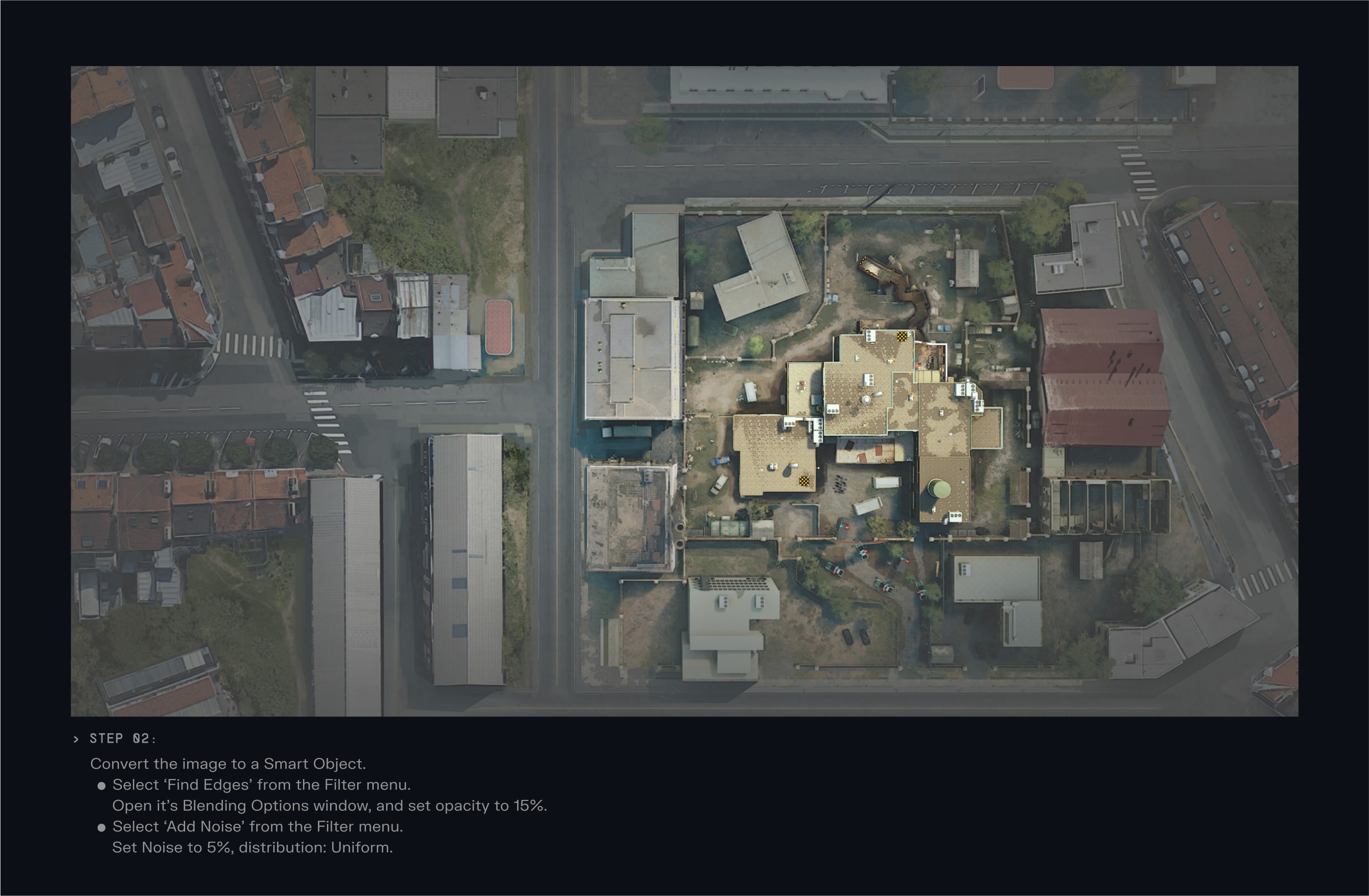
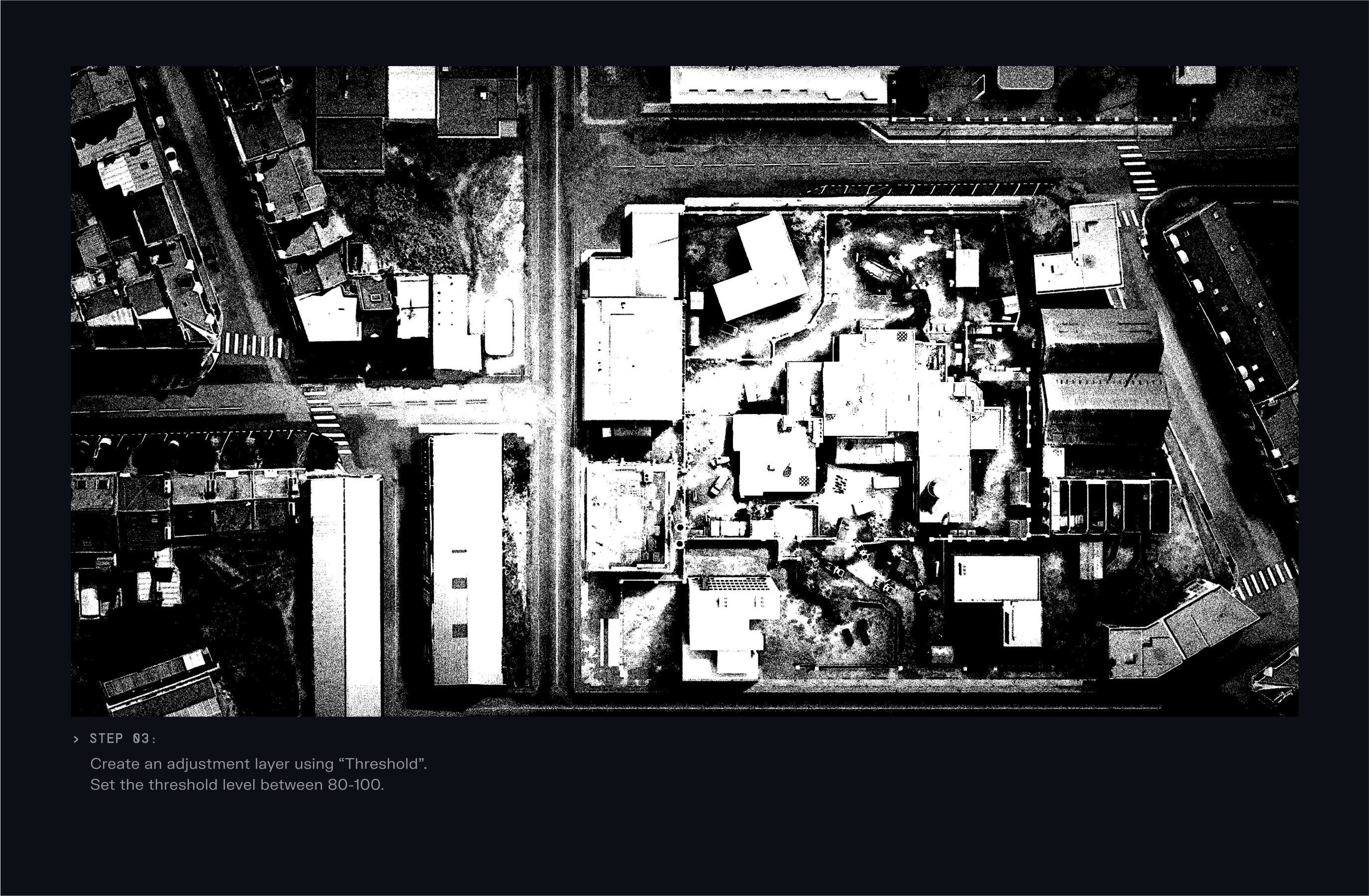
To create our blueprint textures follow these steps in Adobe Photoshop to ensure that we build our textures effectively, maintaining consistency throughout the brand.
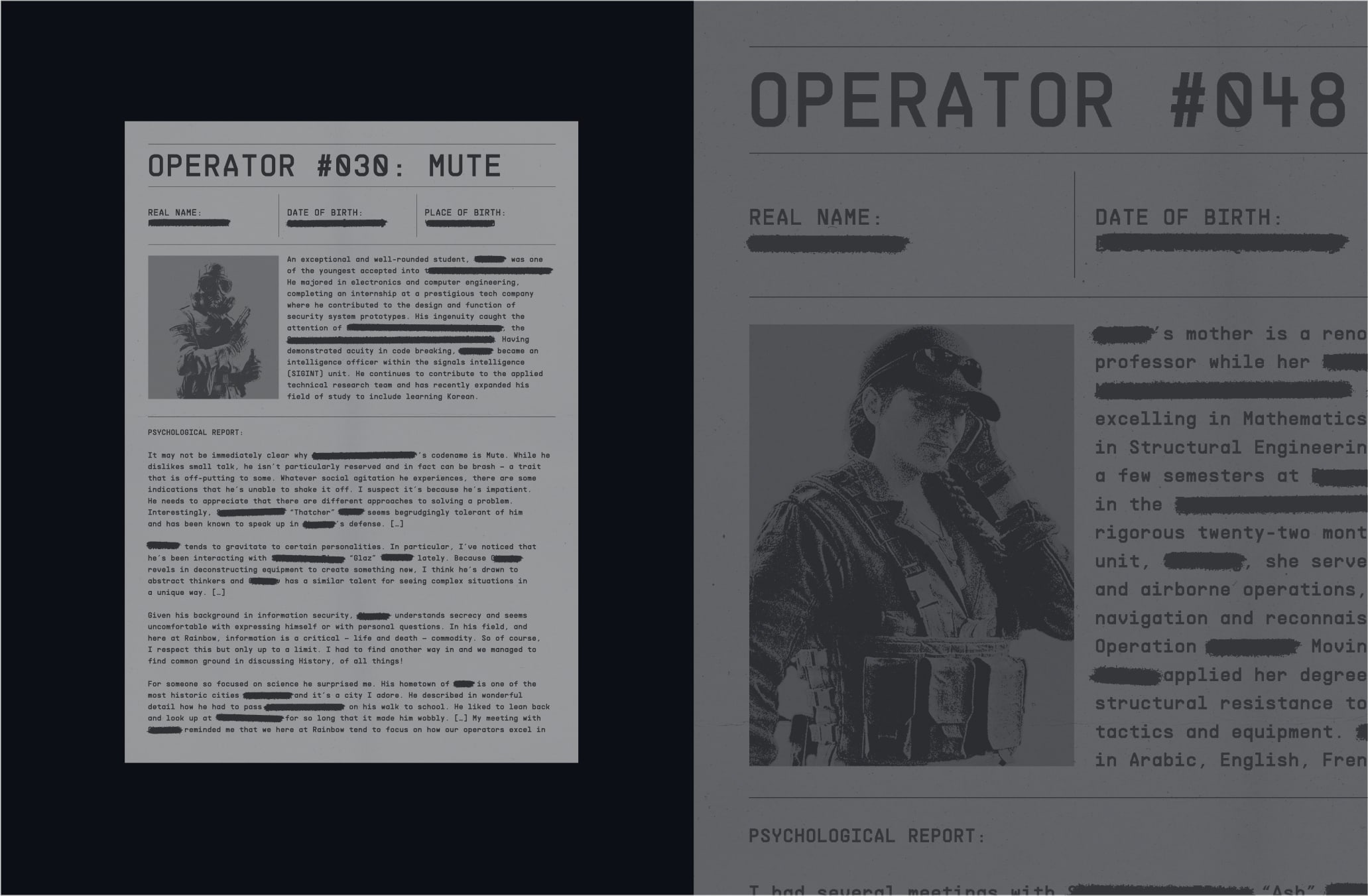
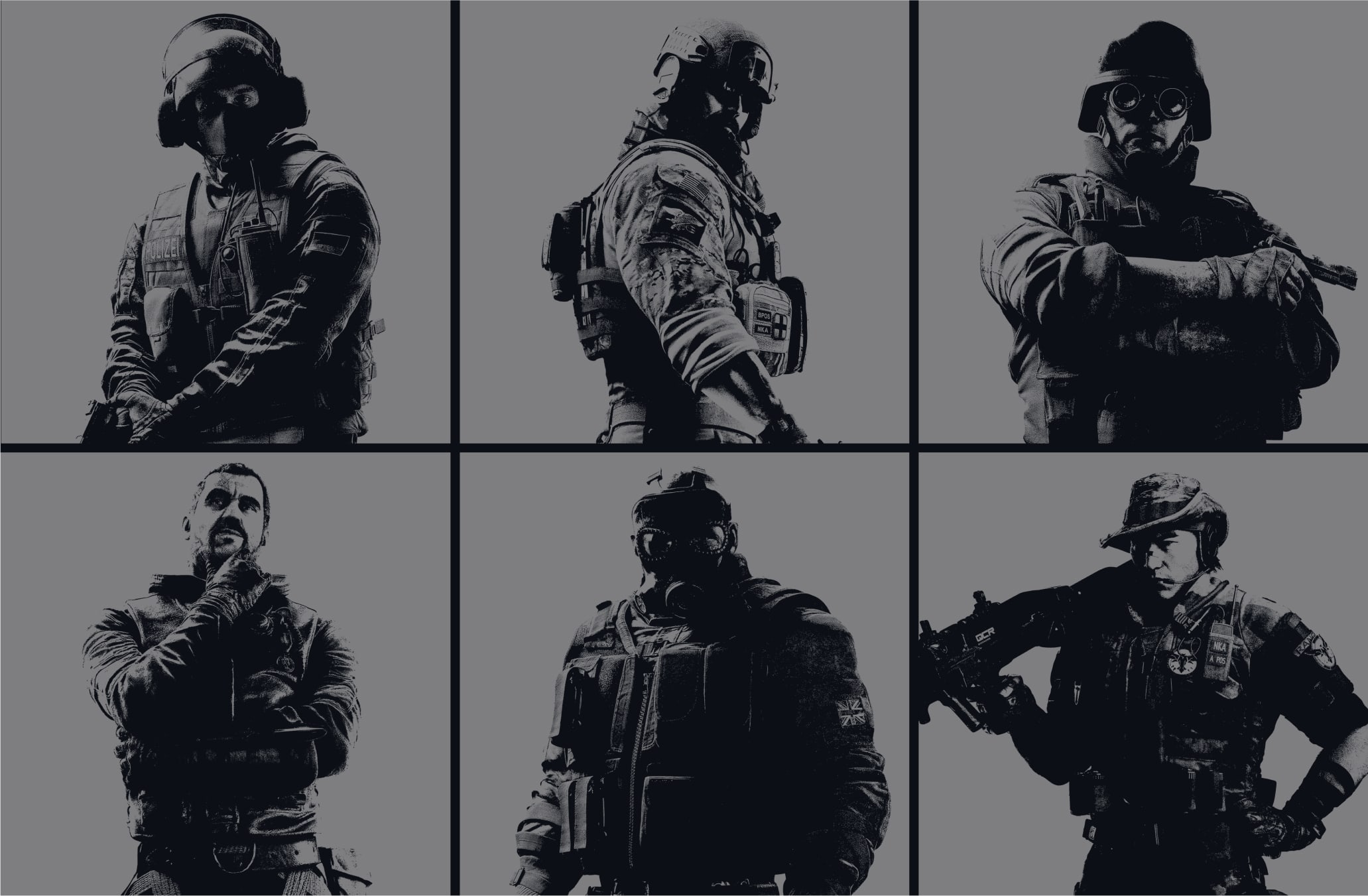
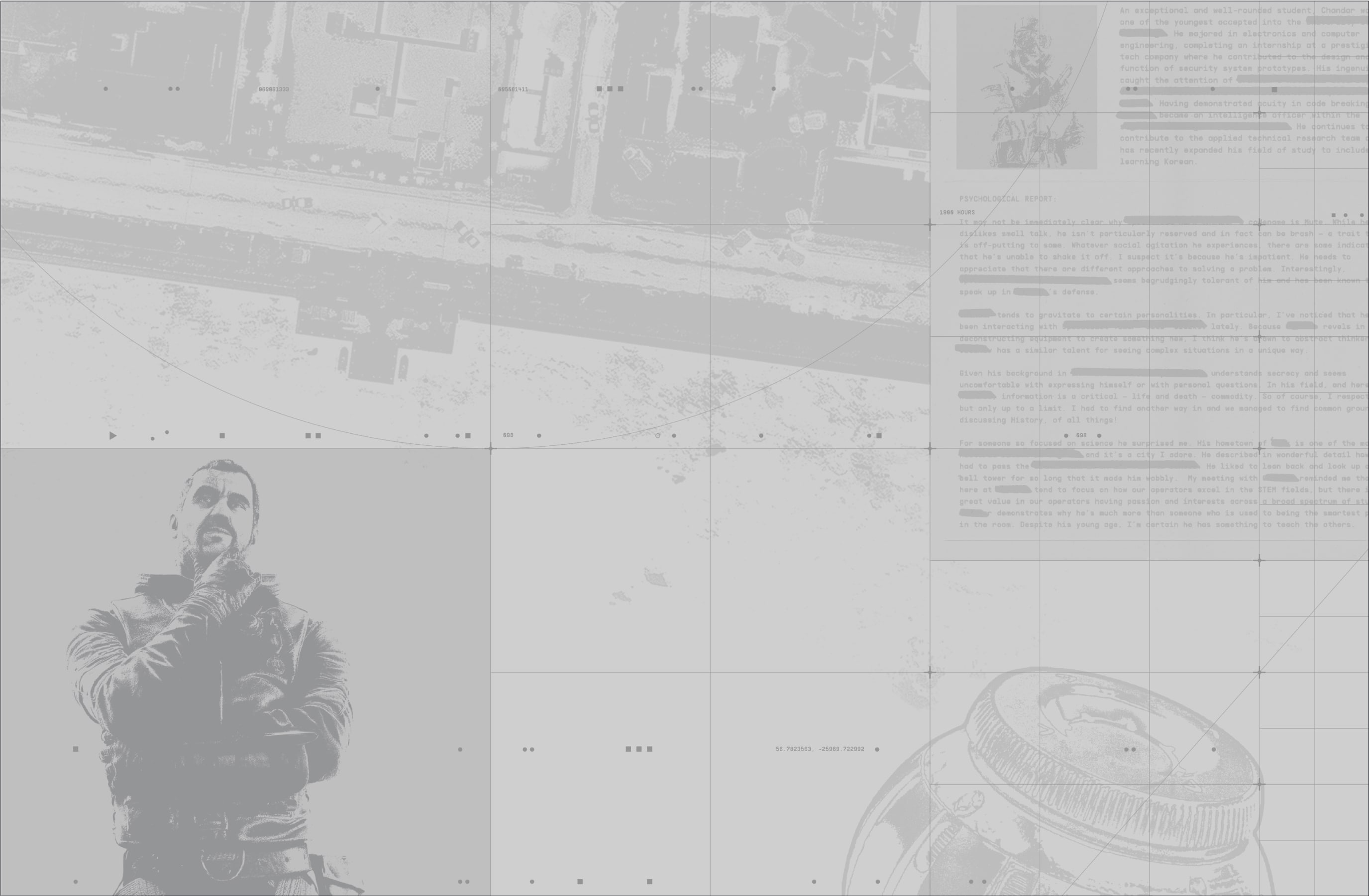
Another type of texture we use in our backgrounds are scanned documents and duotone operator photography. These illustrate the planning and decisions made around the operators. They present the operators' backstories, through redacted documents, implying secrecy and intrigue.
These are created using our operator backstories and imagery.
Our documents are created with simple layouts using our Supply mono typeface and our Tactics annotations brush. To learn more about our typefaces refer to the Typeface section. To learn more about our Annotations brush please refer to our Graphic Devices section.
Our photography is created using our art direction treatment. To learn more about our treatment, please refer to our Art Direction section.
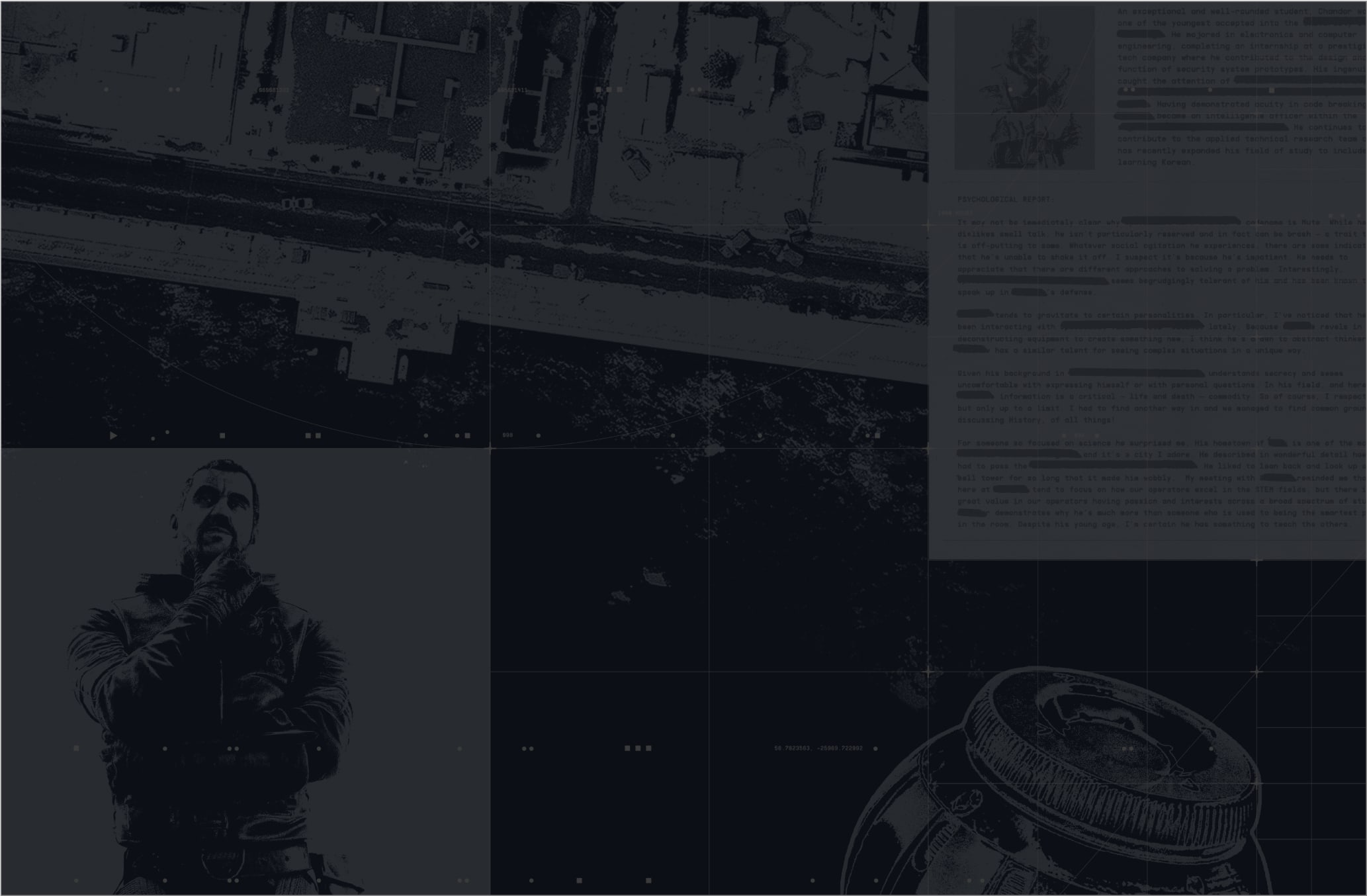
The digital grid and textures are always paired together. The textures feature behind the grid, at lower opacity. The textures feature at various sizes and can slightly overlap, to create a sense of depth.
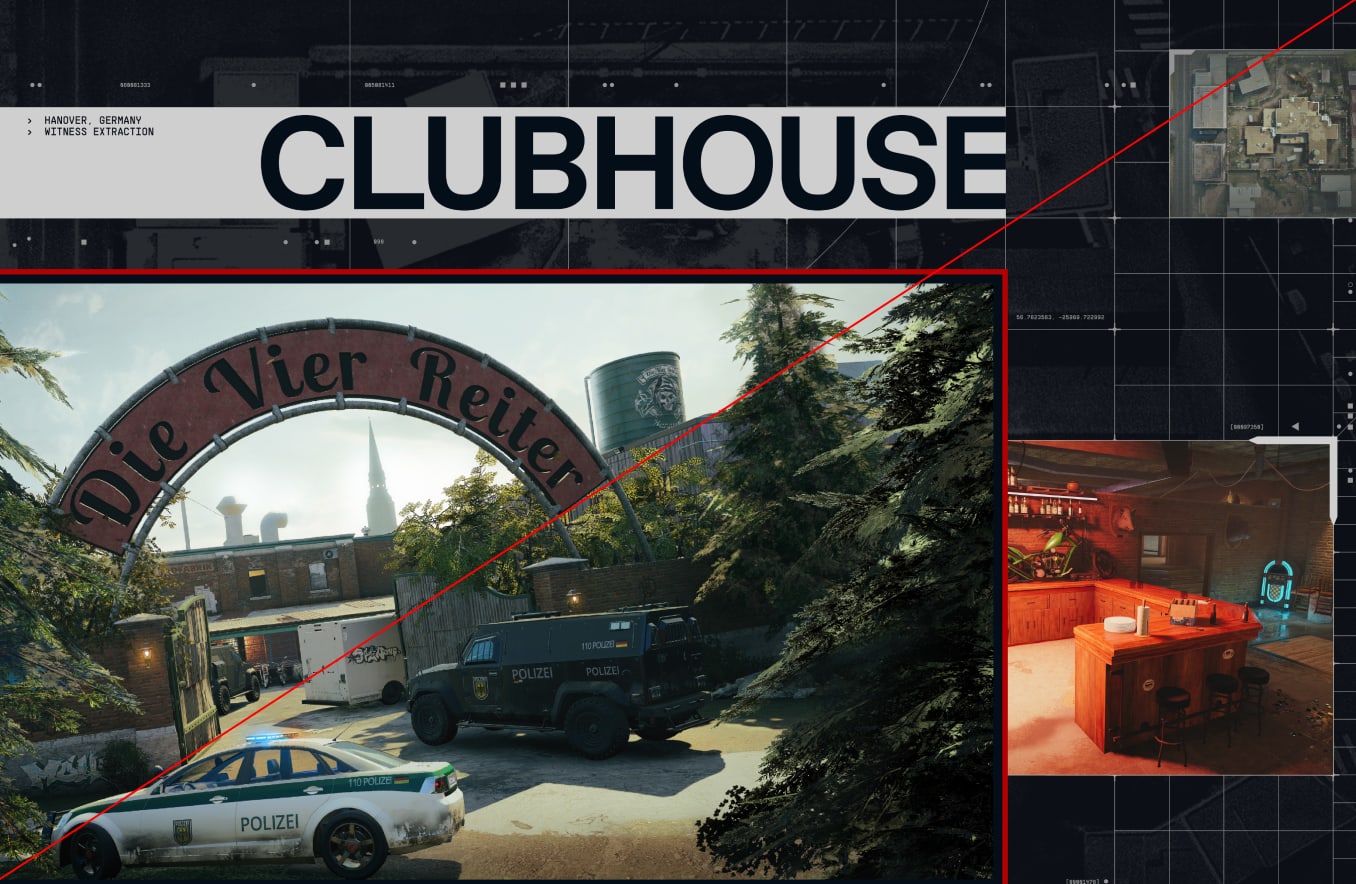
Textures with clear frames, such as the scanned documents and operator photography, should align to the grid where possible.
In Dark mode, the textures are at 20% opacity. In Light Mode, they are set at 30% opacity.
Make sure to follow this guidance to ensure our backgrounds are used correctly in all formats and applications.