05
Our Art Direction captures the honour and prestige of our operators whilst also creating a distinctive style for capturing action and environments.
In this section we will showcase the different styles of Art Direction within our toolkit, how to create them and how to use them.
We enhance our Environment photography through a curated colour treatment, infusing our prestige colours to craft a unique visual style. These Environment shots should only be used for backgrounds.
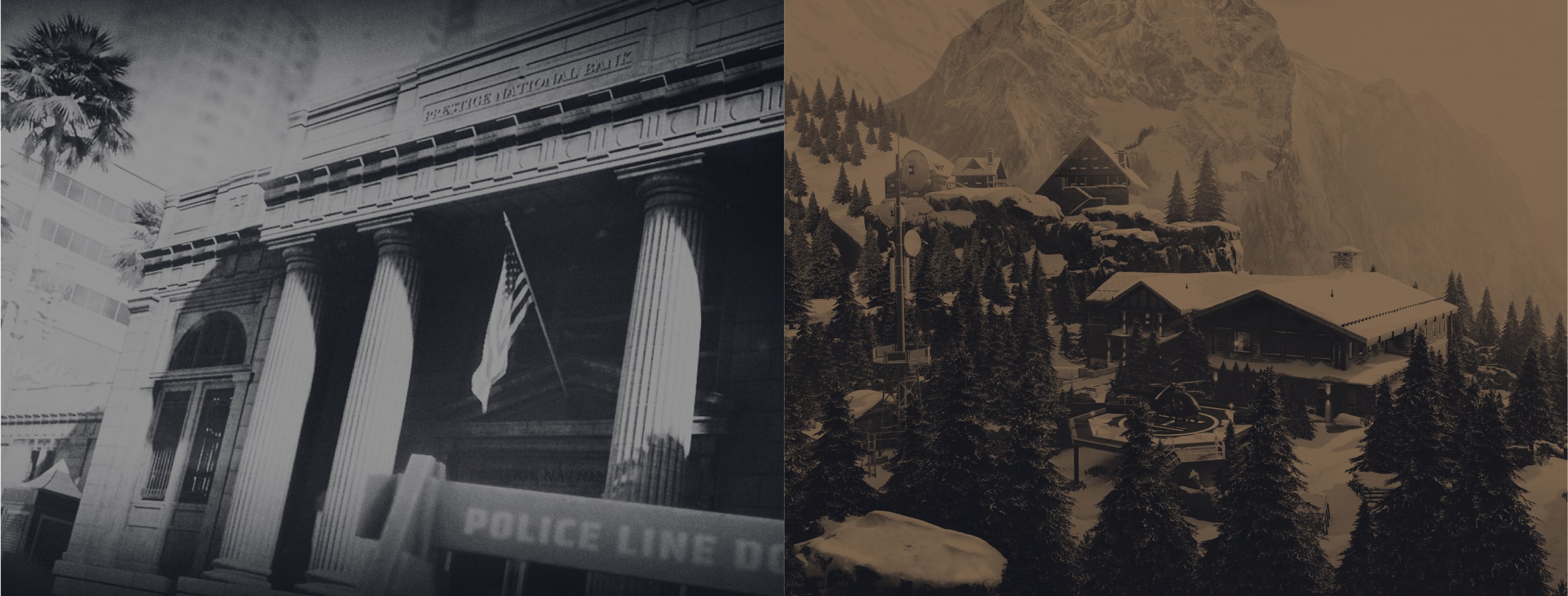
Follow this guidance to make sure our Environment art direction is used correctly.
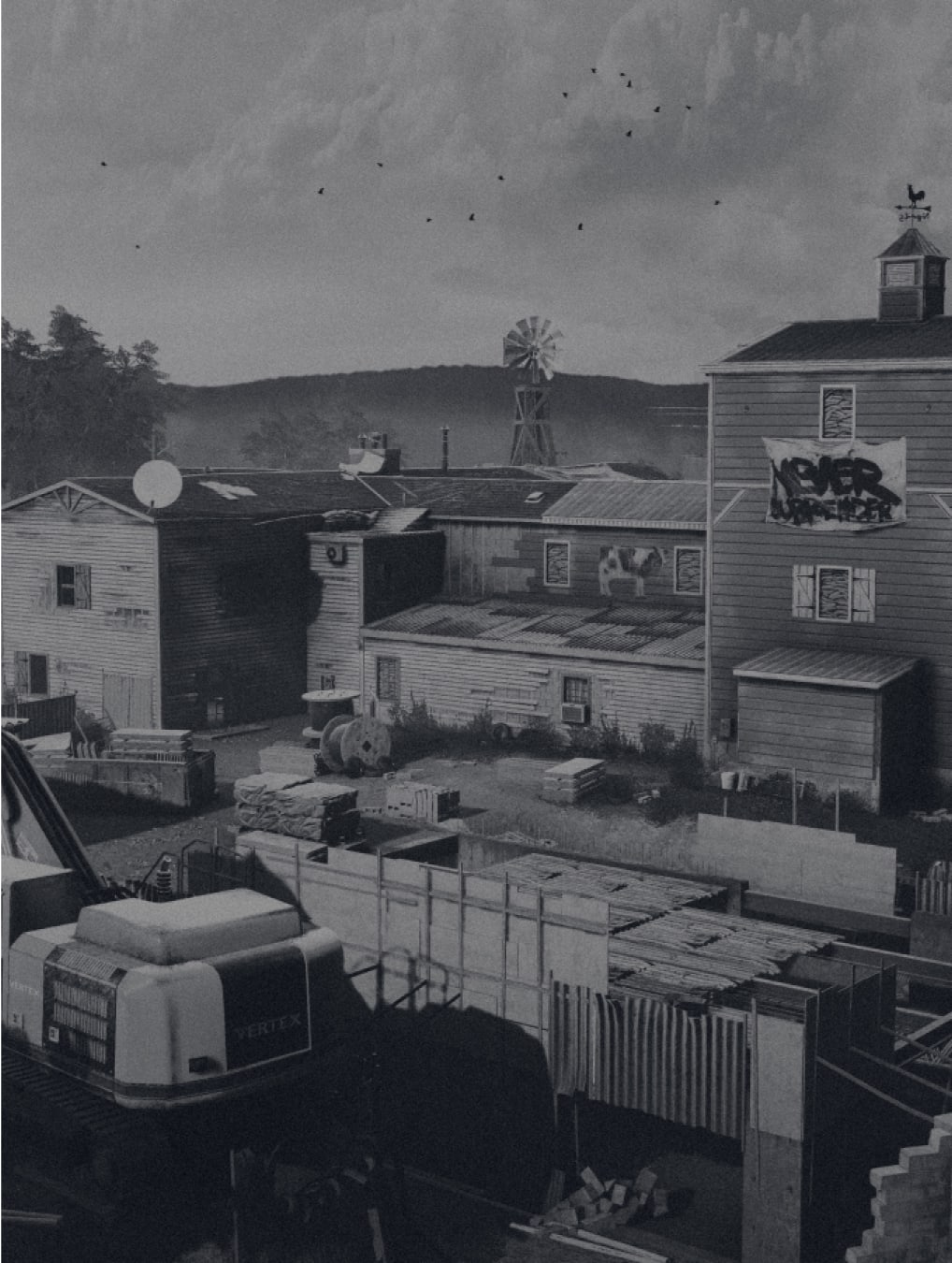
Environment shots should be maps and locations that feature in our games.
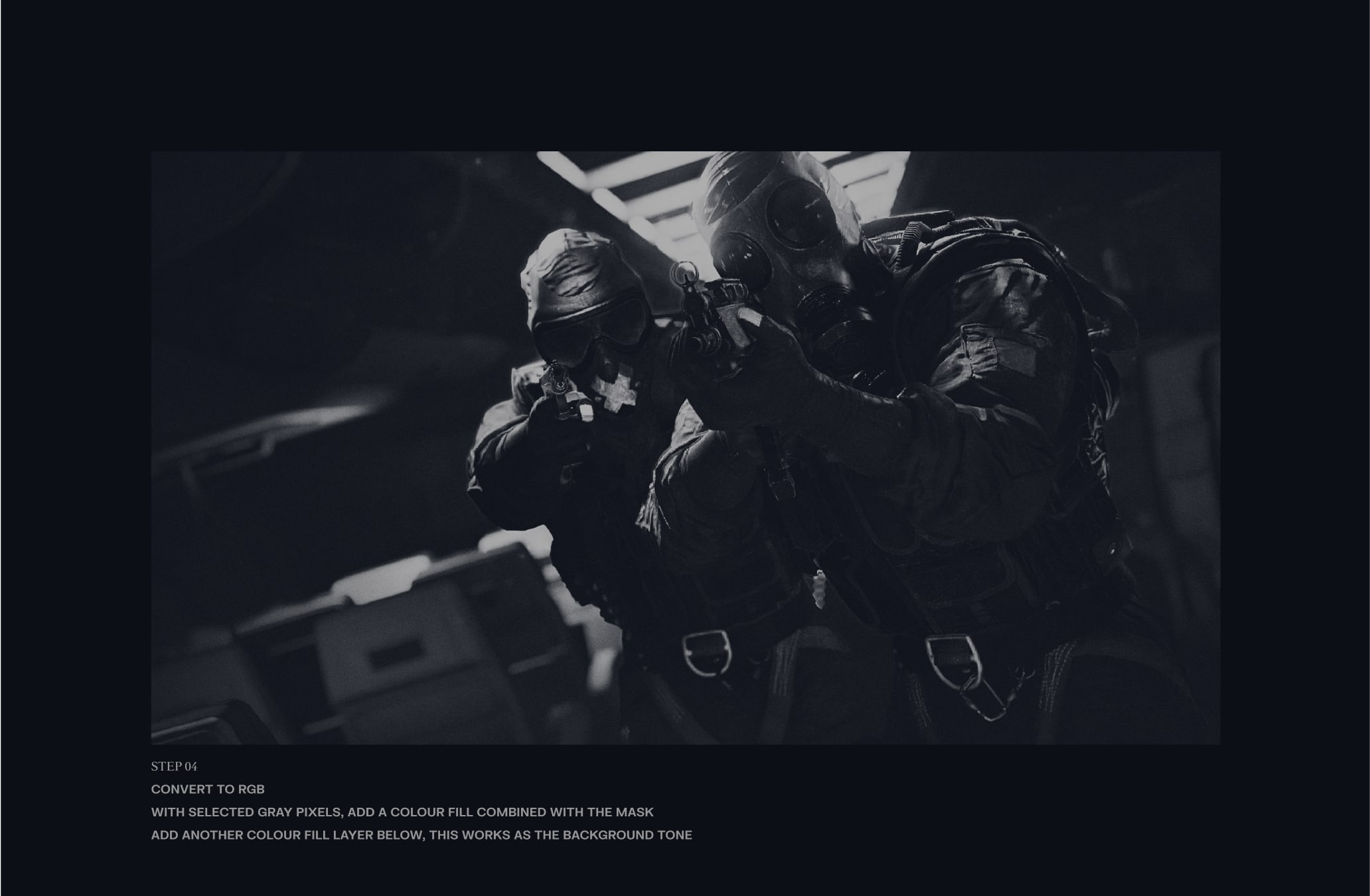
Our Art Direction is made of a duo tone from two of our colours from the Franchise palette.
We use noise / grain to our Art Direction.
Environment shots are used for backgrounds within our applications.
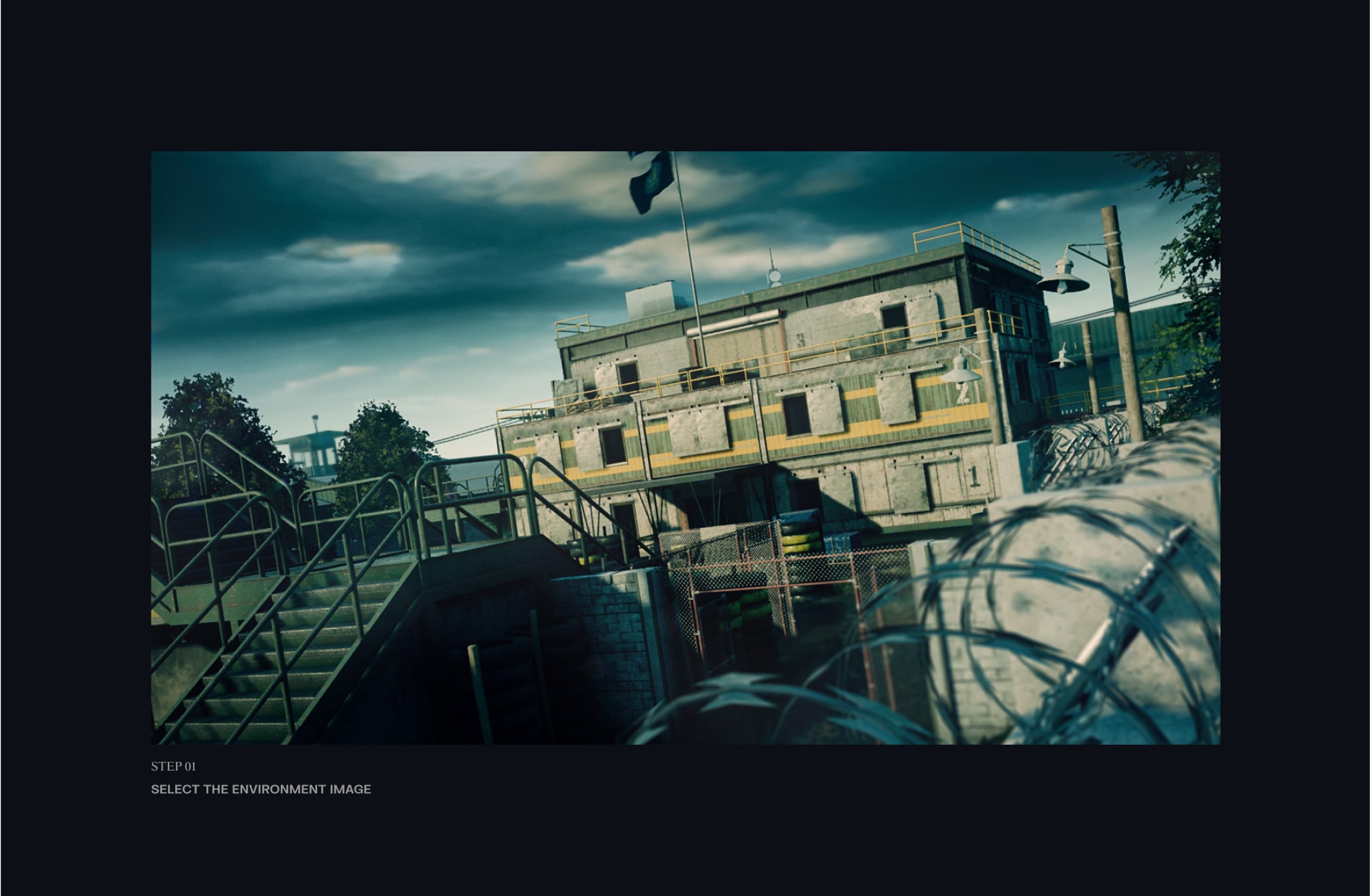
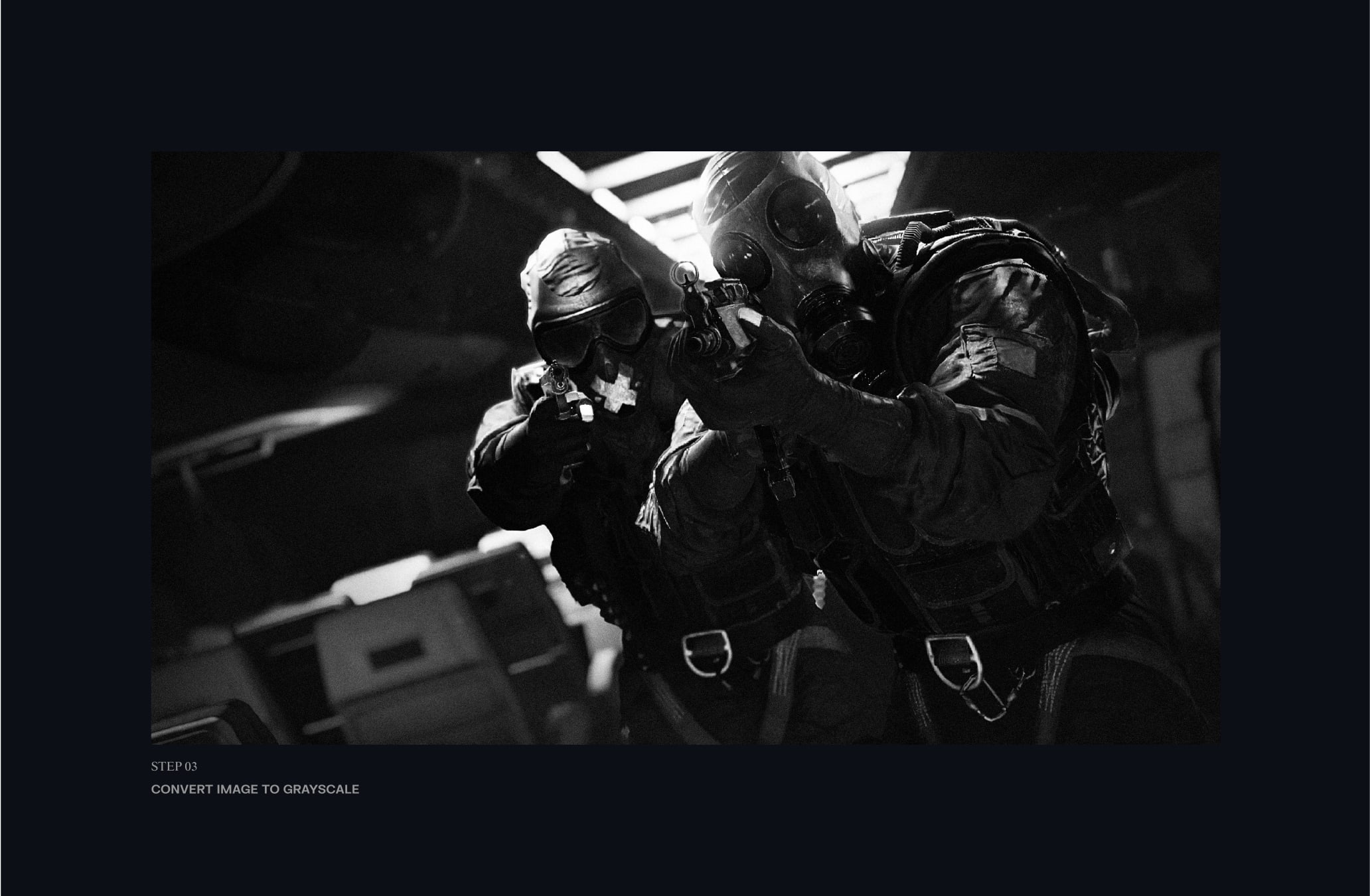
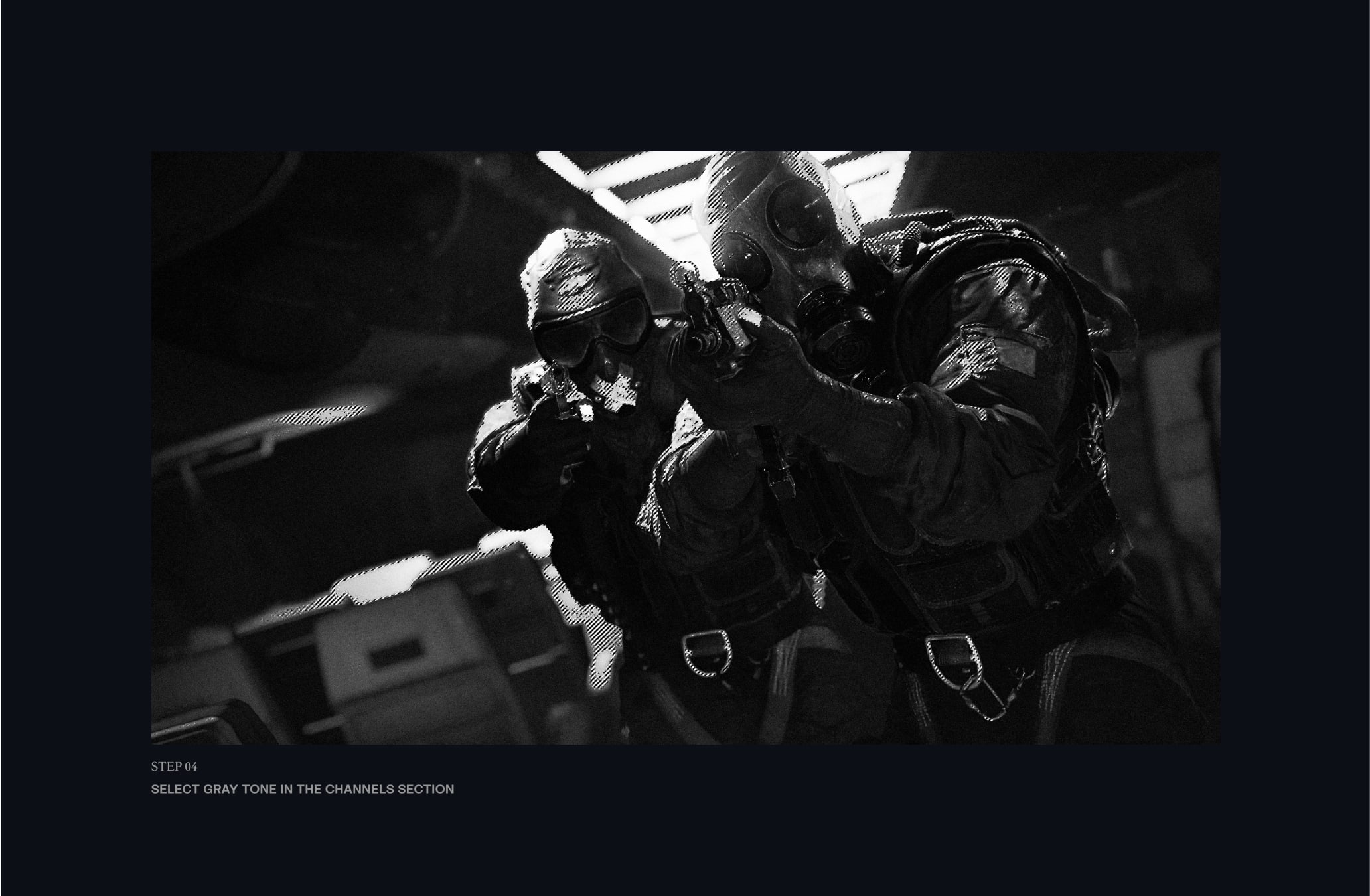
Follow these steps to ensure that we build our Environment art direction effectively in Adobe Photoshop, maintaining consistent and impactful shots throughout.
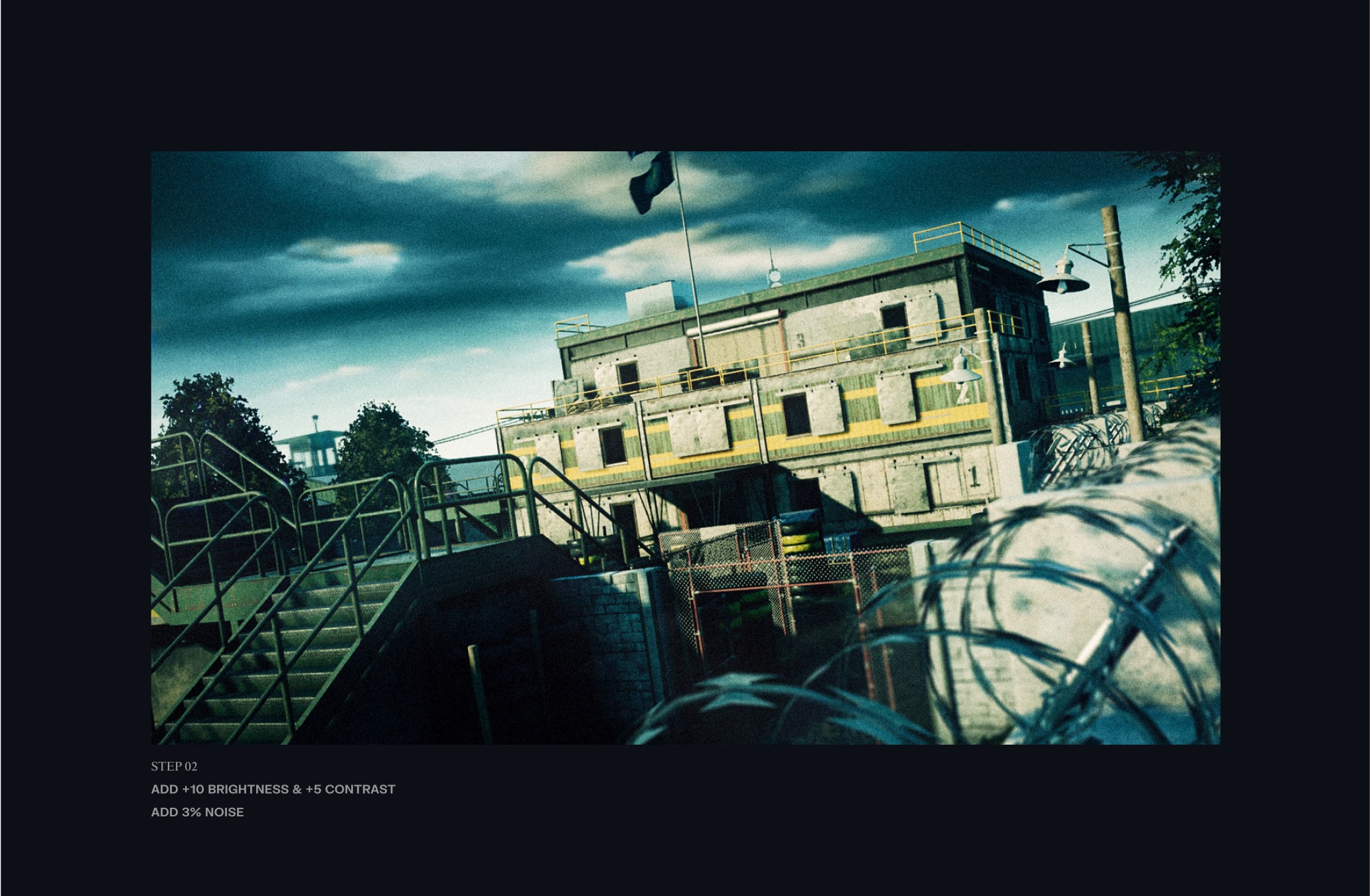
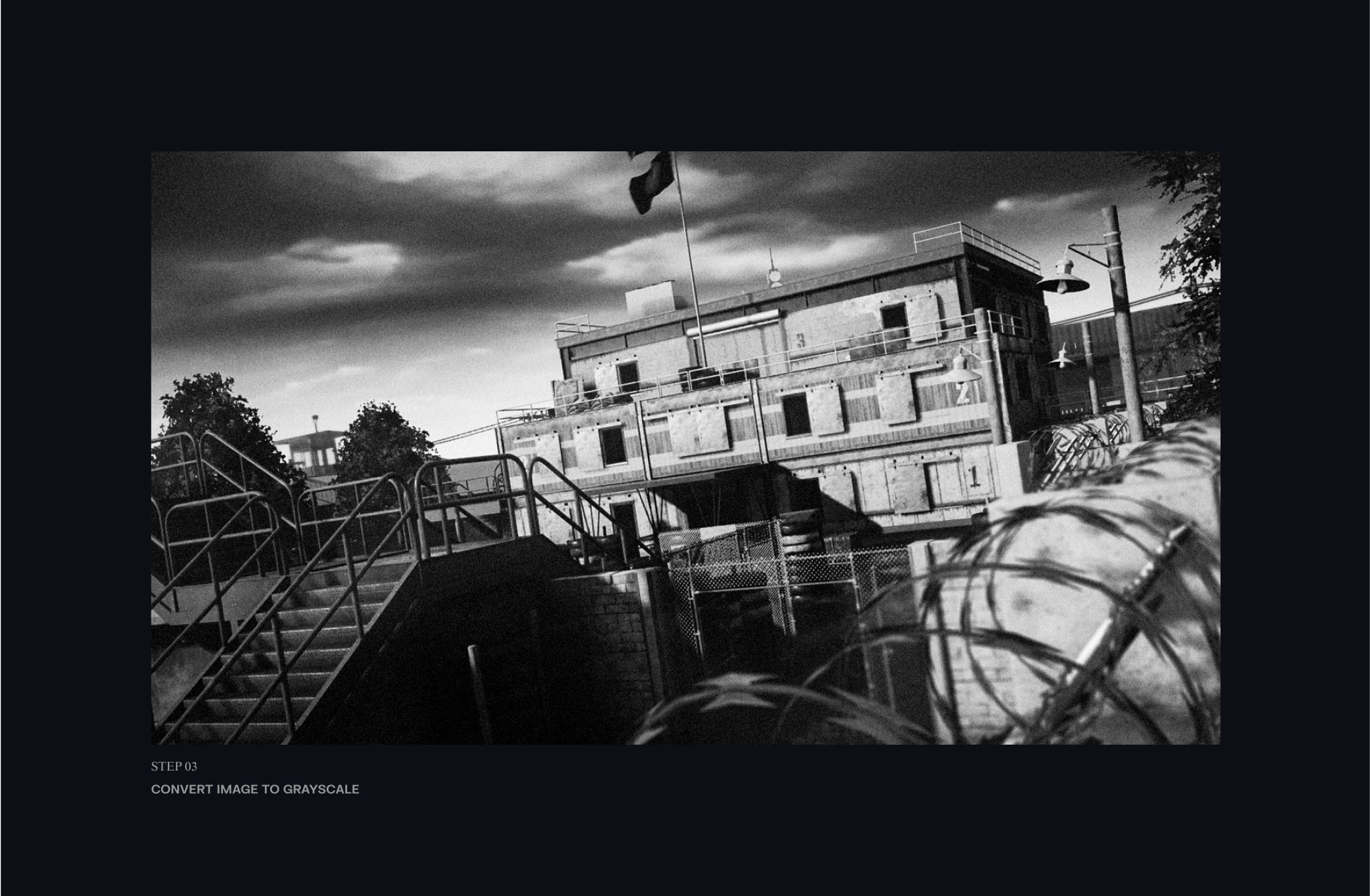
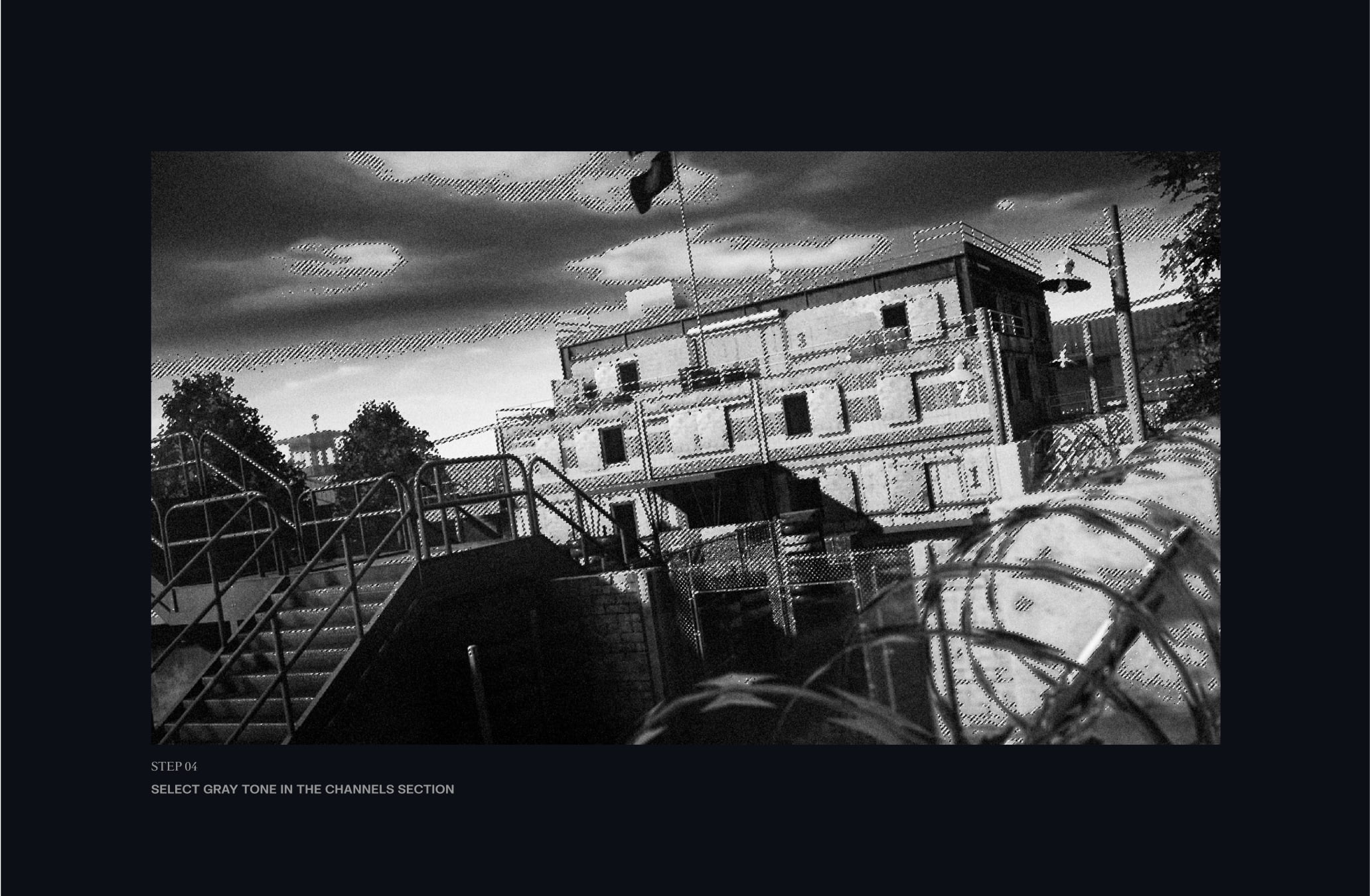
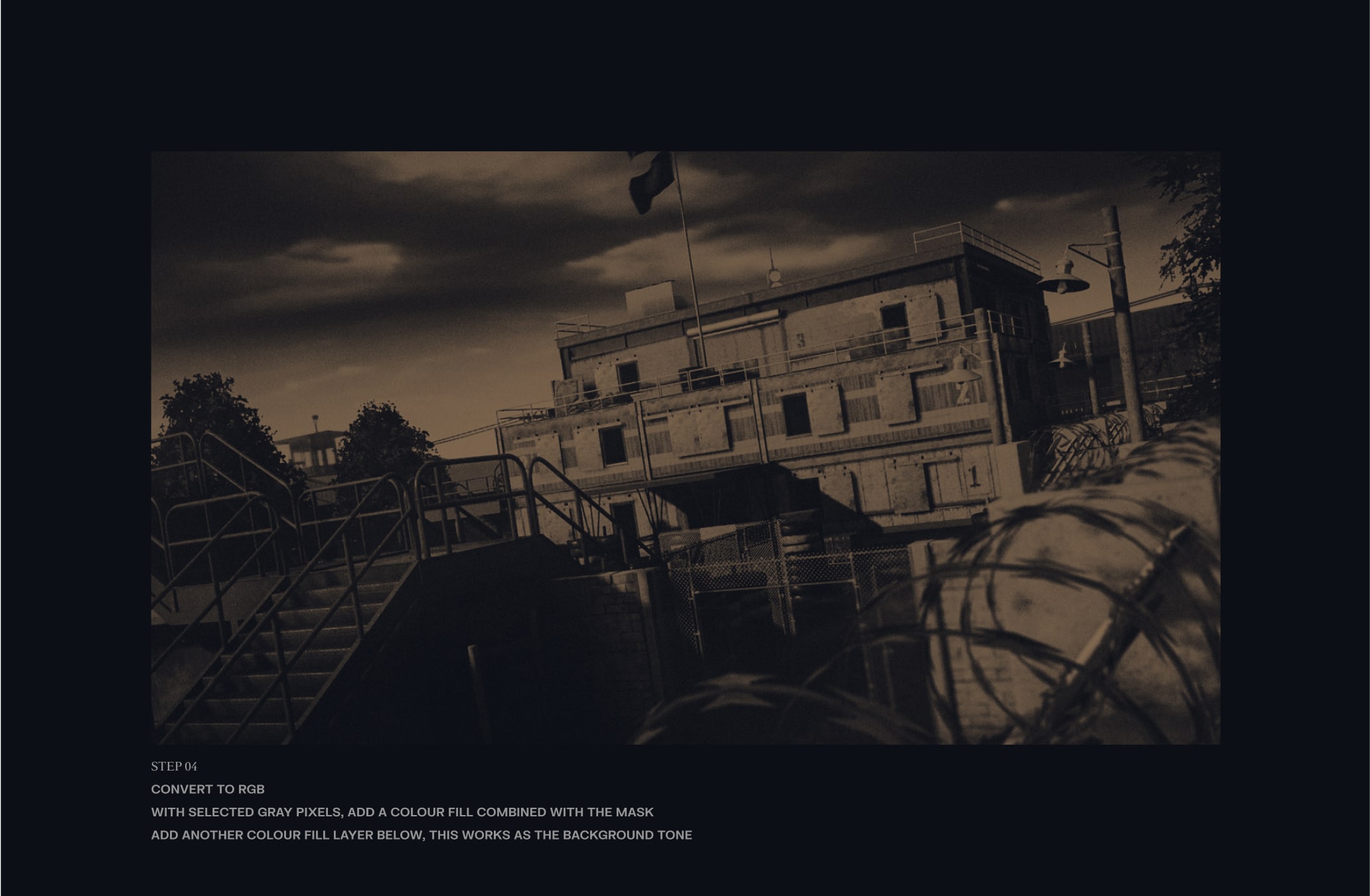
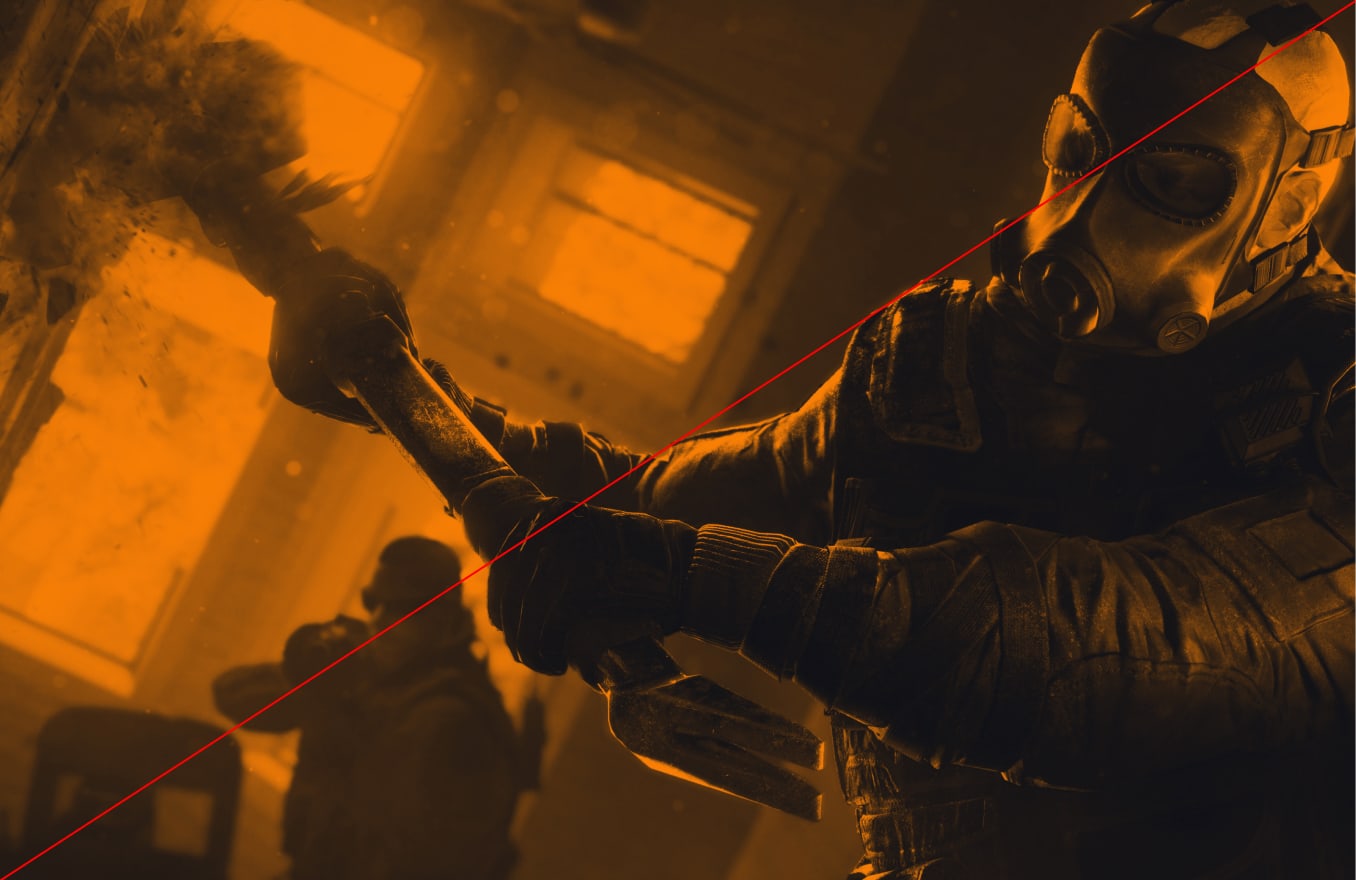
Action shots should vividly capture a moment of intensity, immersing viewers in the heart of a battle from either Siege or Tactics, further enhancing the dynamic narrative of our Art Direction.
We elevate our Action photography through a use of a colour treatment, infusing our prestige colours to craft a unique style. These Action shots should only be used for backgrounds.
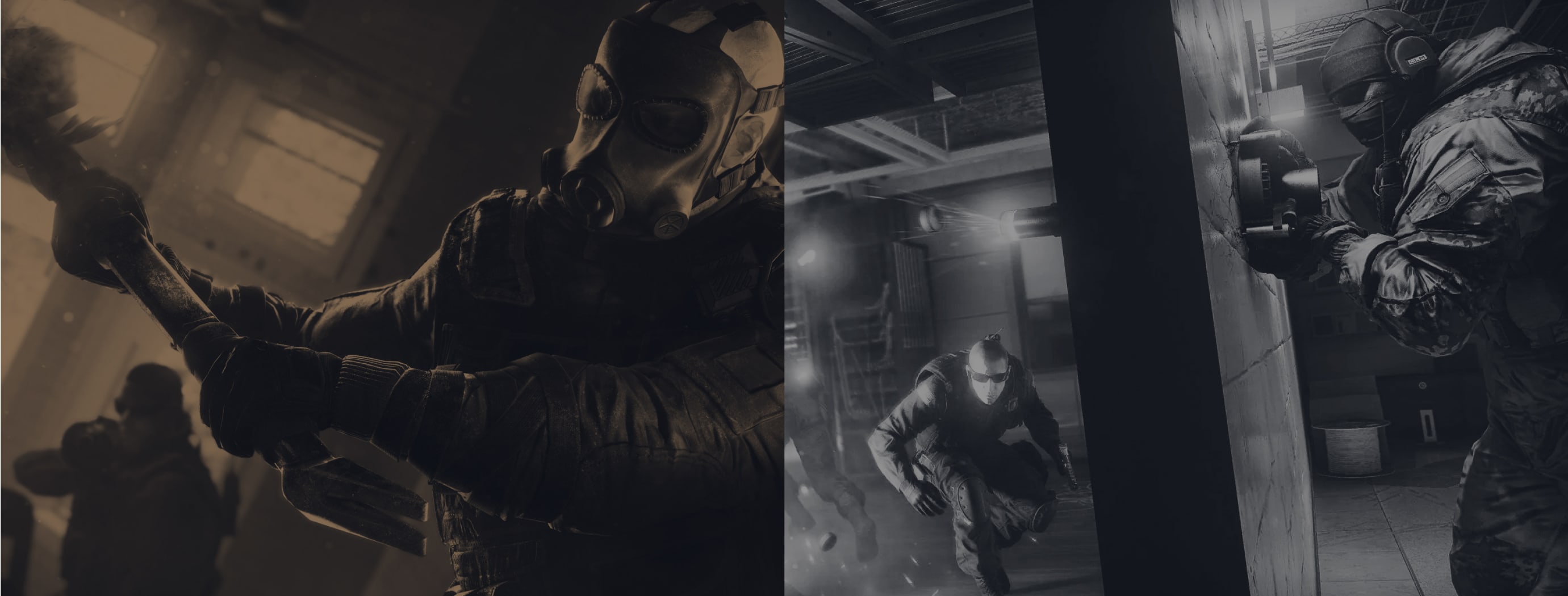
Follow this guidance to make sure our Action Art Direction is used correctly.
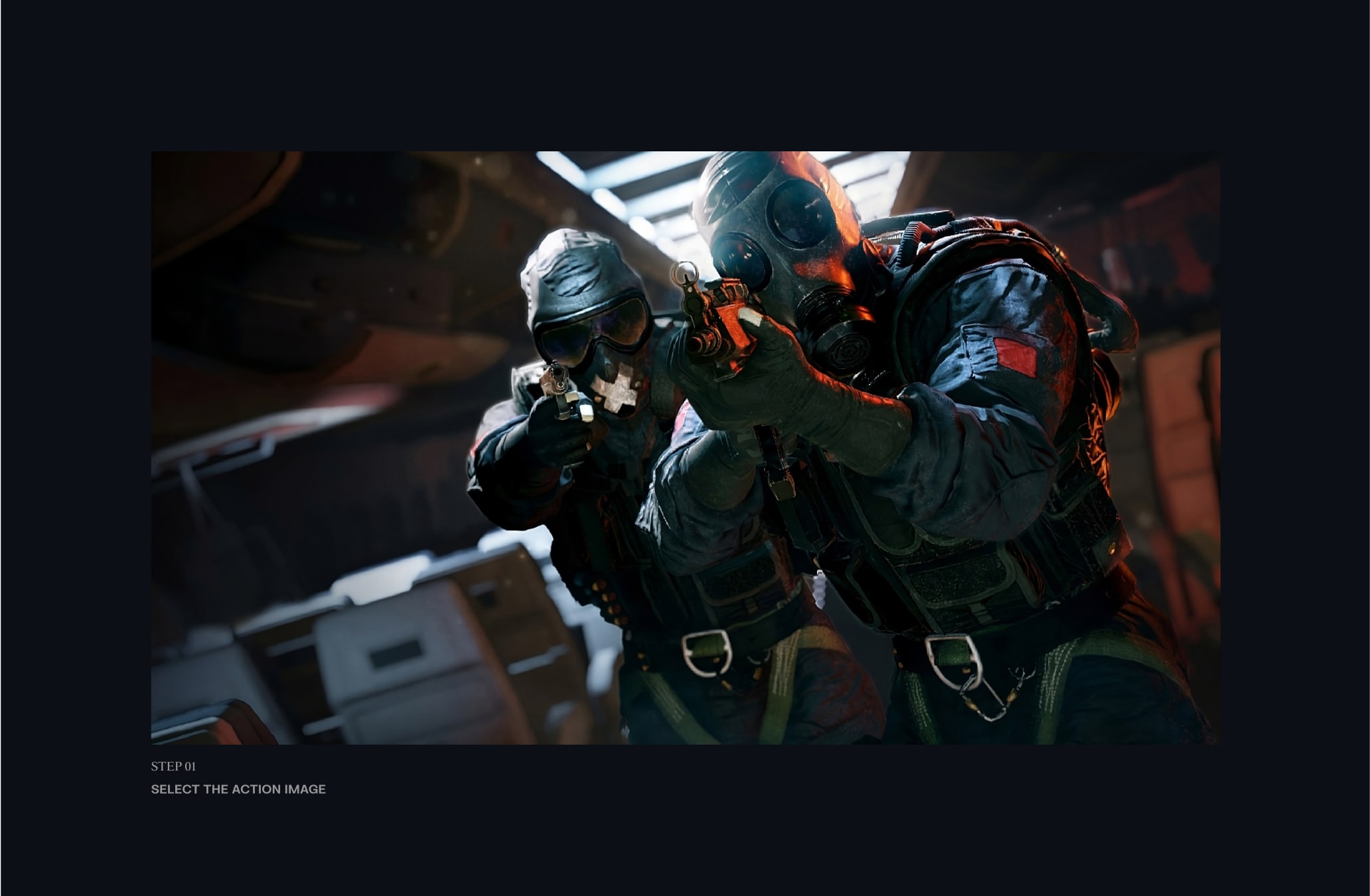
Action Art Direction should be gameplay or key art that captures the intensity of our games.
Our Art Direction is made of a duo tone from two of our colours from the Franchise palette.
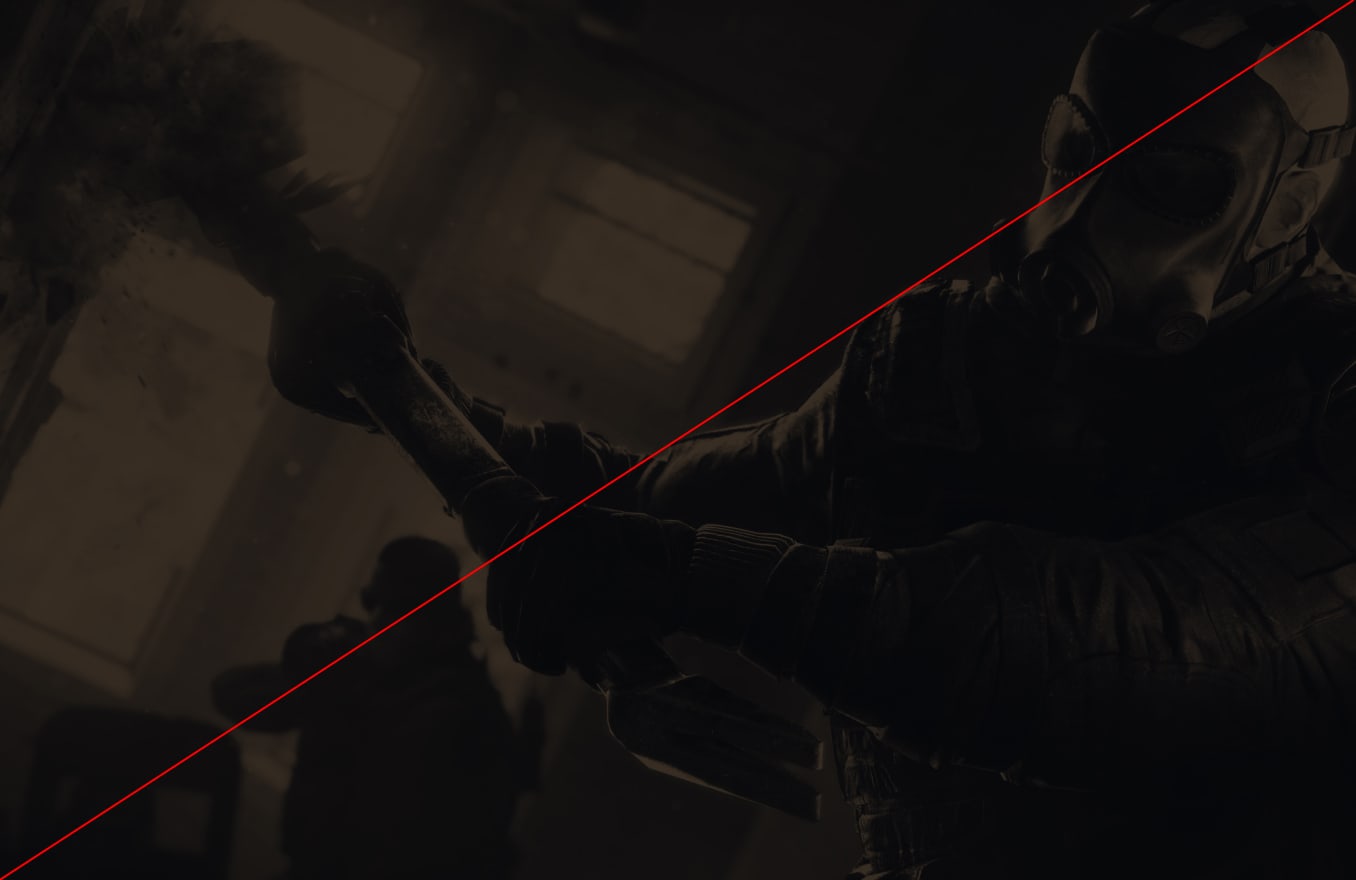
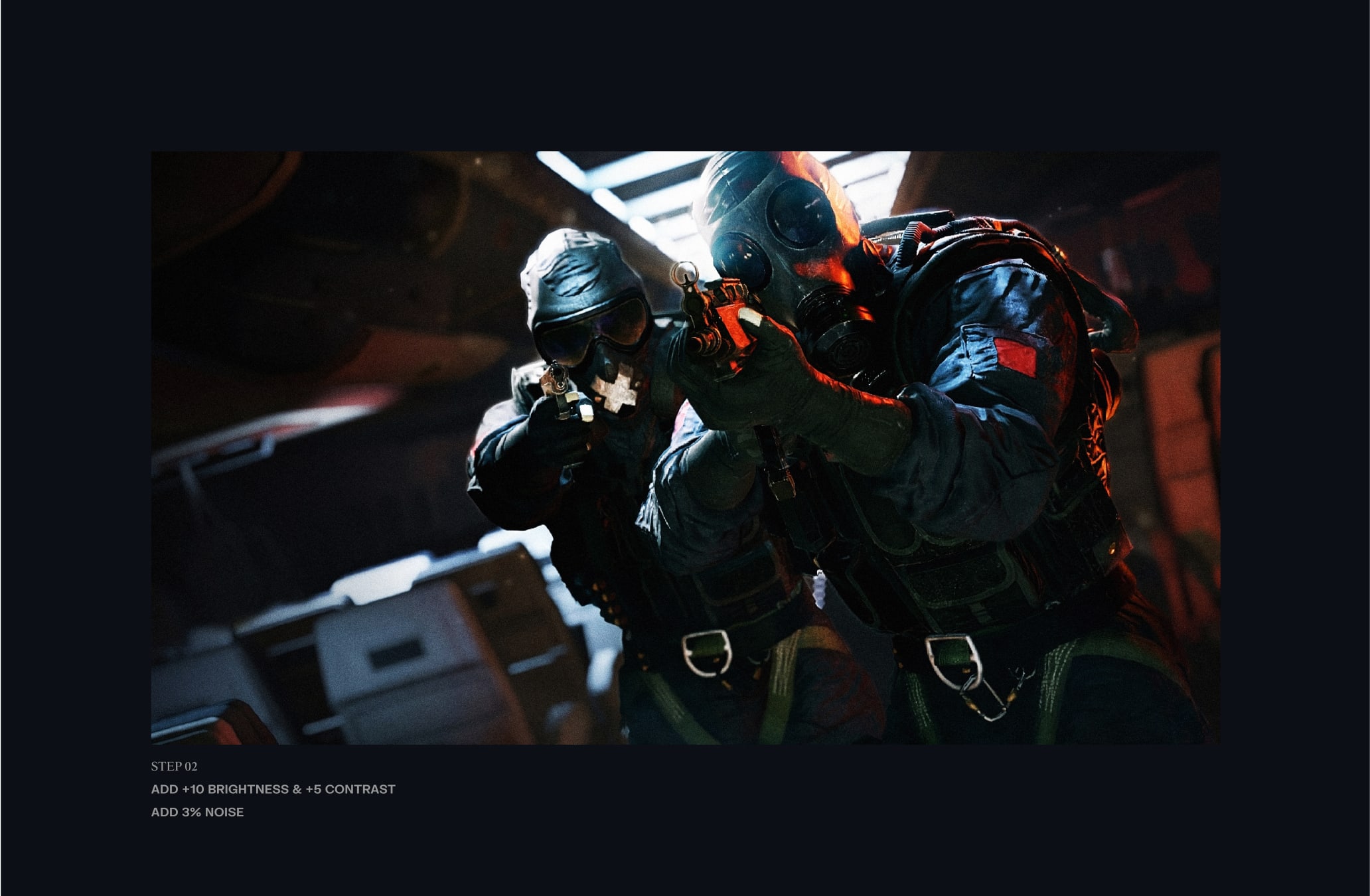
We add noise/grain to our Art Direction.
Action shots are used for backgrounds within our applications.
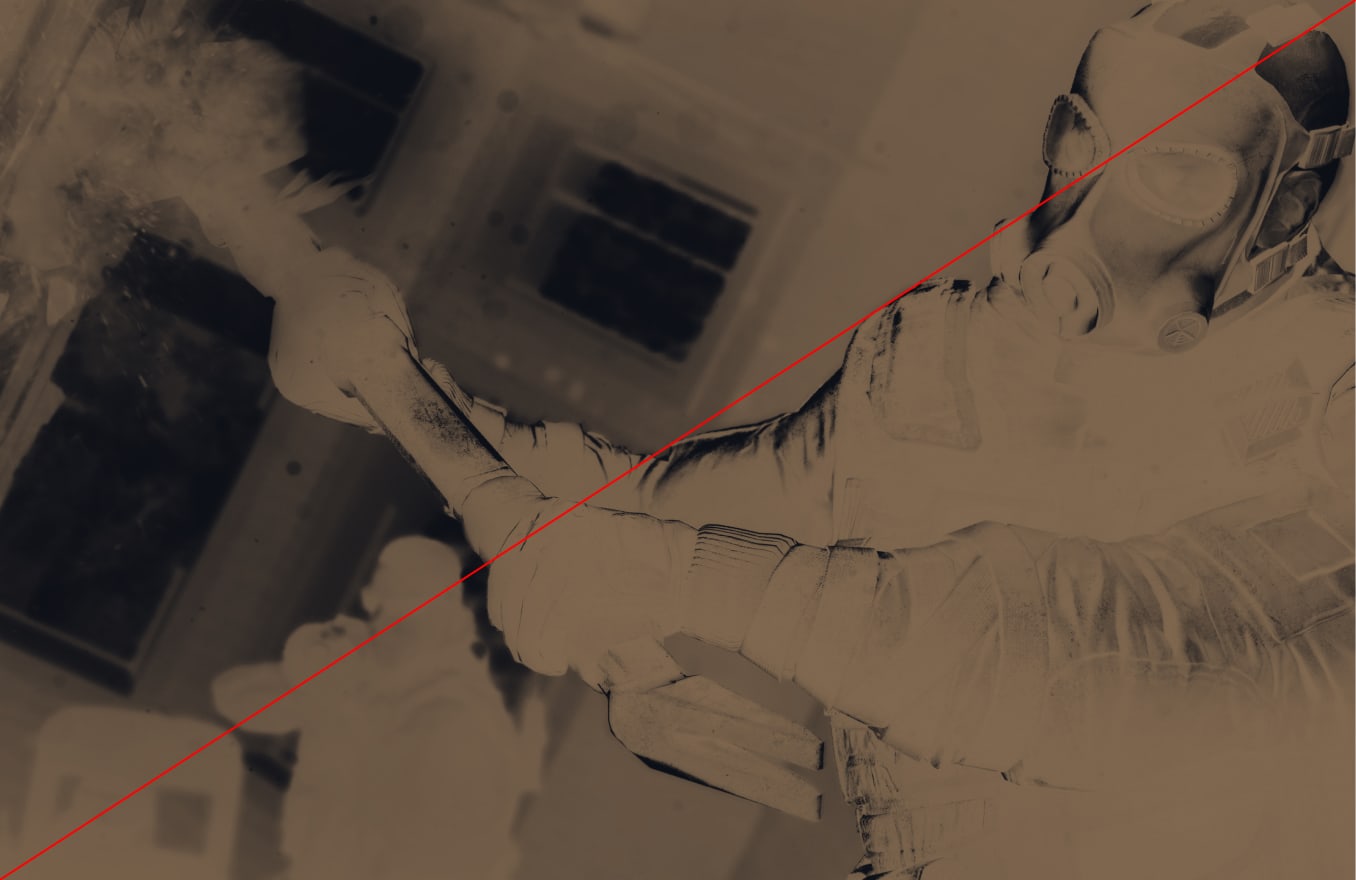
Follow these steps in Adobe photoshop to ensure that we build our Action Art Direction effectively, maintaining consistent and impactful shots throughout.
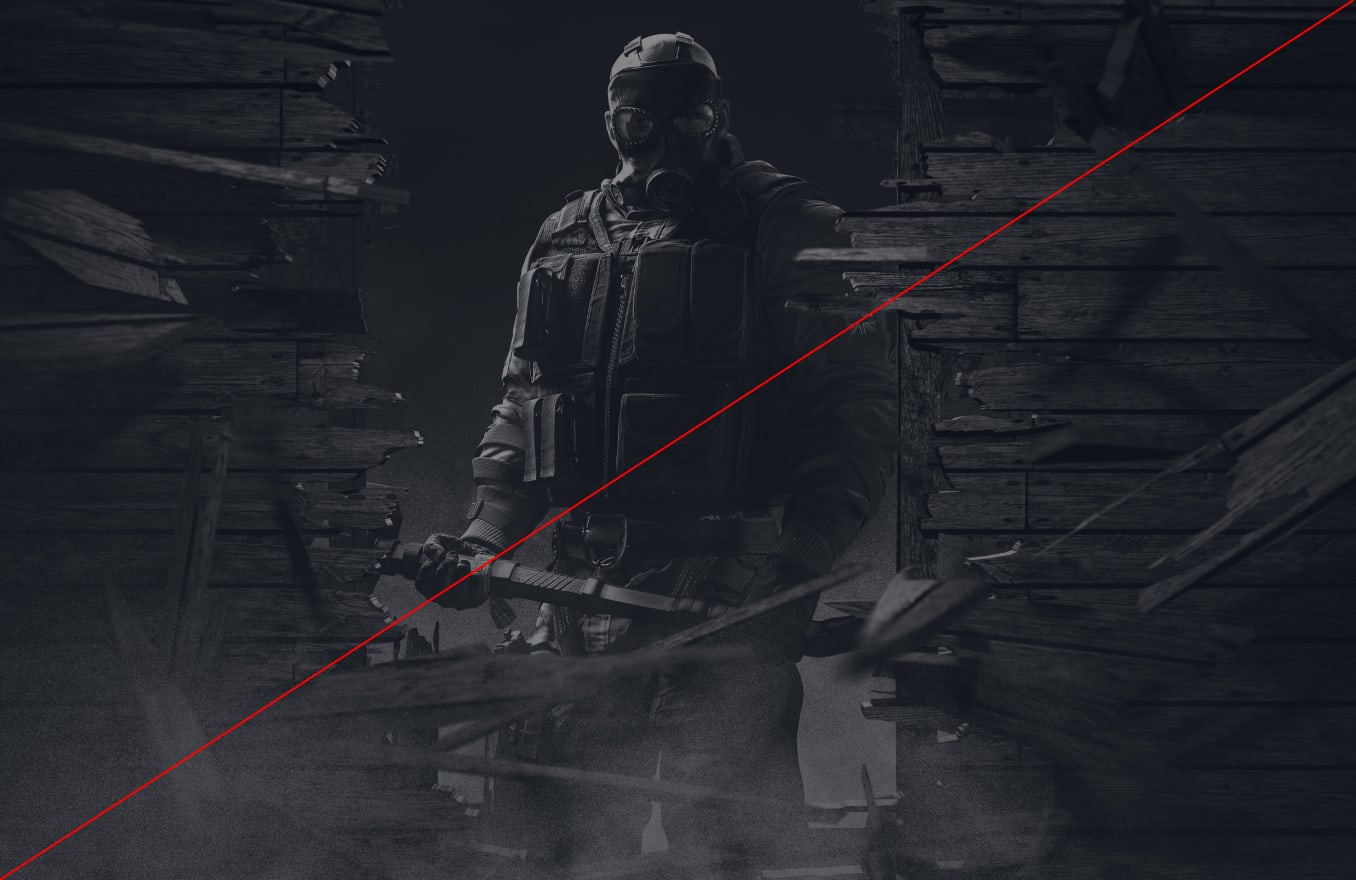
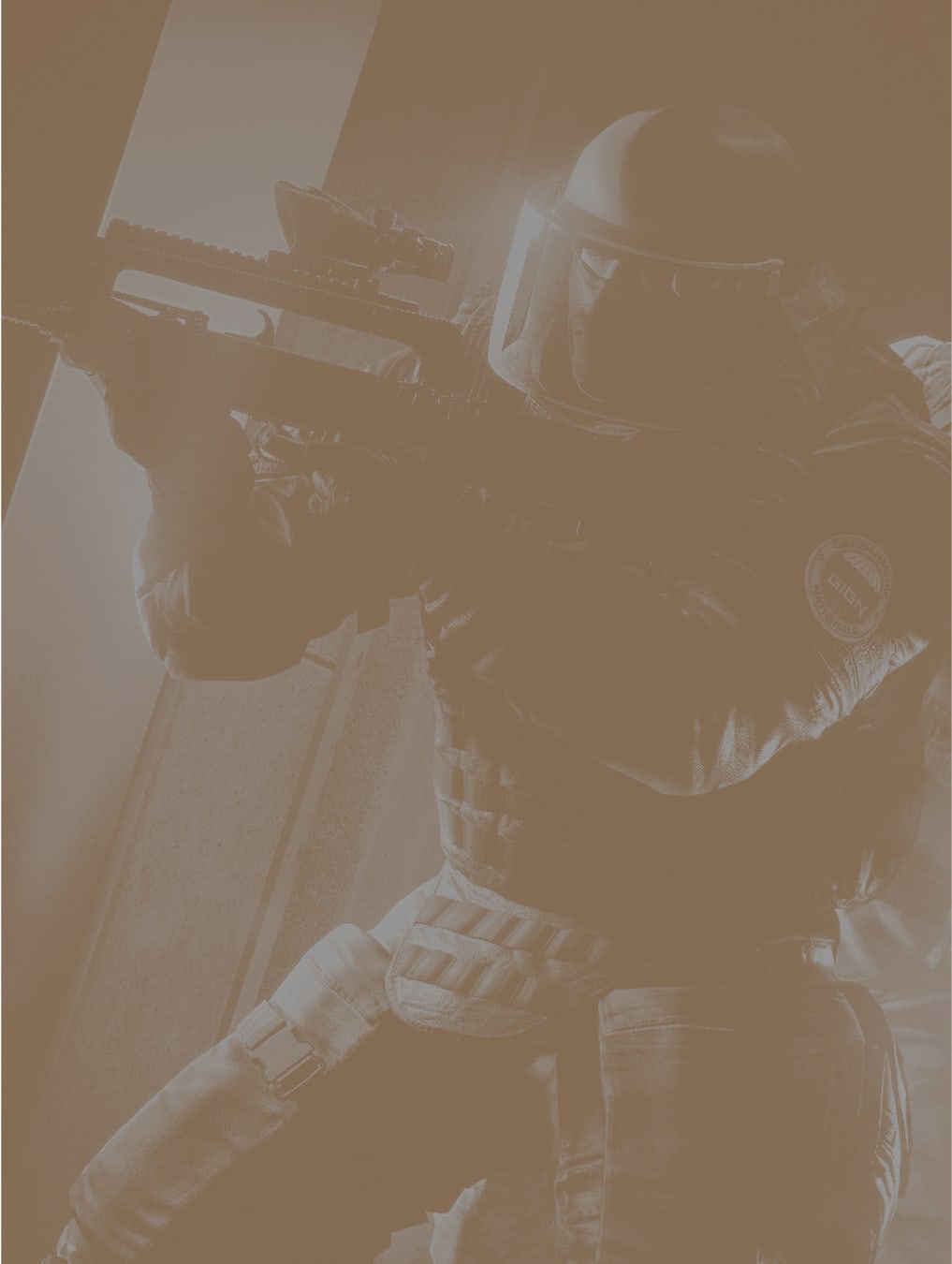
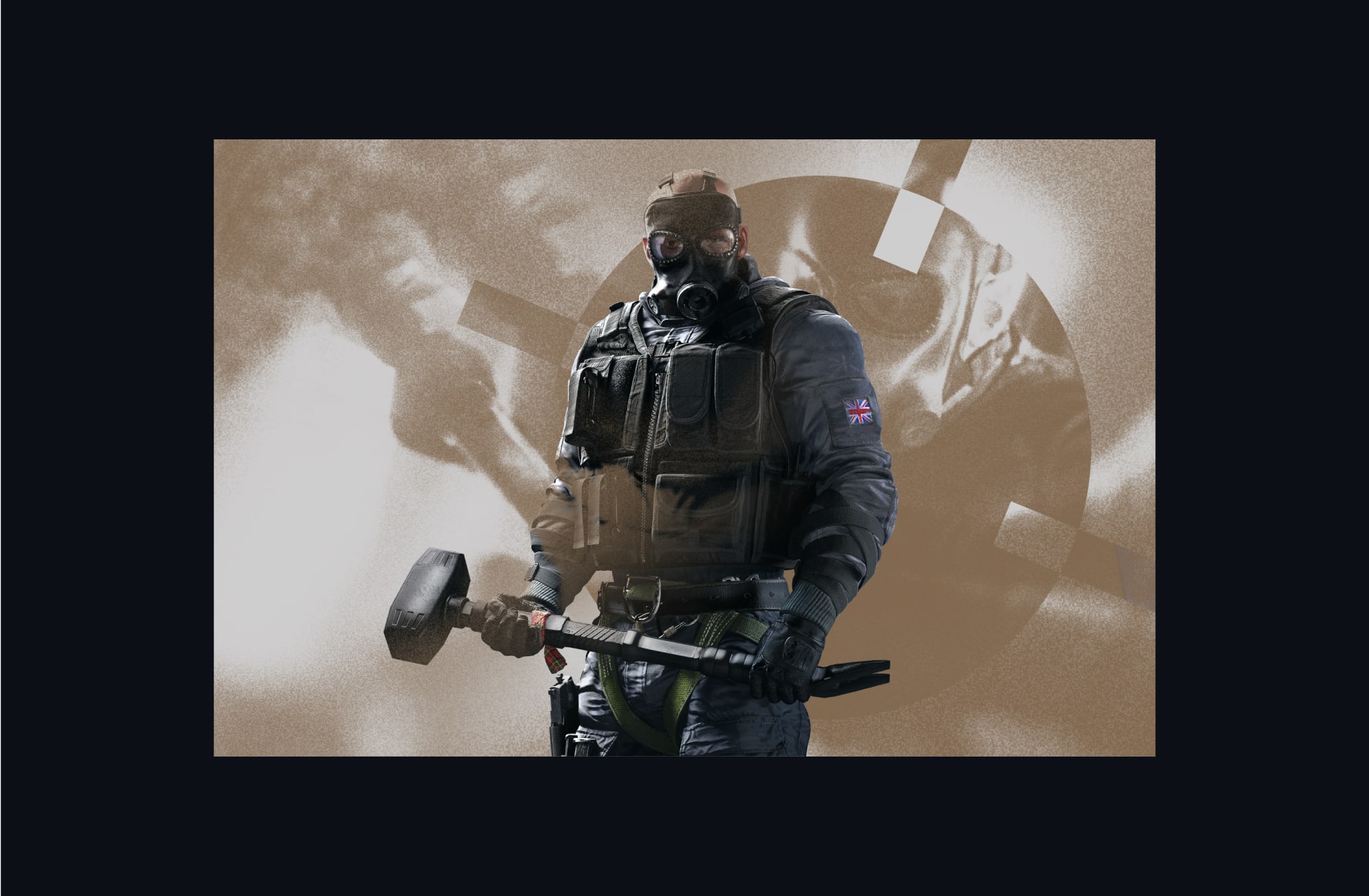
Our operators demand a presentation that is bold and empowering, capturing their essence with commanding presence. Their posture should convey a sense of poised anticipation.
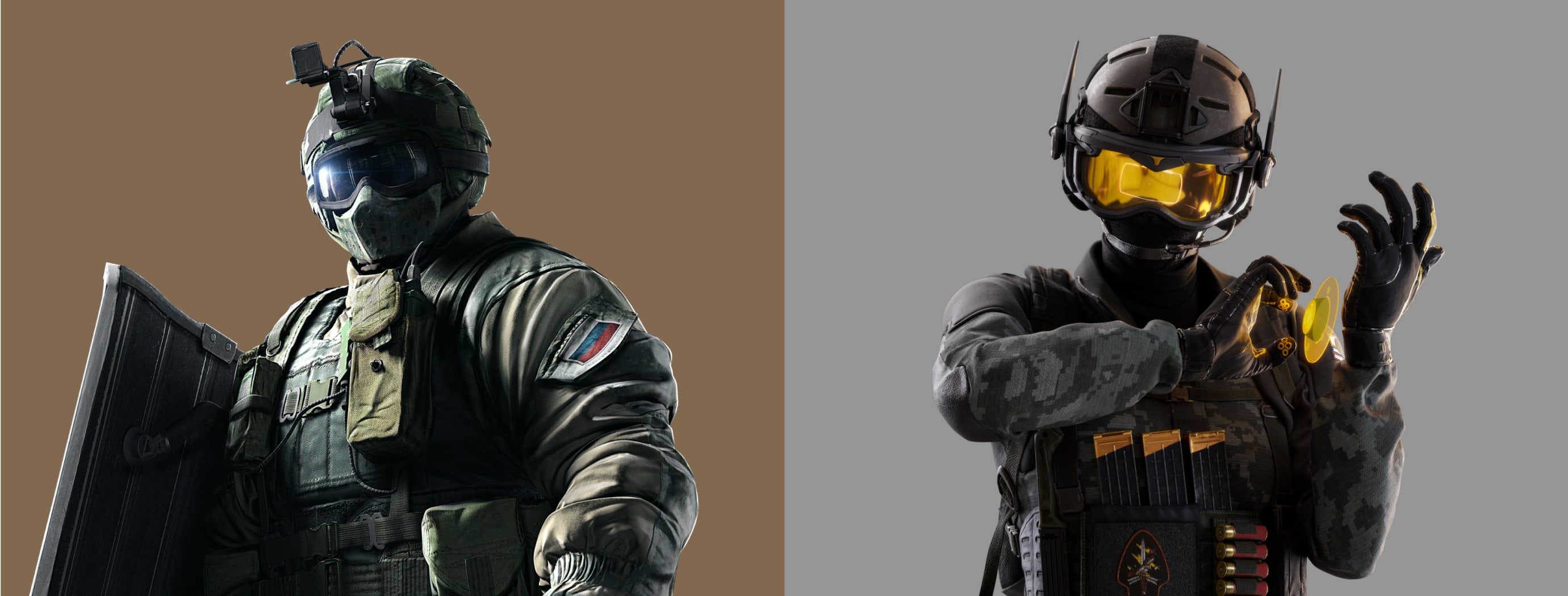
Our operators demand a presentation that is bold and empowering, capturing their essence with commanding presence. Their posture should convey a sense of poised anticipation, embodying a momentary pause amidst the action, evoking both strength and readiness.
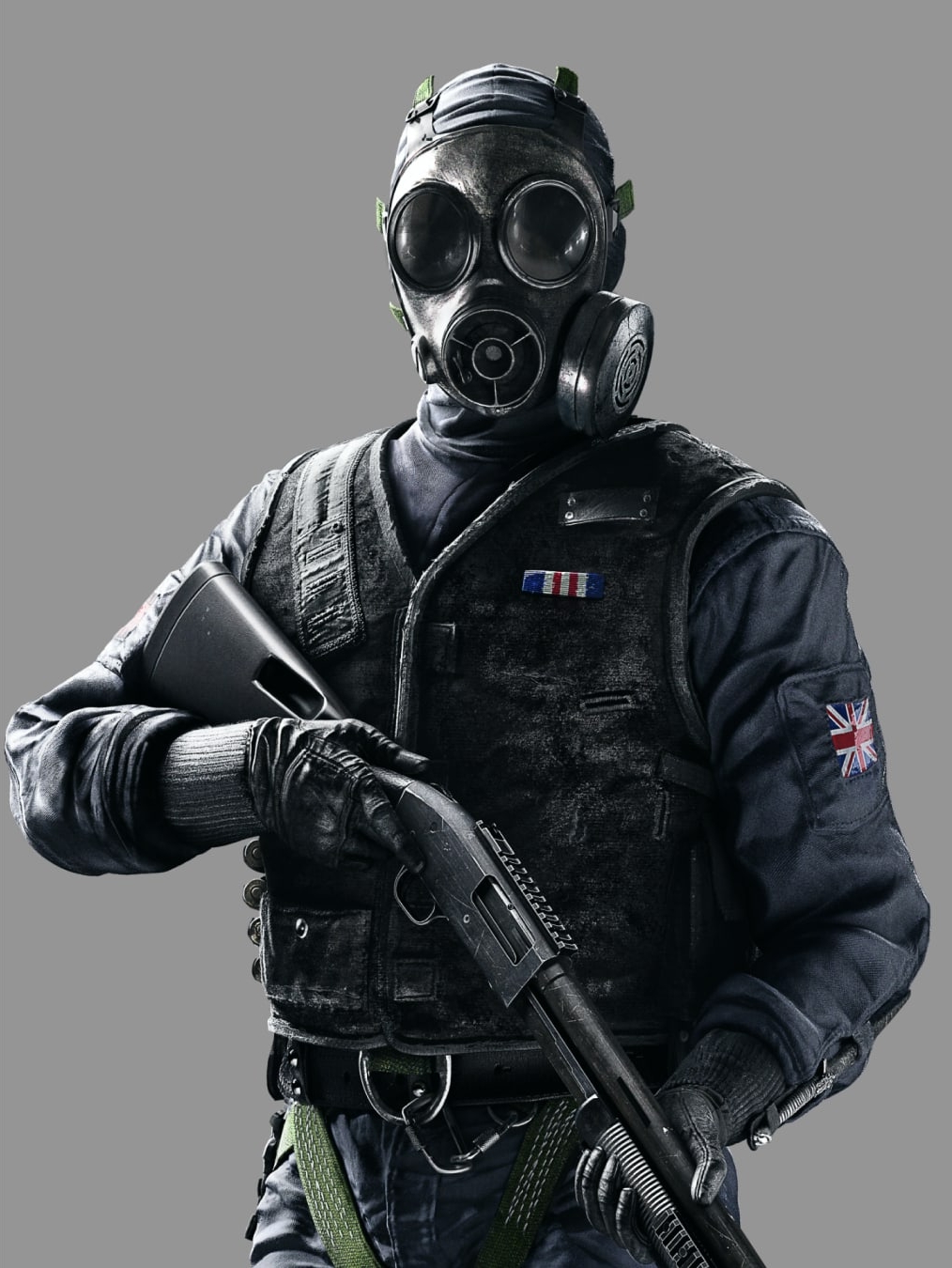
We add a colour from our Franchise palette as a background for our operators.
The operators pose should be one of confidence and command, a moment of pause within battle.
Shots of operators should be 3/4 length, focussing on the operators weapon and expression.
The operators weapon should always be in shot.
When communicating our game titles, it's essential to utilise appropriate key art and visuals, which should not be altered or modified in any way.
To learn more about the Art Direction from our Games please refer to the Siege Art Direction Section and Tactics Art Direction Section.
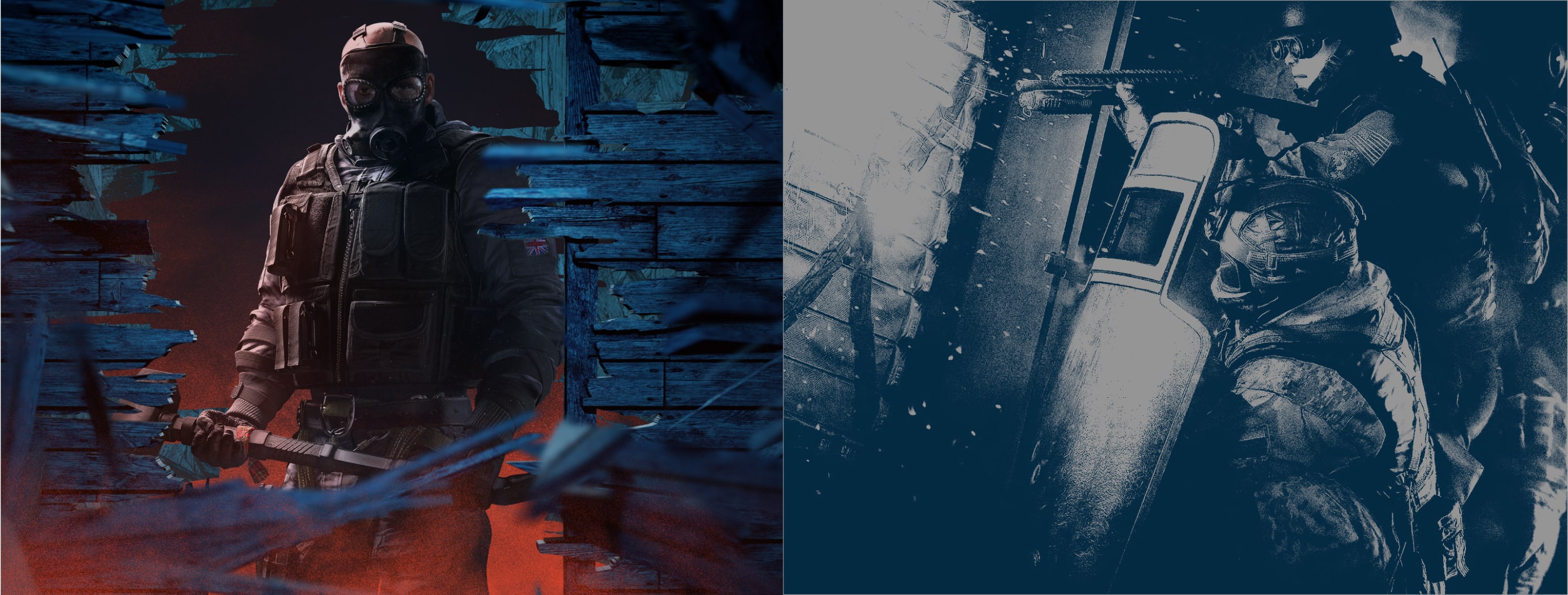
Here is an example of how we can use our Environment art direction within a layout. Here it used as a background to add context to our operators and scopes.
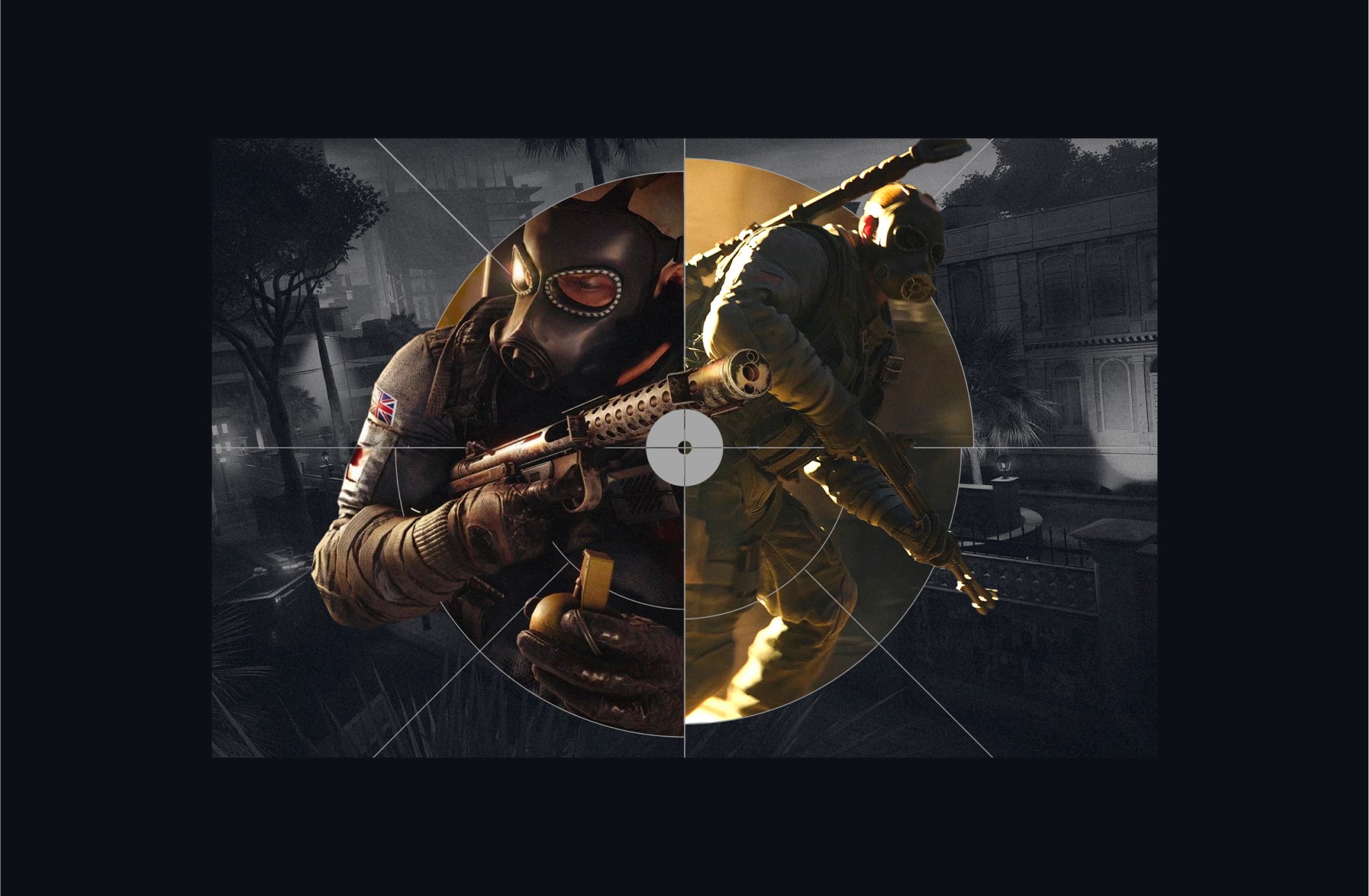
Here is an example of how we can use our Action art direction within a layout. Here it is used with our treatment to add dynamic texture to our layout.
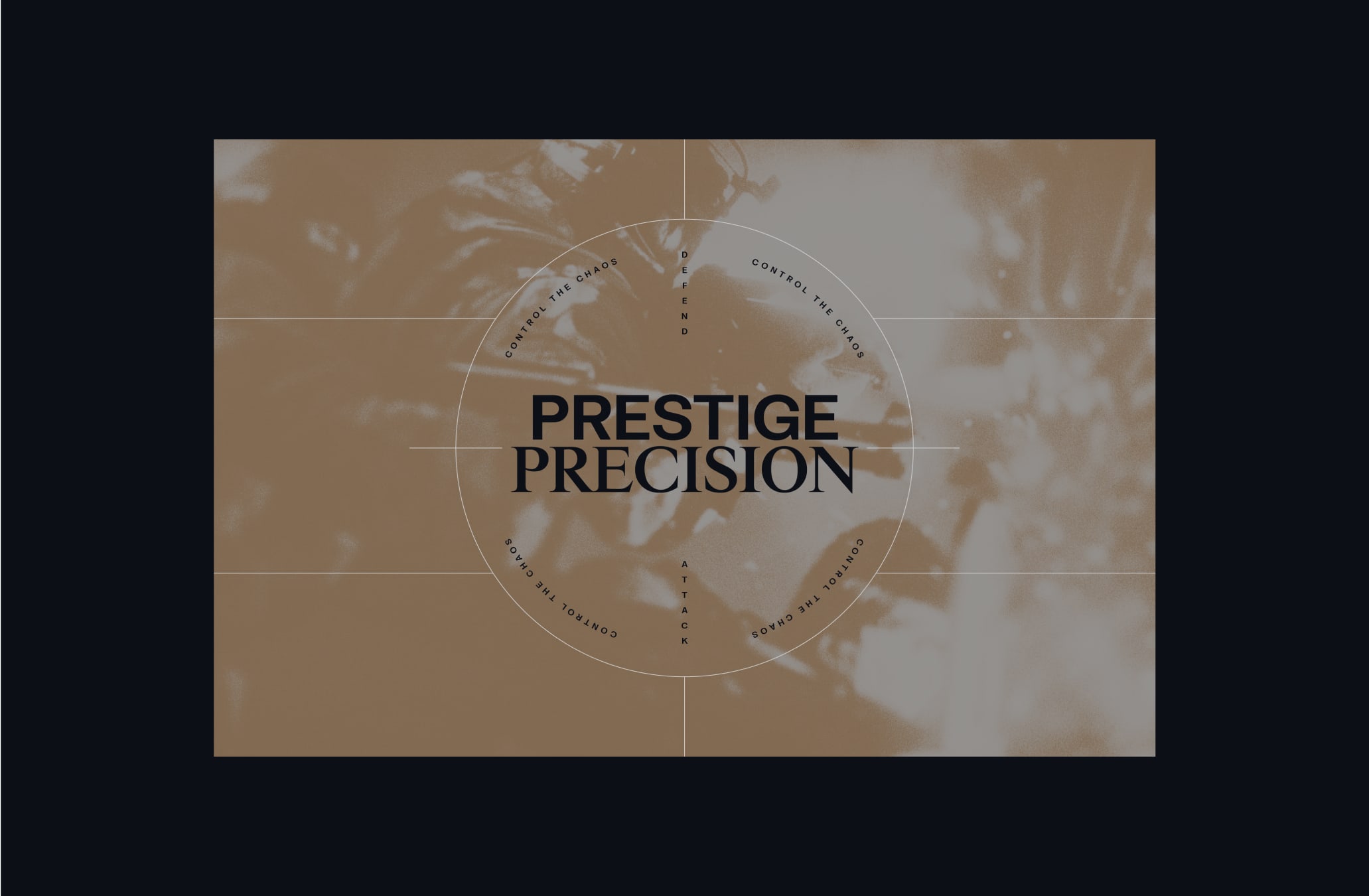
Here is an example of how we can use our Operator art direction within a layout. Here it used to add contextual backstory imagery to our layout.
Make sure to follow this guidance to ensure our Art Direction system is used correctly in all formats and applications.