04
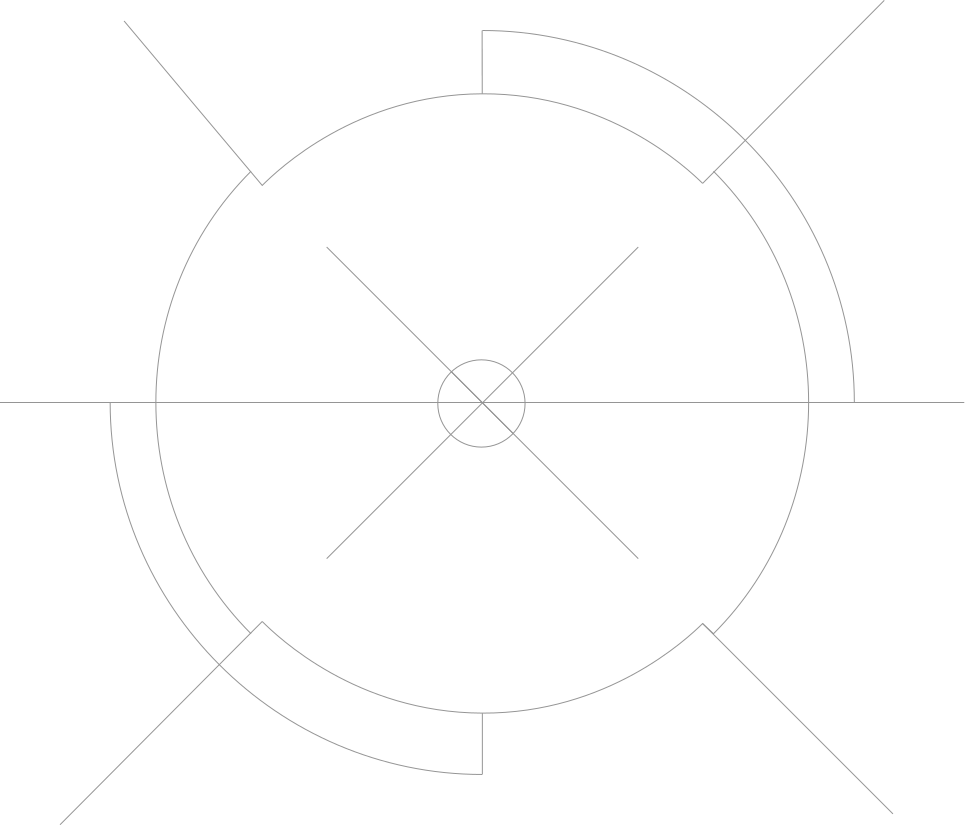
Central to our design system is our scope language. They represent the focus, accuracy and tactical skillsets present within our games.
Our art direction and typography integrate seamlessly with these scopes, creating strong narrative and striking applications.
Please visit our Downloads Centre to access all Scope assets.
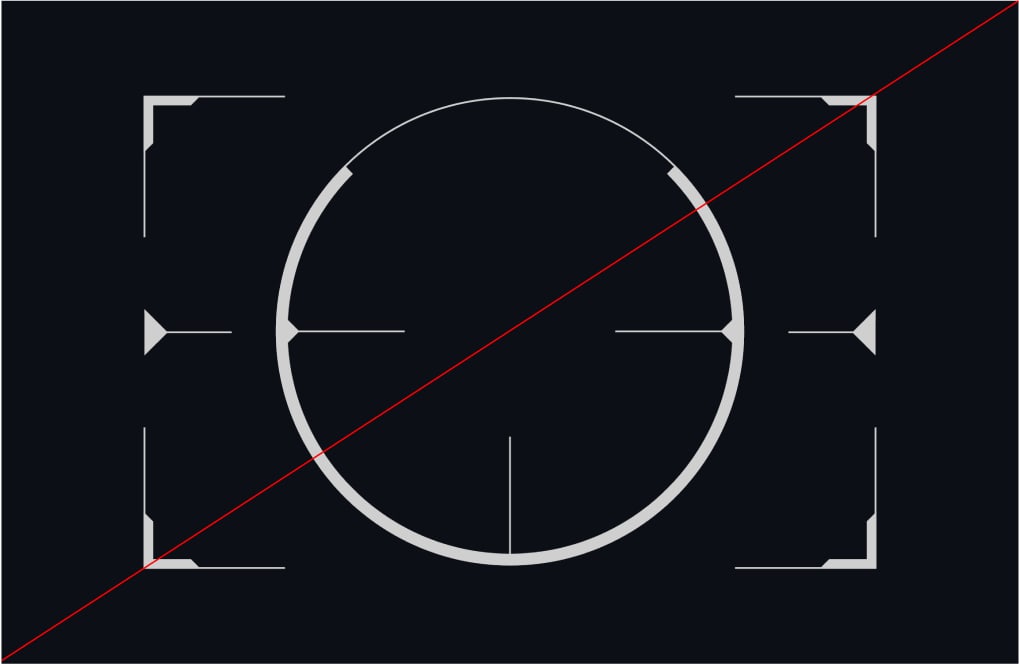
Our scope language is divided into four categories of scopes, each illustrating key themes associated with the Franchise. Each category of scopes flexes from quiet to loud, from simple keylines to solid graphics.
Prestige speaks to the elitism of our operators.
Impact is about the action and destruction.
Precision illustrates the quiet and focused moments.
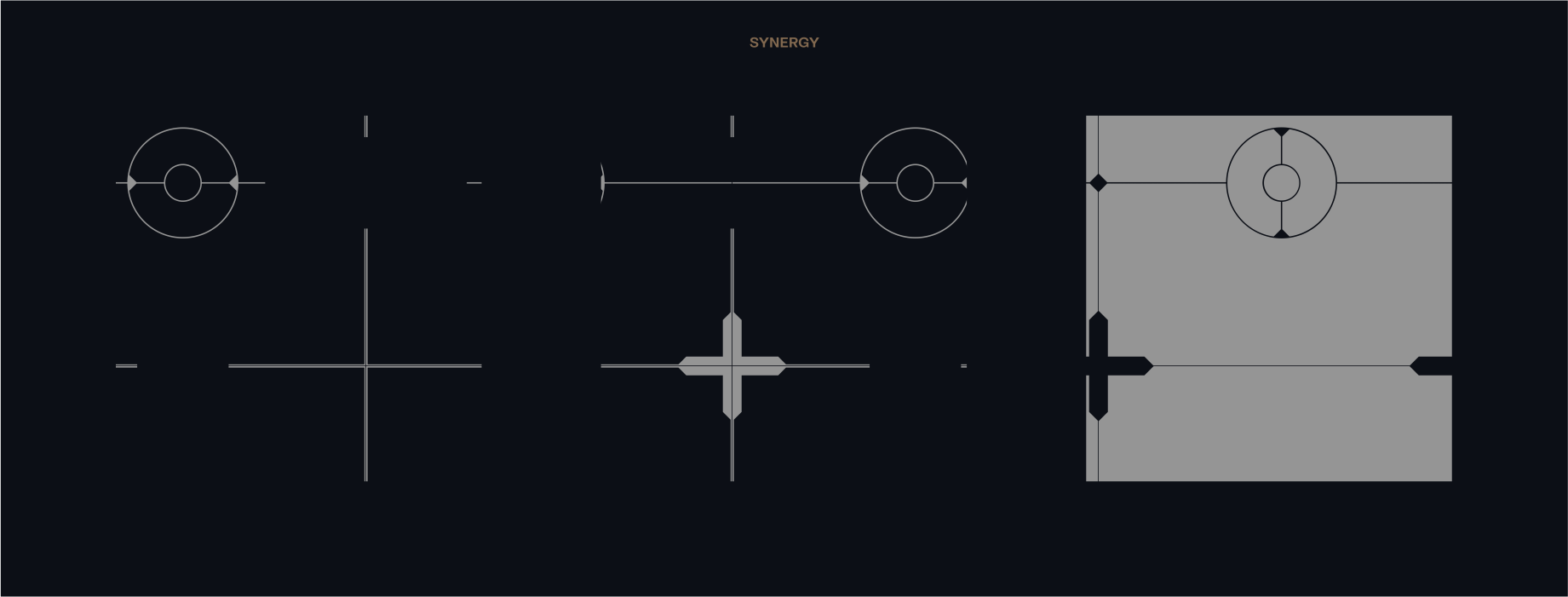
Synergy represents the units and the teamwork.
Please visit our Downloads Centre to access all Scope assets.
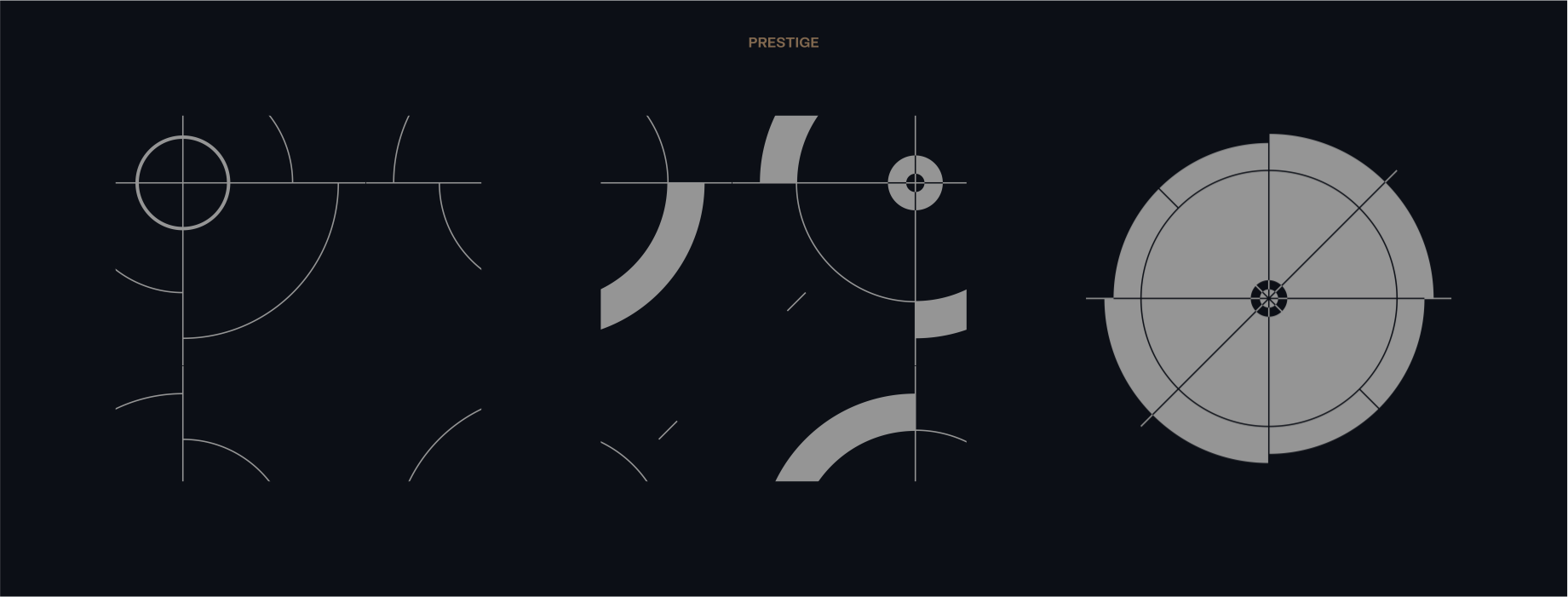
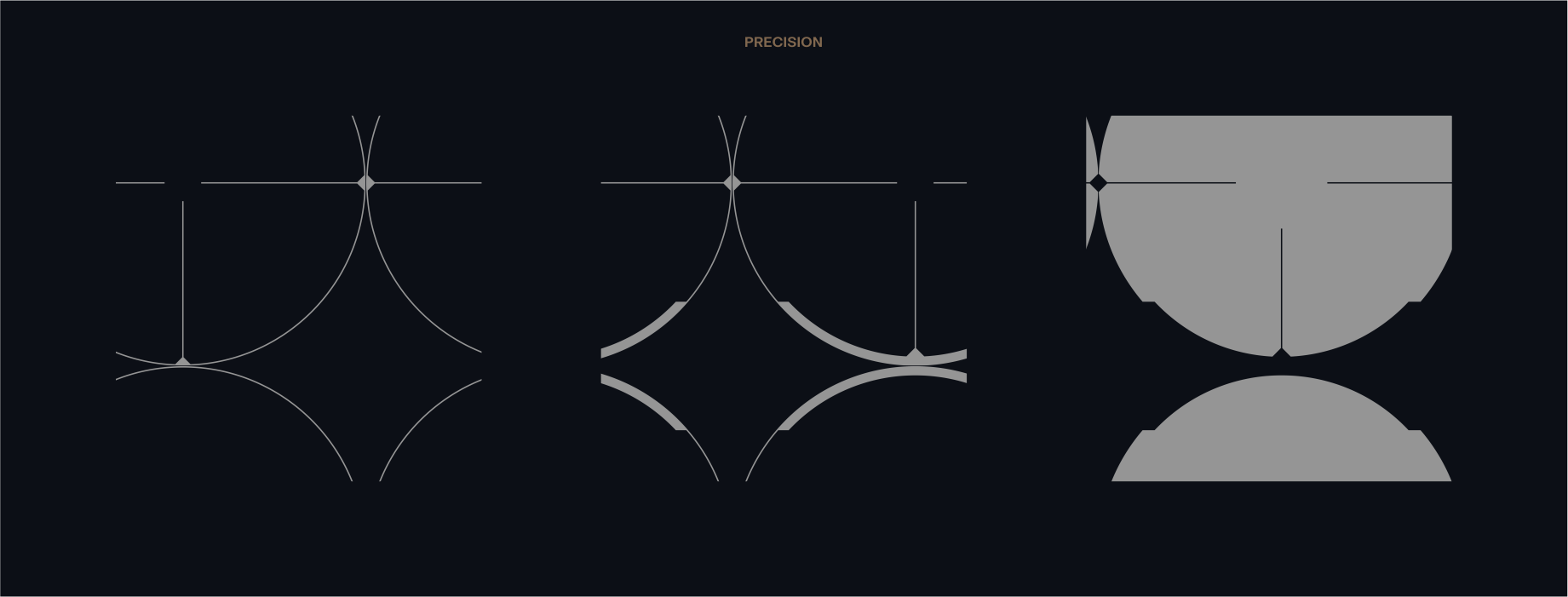
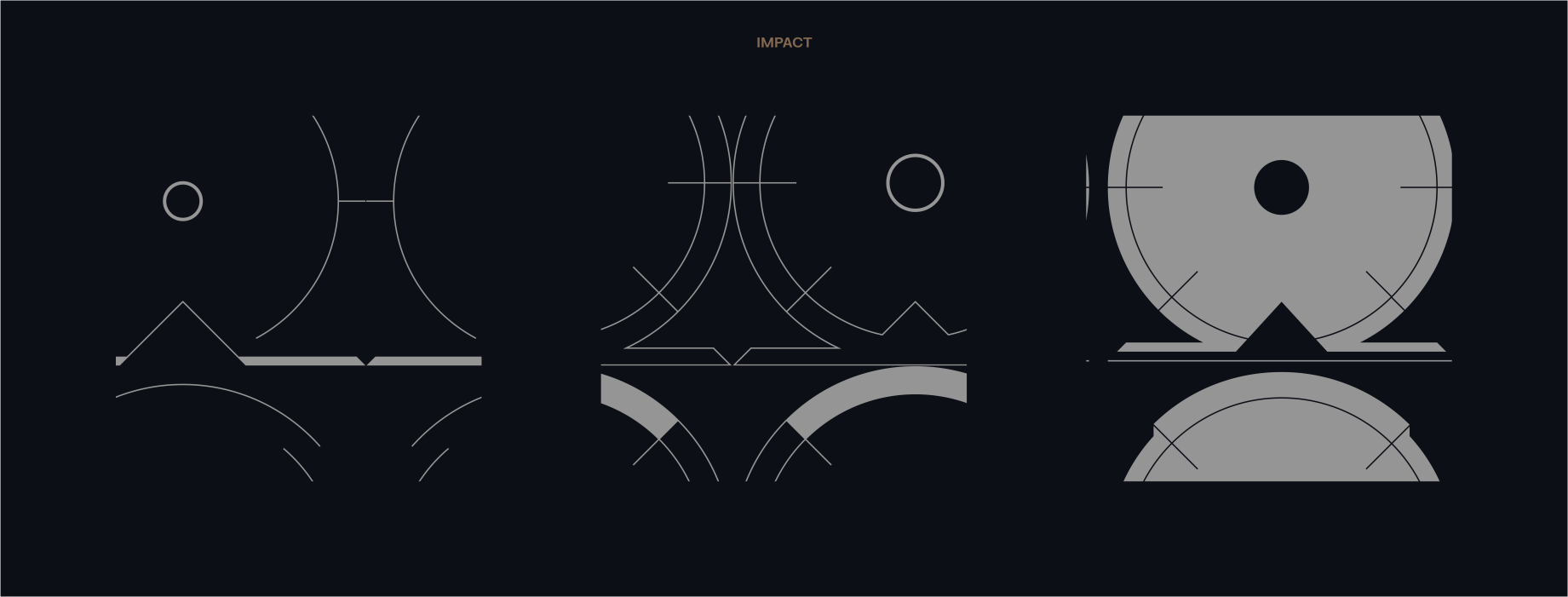
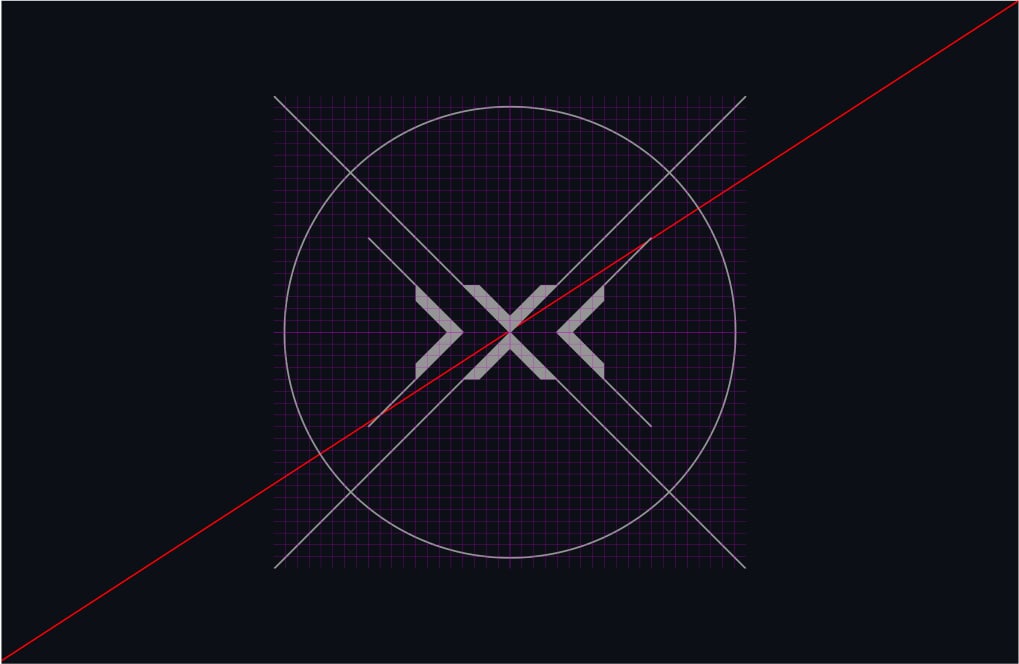
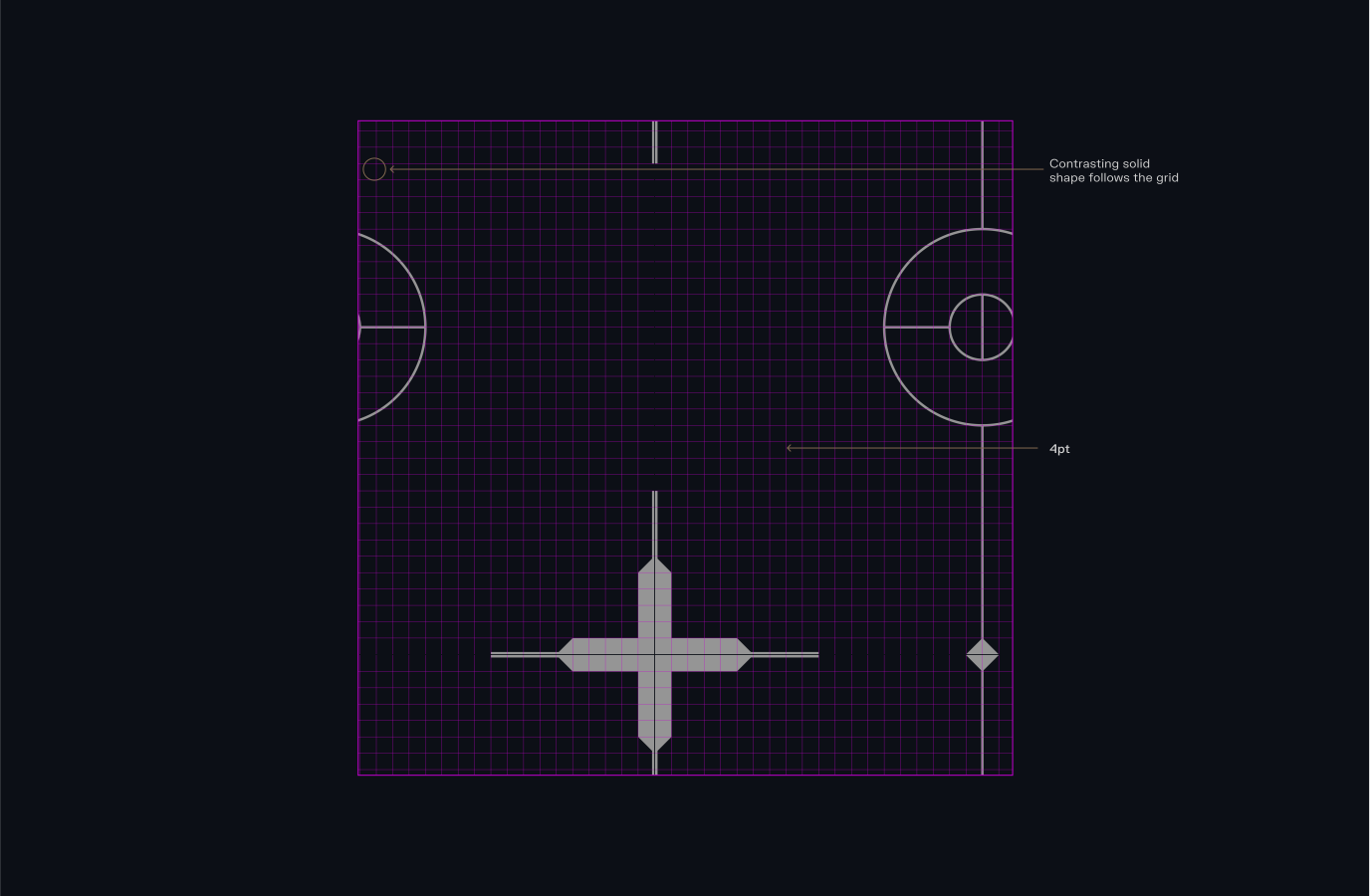
Our Scopes are built on a 1080x1080px format, using a 40x40 grid. The overall line weight is 4pt, but we can use 10pt to create slight contrasts on the simple Scopes. Solid shapes can then be built following the grid.
Ensure consistency and legibility in our scopes by adhering to this guidance during creation.
Please visit our Downloads Centre to access all Scope assets.
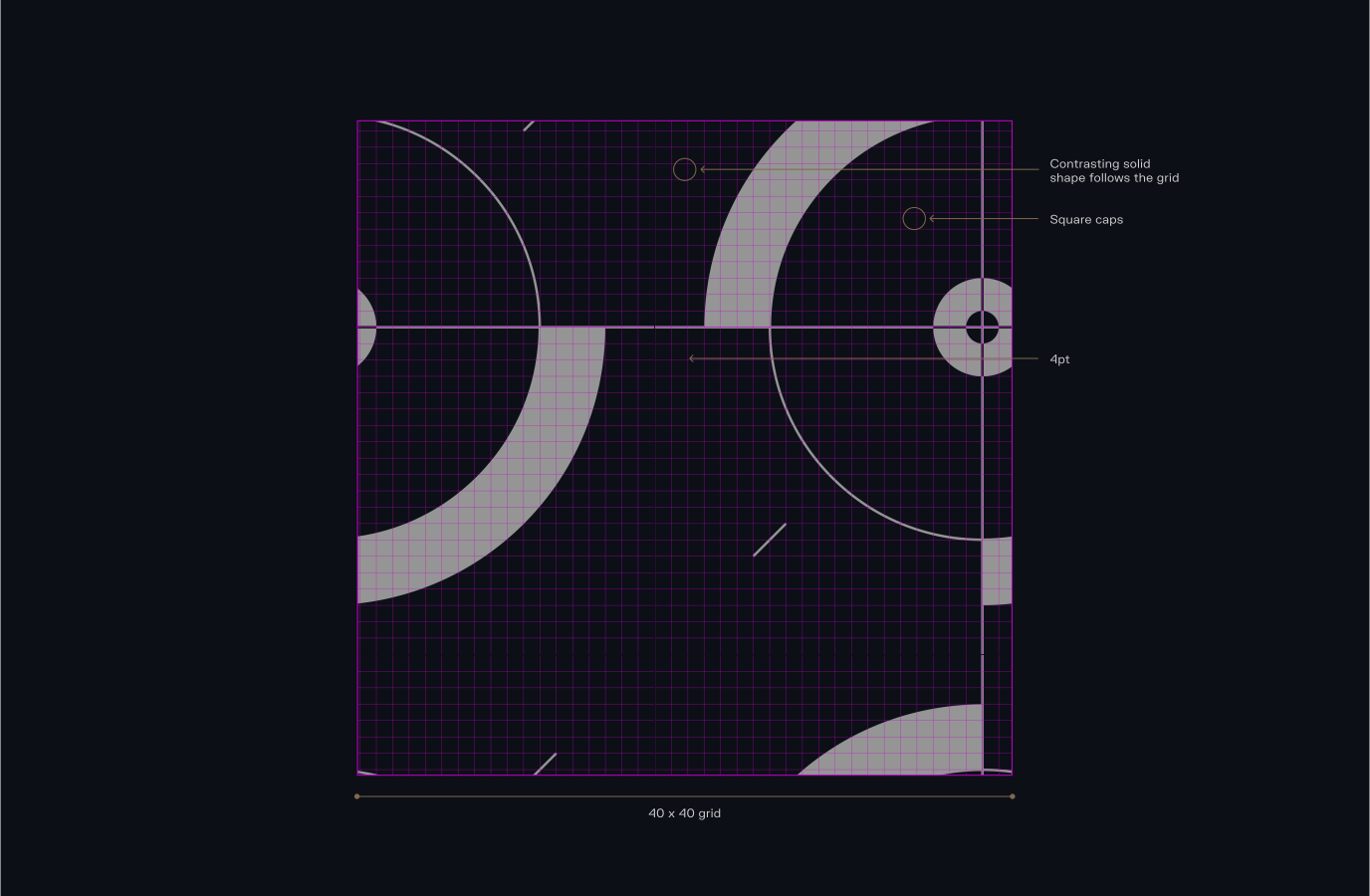
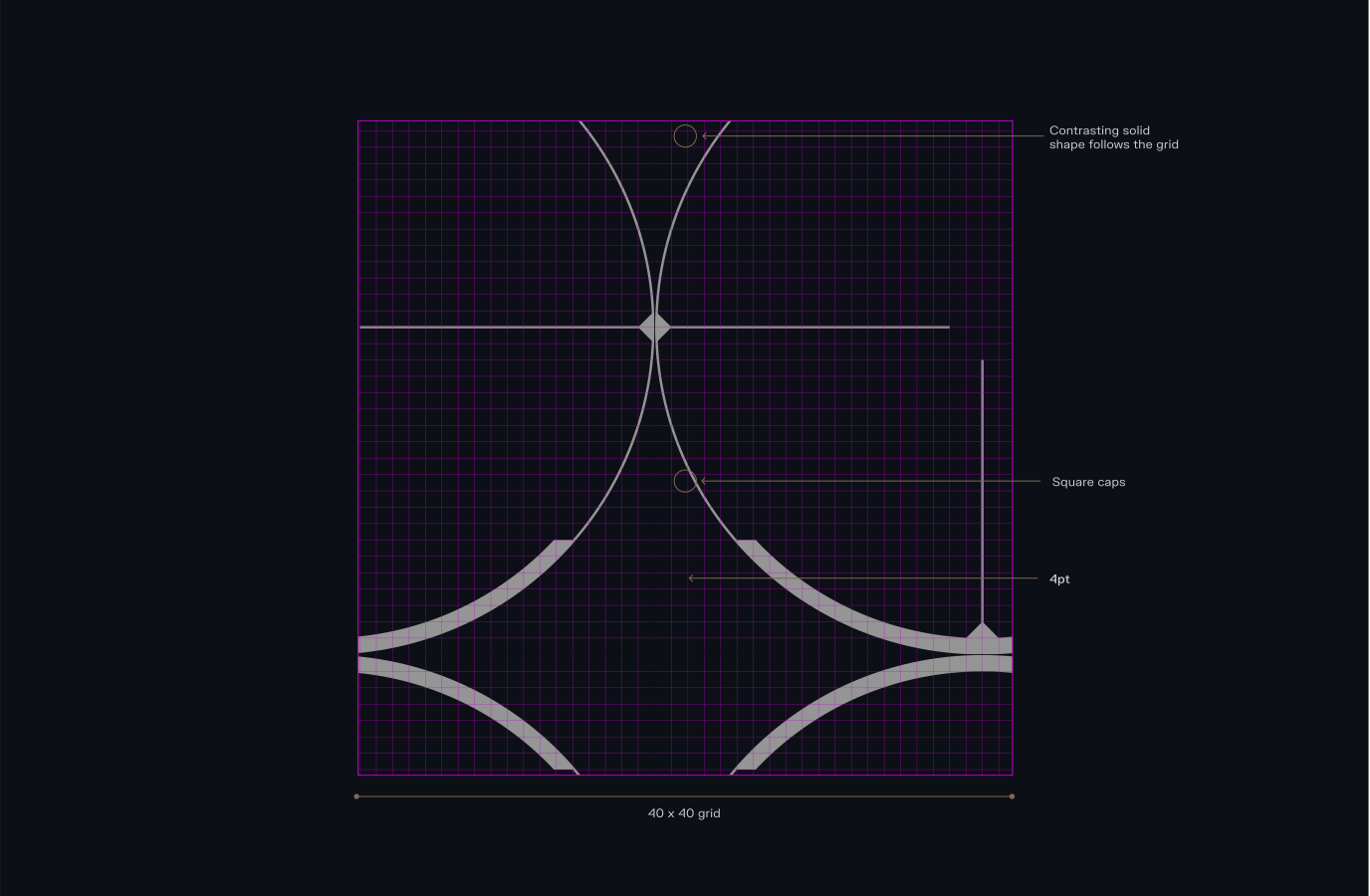
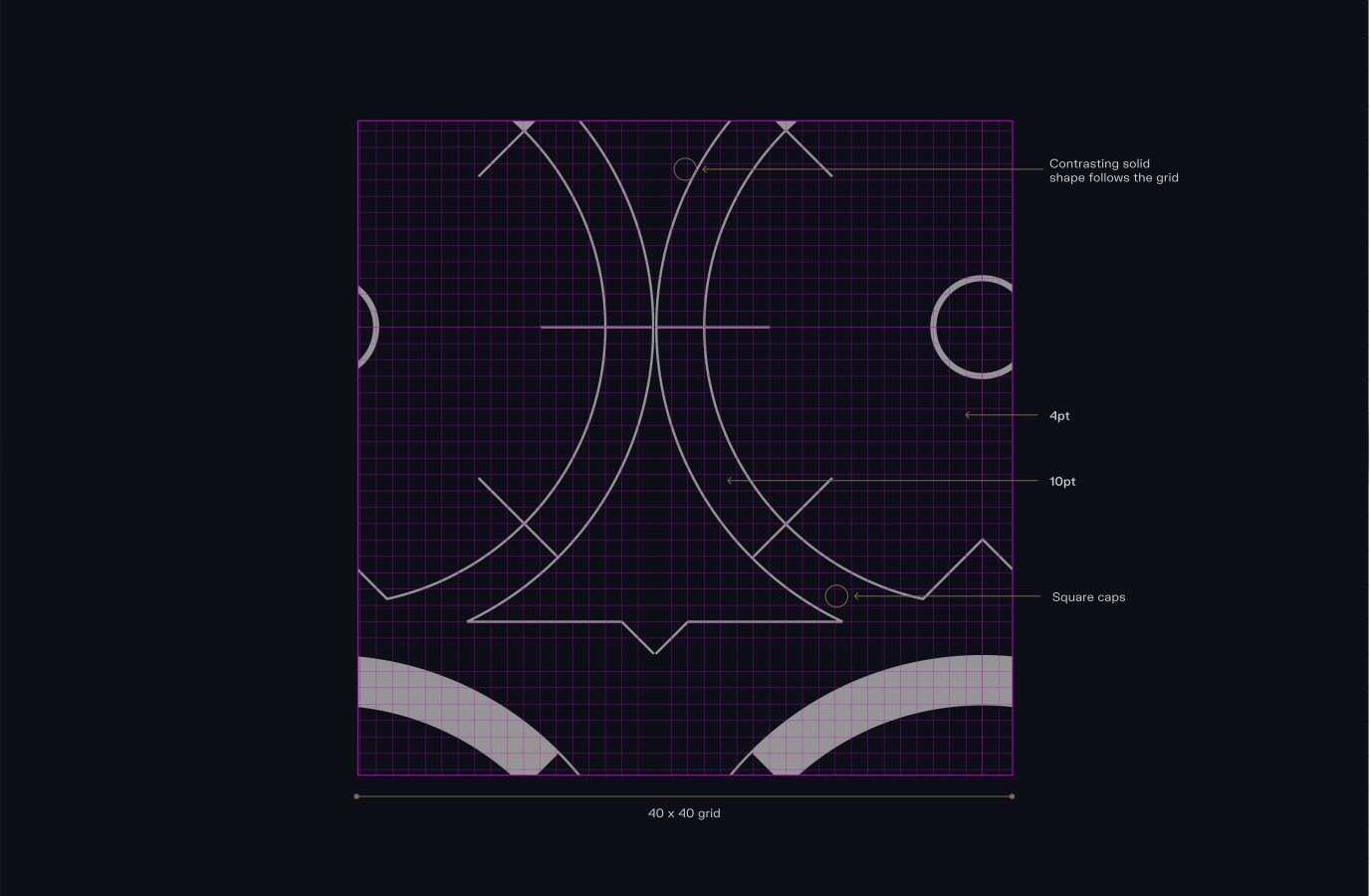
Each category has flexibility in its style, allowing us to create a myriad of scopes around the same theme. By maintaining the same base, adding or removing details, increasing sizes, and filling shapes, we can create a large variety of scopes.
This enables us to work with a large array of scopes, keeping our layouts distinct and varied.
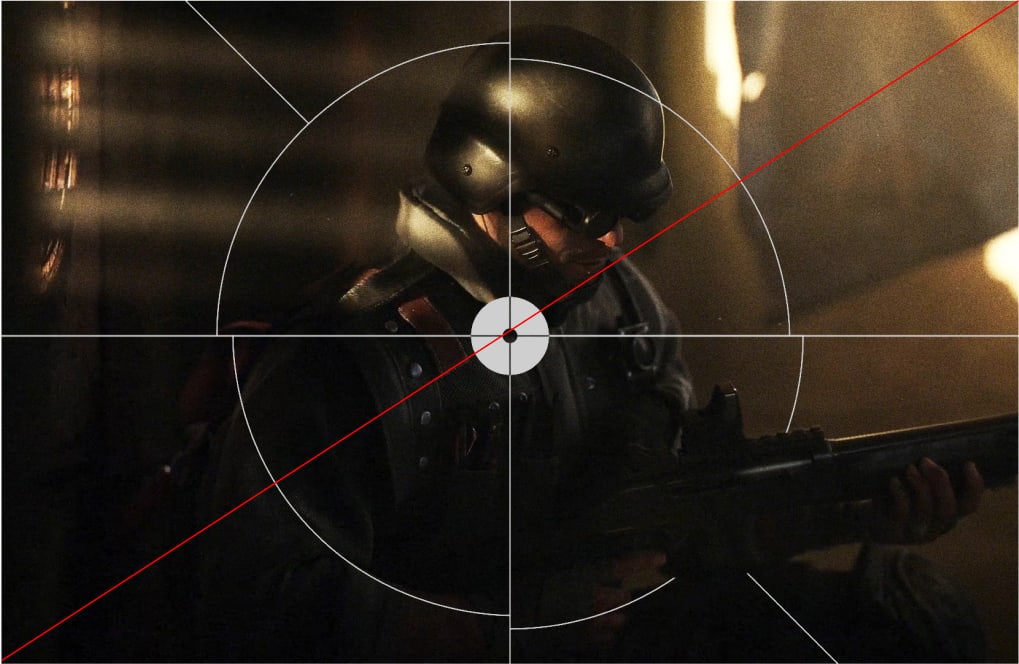
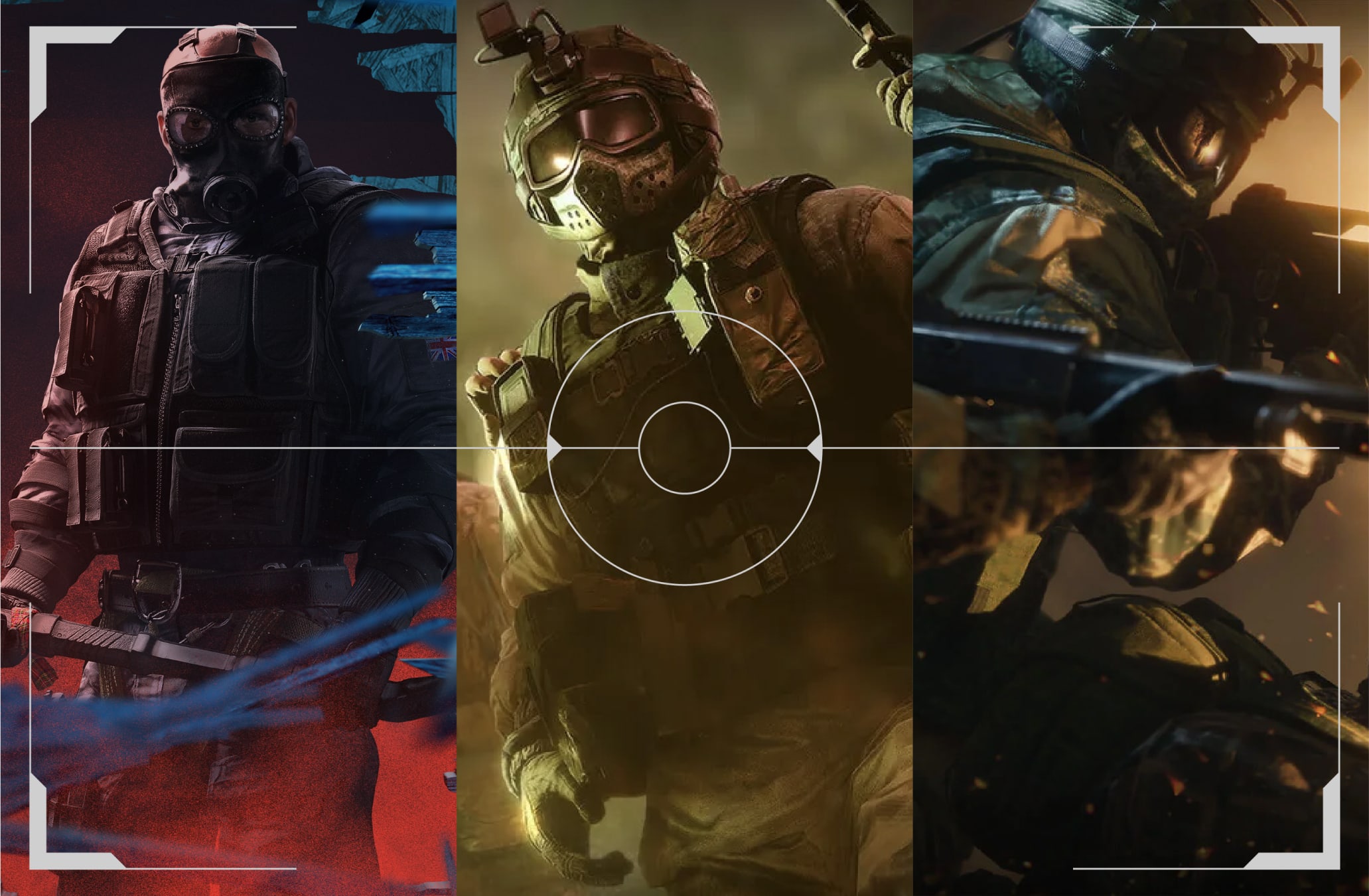
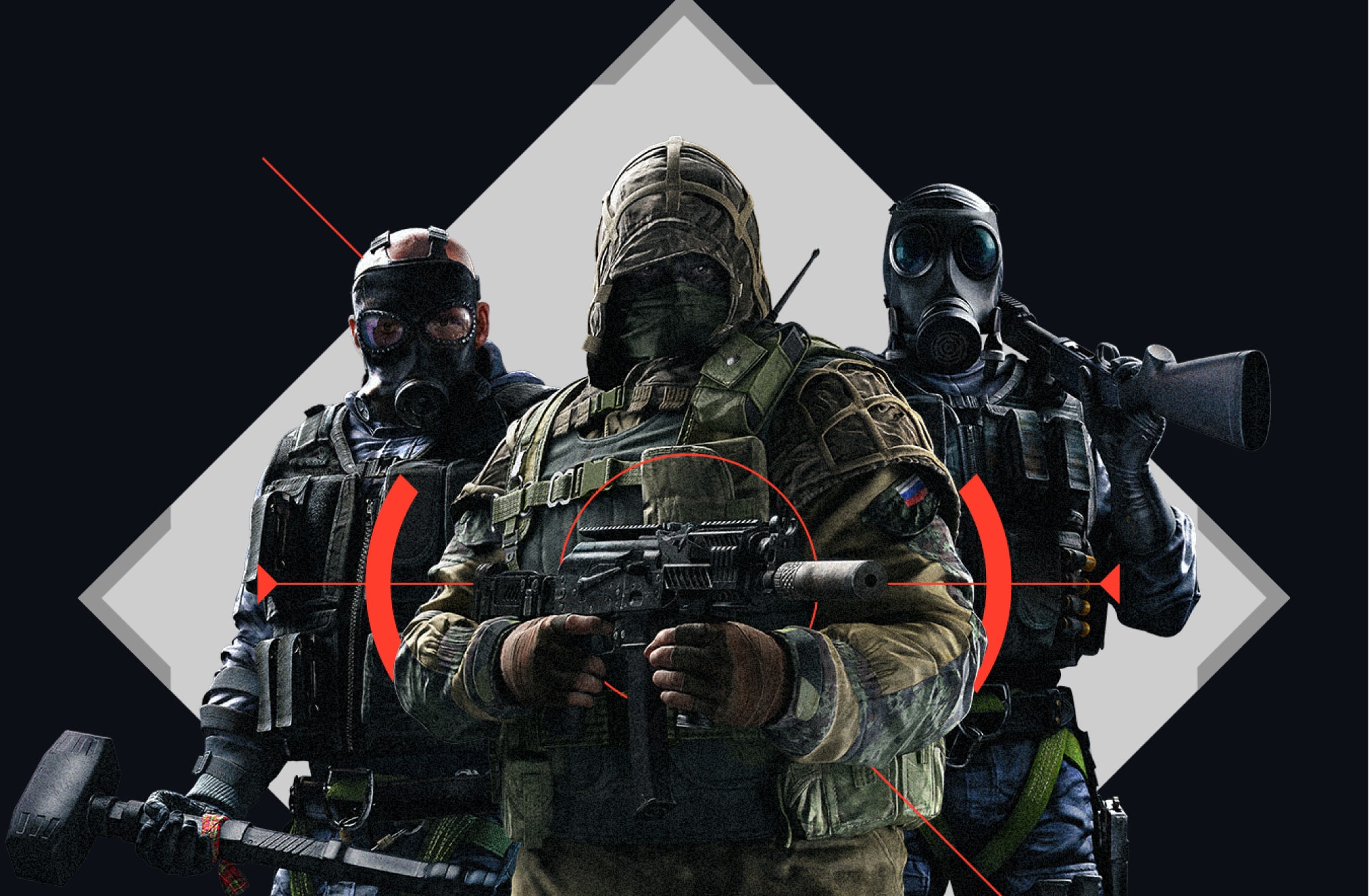
It's best practice to avoid placing solid crosslines over operators to prevent them from resembling targets. This helps maintain clarity in the design and avoids any unintended connotations, ensuring the operator remains distinct and easily identifiable.
Please visit our Downloads Centre to access all Scope assets.
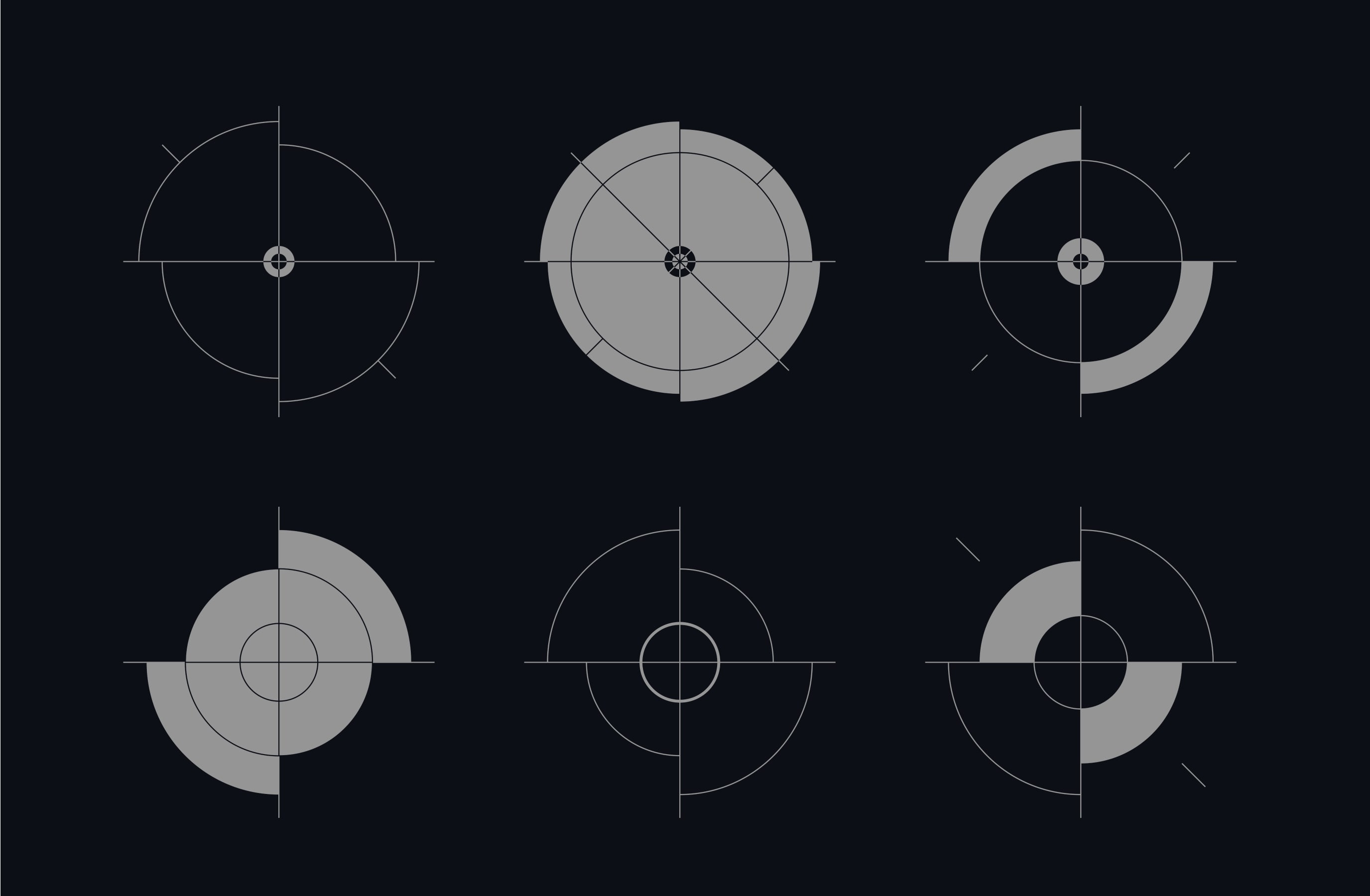
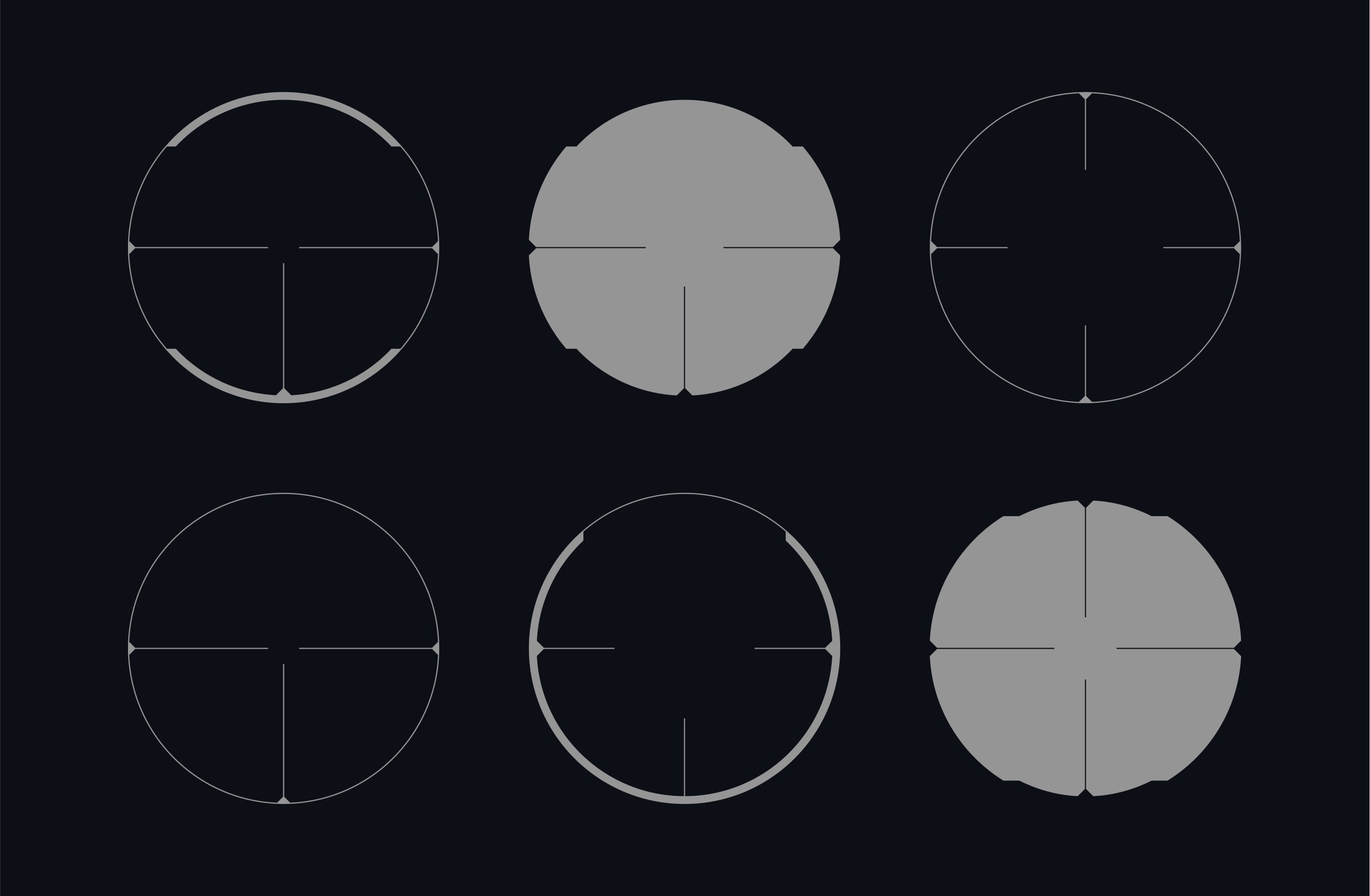
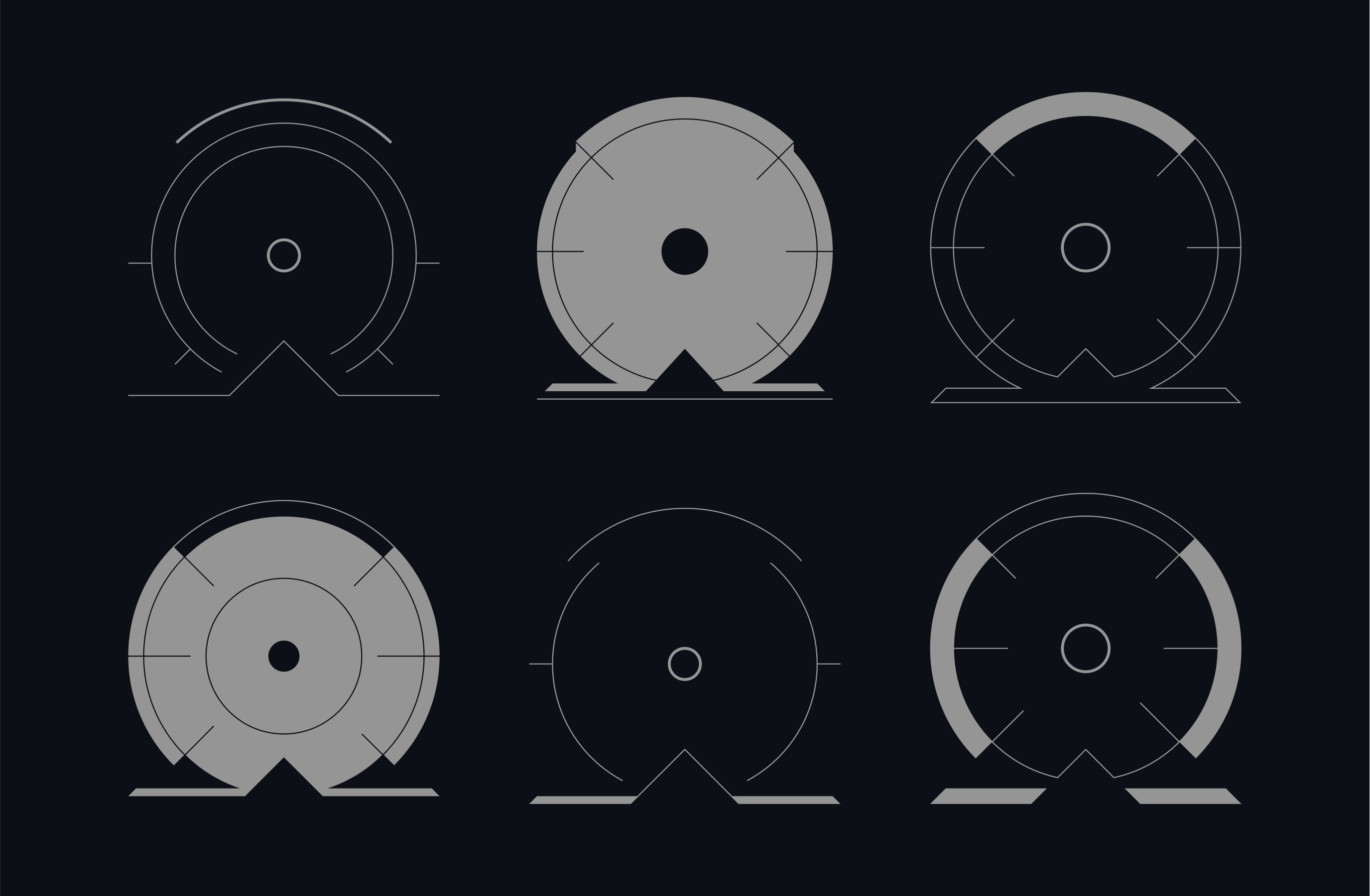
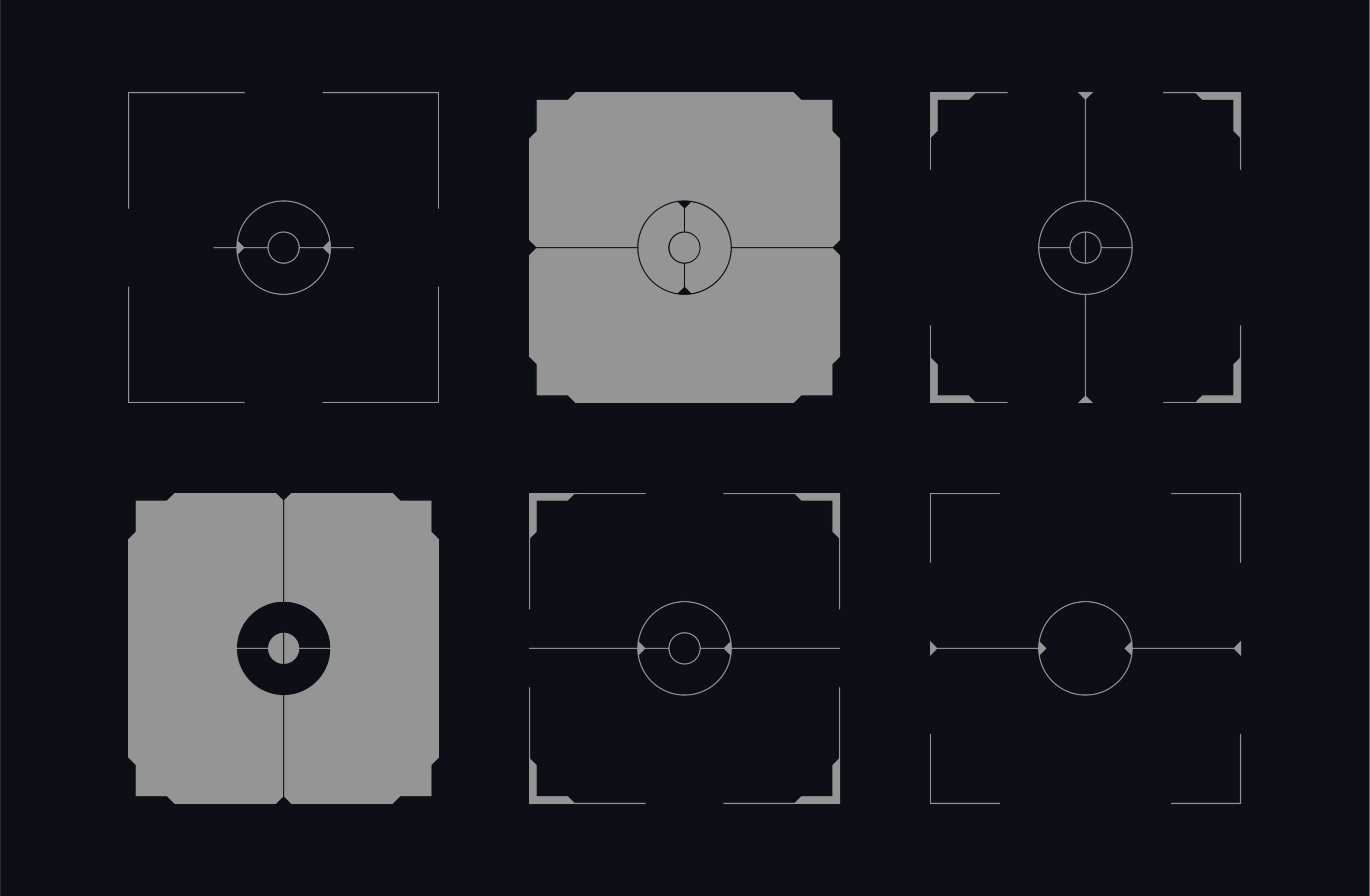
Each category of scopes flexes from simple keylines, to solid shapes, to full expressive patterns. This gives us a lot of variety to work with and allows us to easily pair art direction with scopes, choosing from the most appropriate style for the layout and context.
It's best practice to avoid placing solid crosslines over operators to prevent them from resembling targets. This helps maintain clarity in the design and avoids any unintended connotations, ensuring the operator remains distinct and easily identifiable.
Keyline scopes are a simple and impactful additional layer of narrative to integrate to an image.
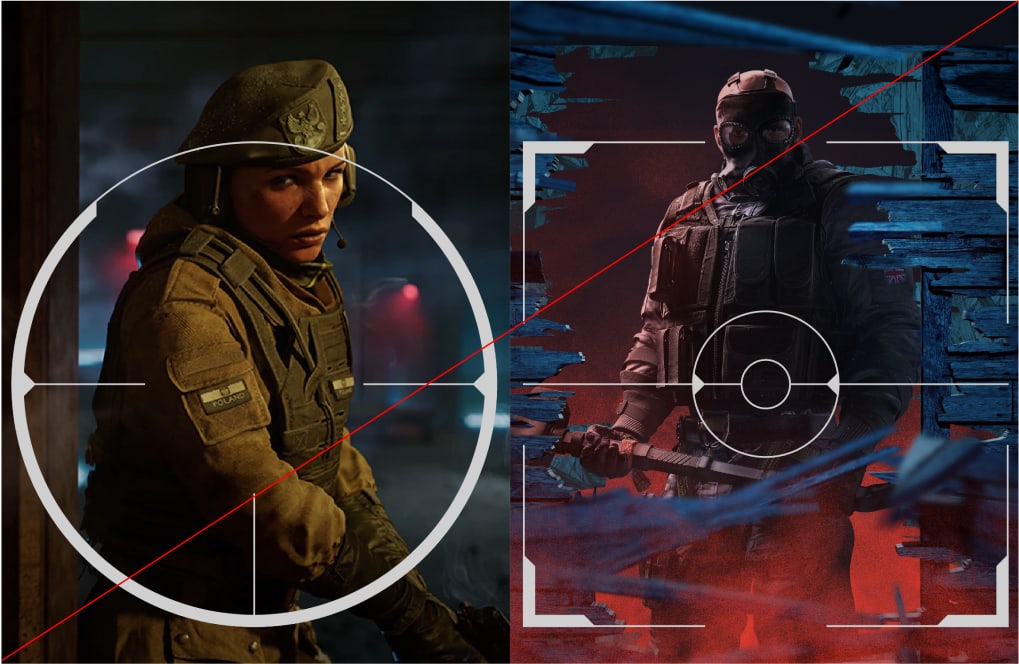
Solid scopes can serve as framing devices for one or more images, making them an effective style for cross-game communications.
Patterns can be used as striking and bold backgrounds to our operators.
Please visit our Downloads Centre to access all Scope assets.
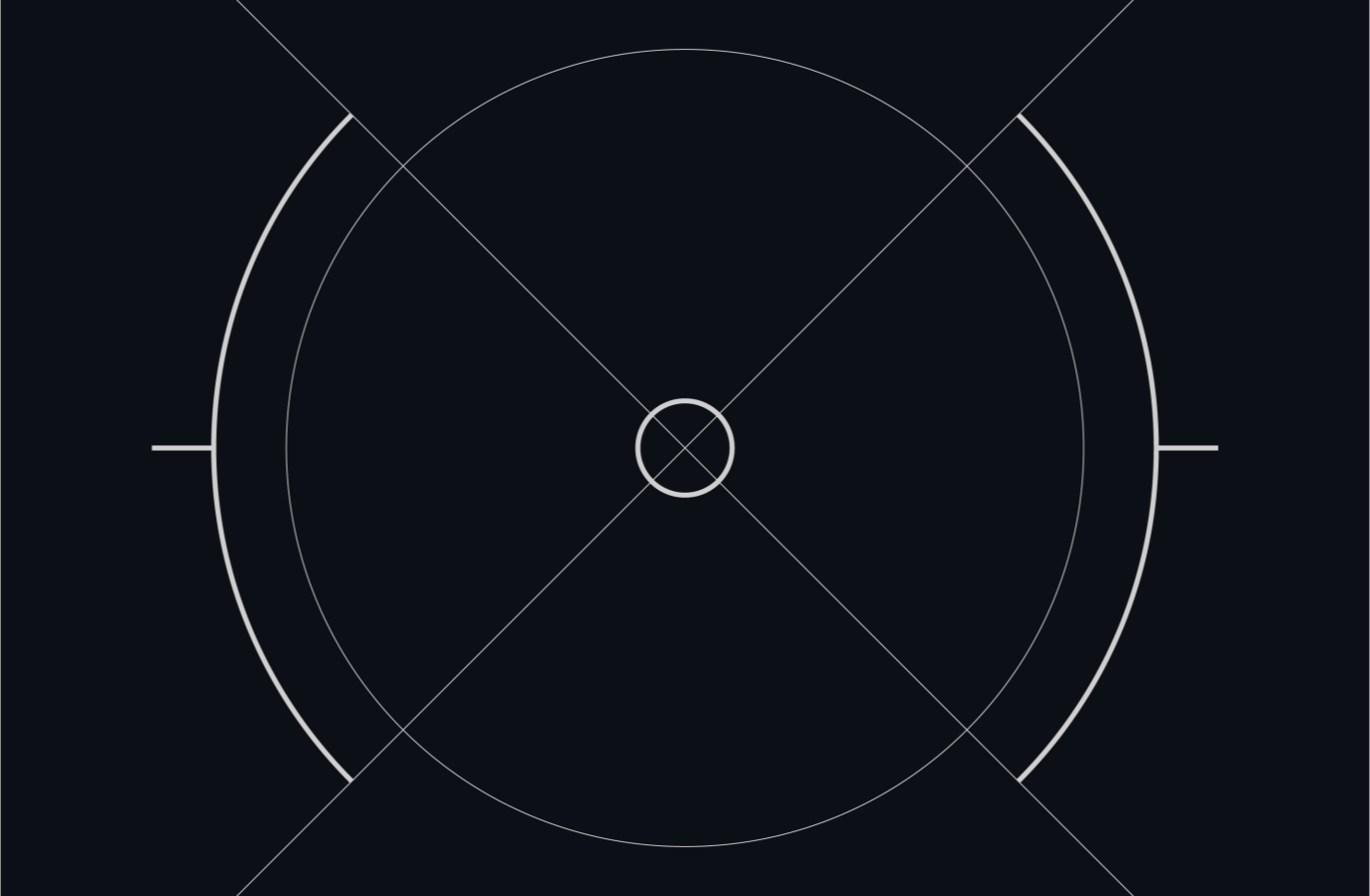
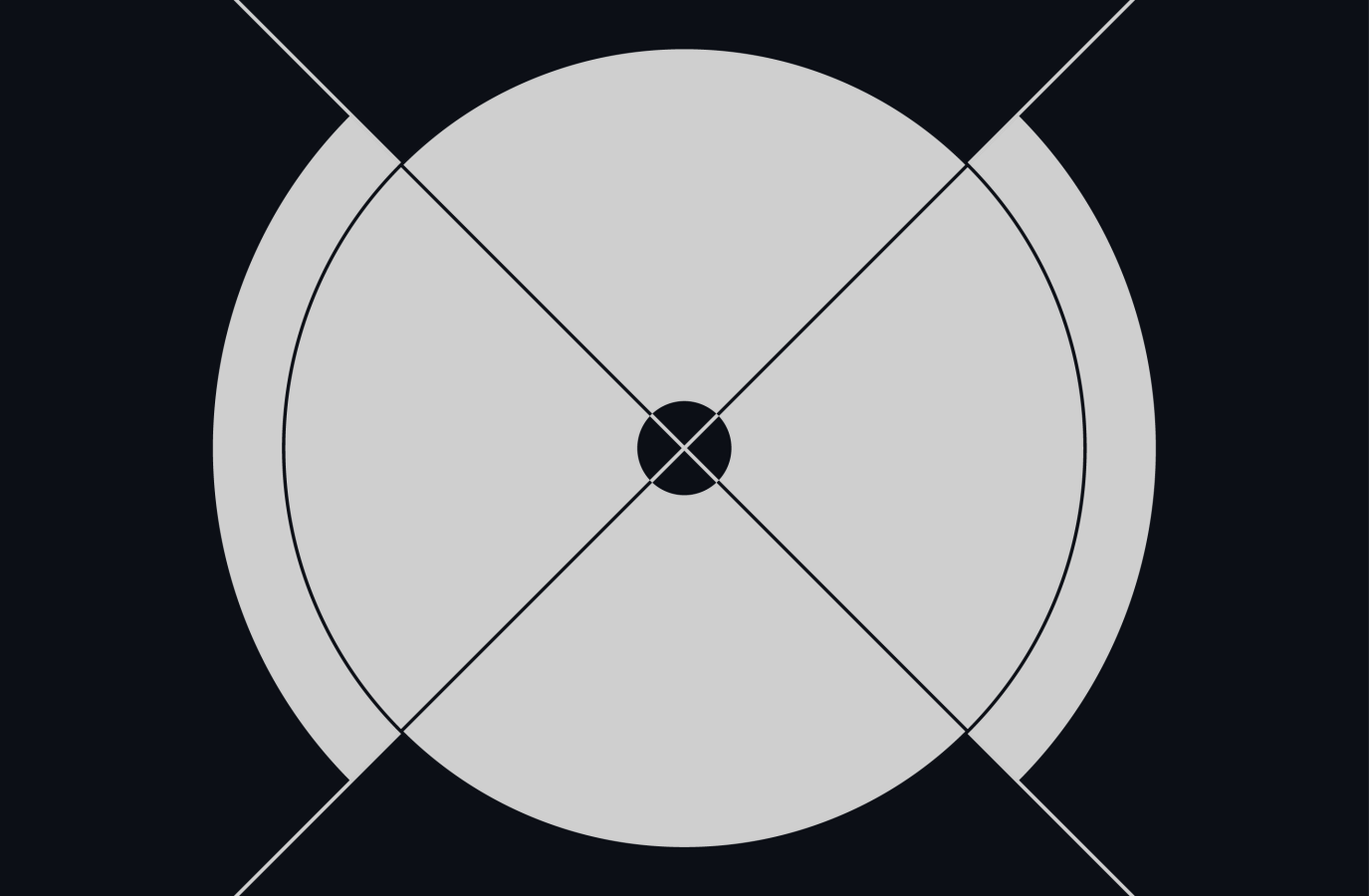

SEAMLESS
Our scopes, when layered on top of art direction, should be integrated with the subject, never simply sitting on top of the image.
STORYTELLING
When pairing a scope with art direction, the type of scope chosen should emphasise the narrative of the image - for example, the impact scope portrays force and damage, meaning it will pair well with art direction showcasing action and destruction.
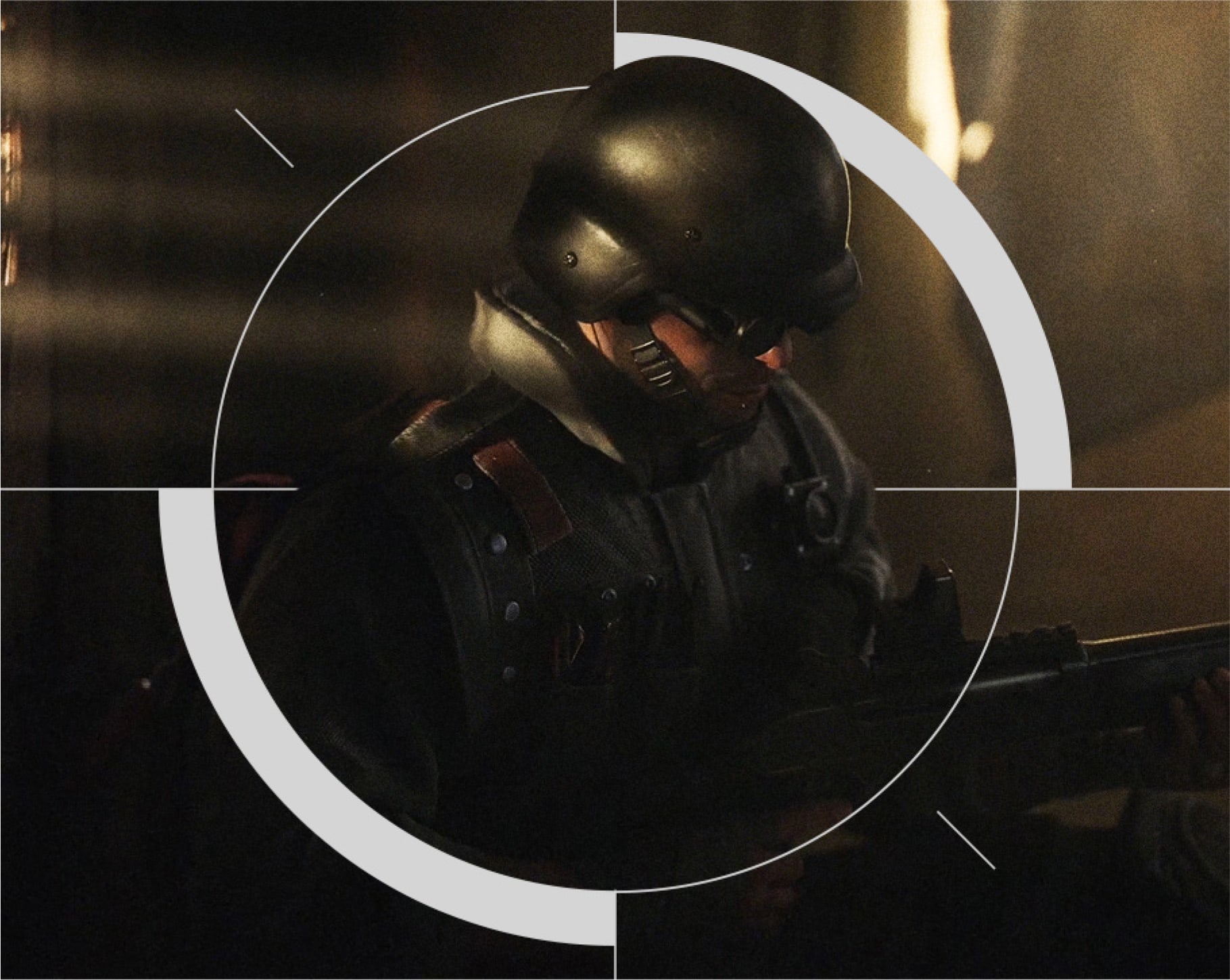
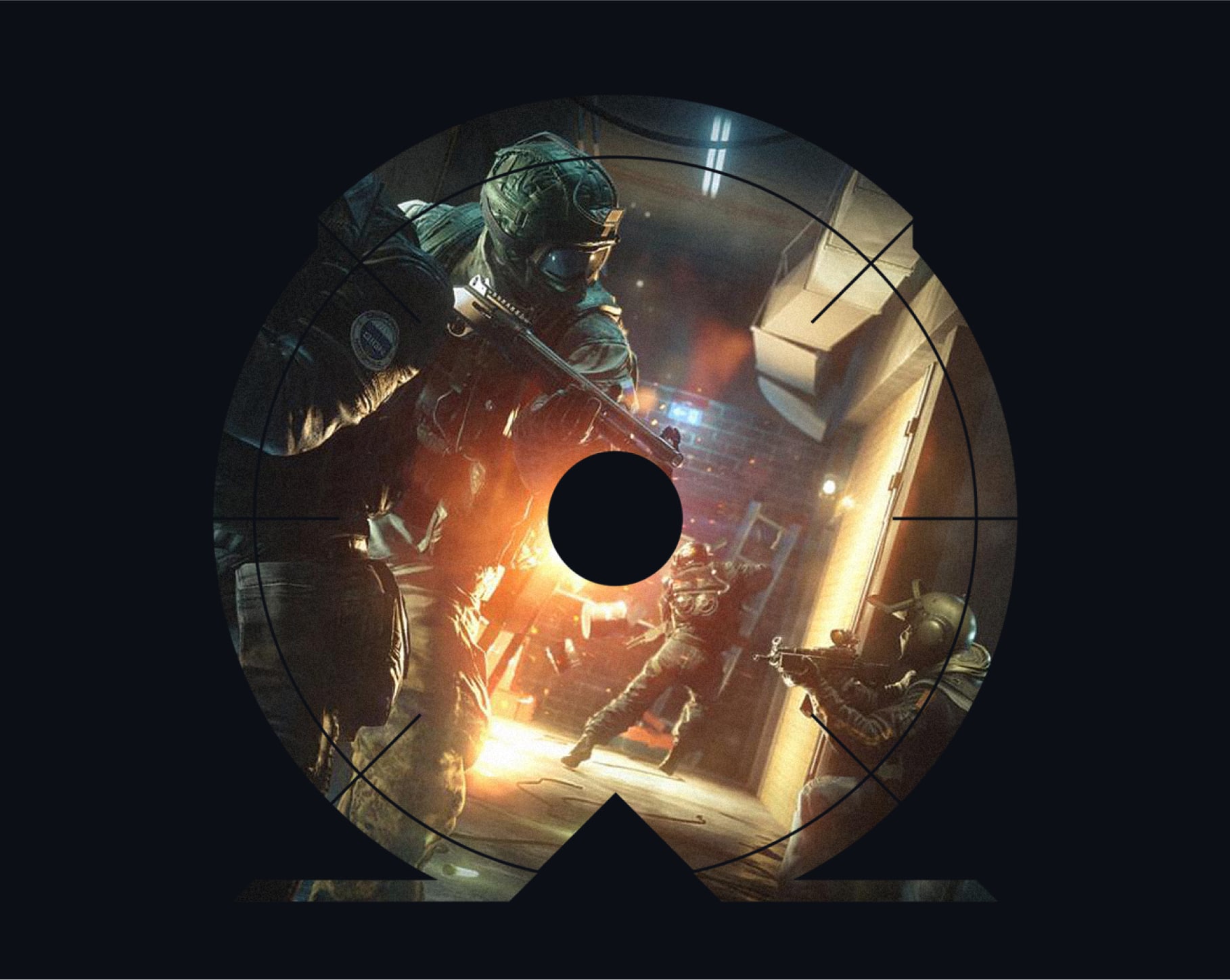
These examples demonstrate how to use art direction with our different categories of scopes, ensuring imagery is integrated with the scopes where possible, either through overlays or framing devices.
It's best practice to avoid placing solid crosslines over operators to prevent them from resembling targets. This helps maintain clarity in the design and avoids any unintended connotations, ensuring the operator remains distinct and easily identifiable.
Please visit our Downloads Centre to access all Scope assets.
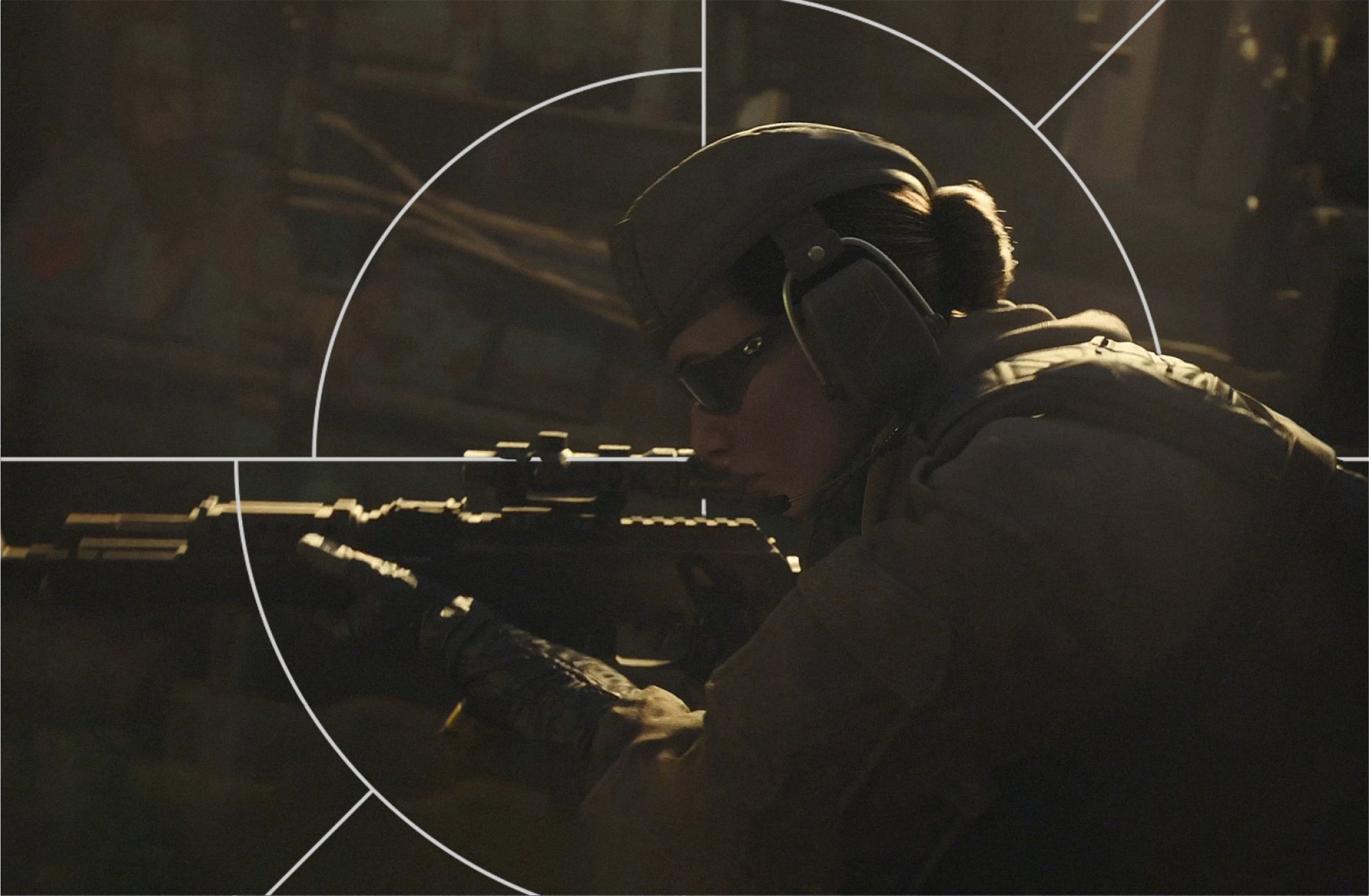
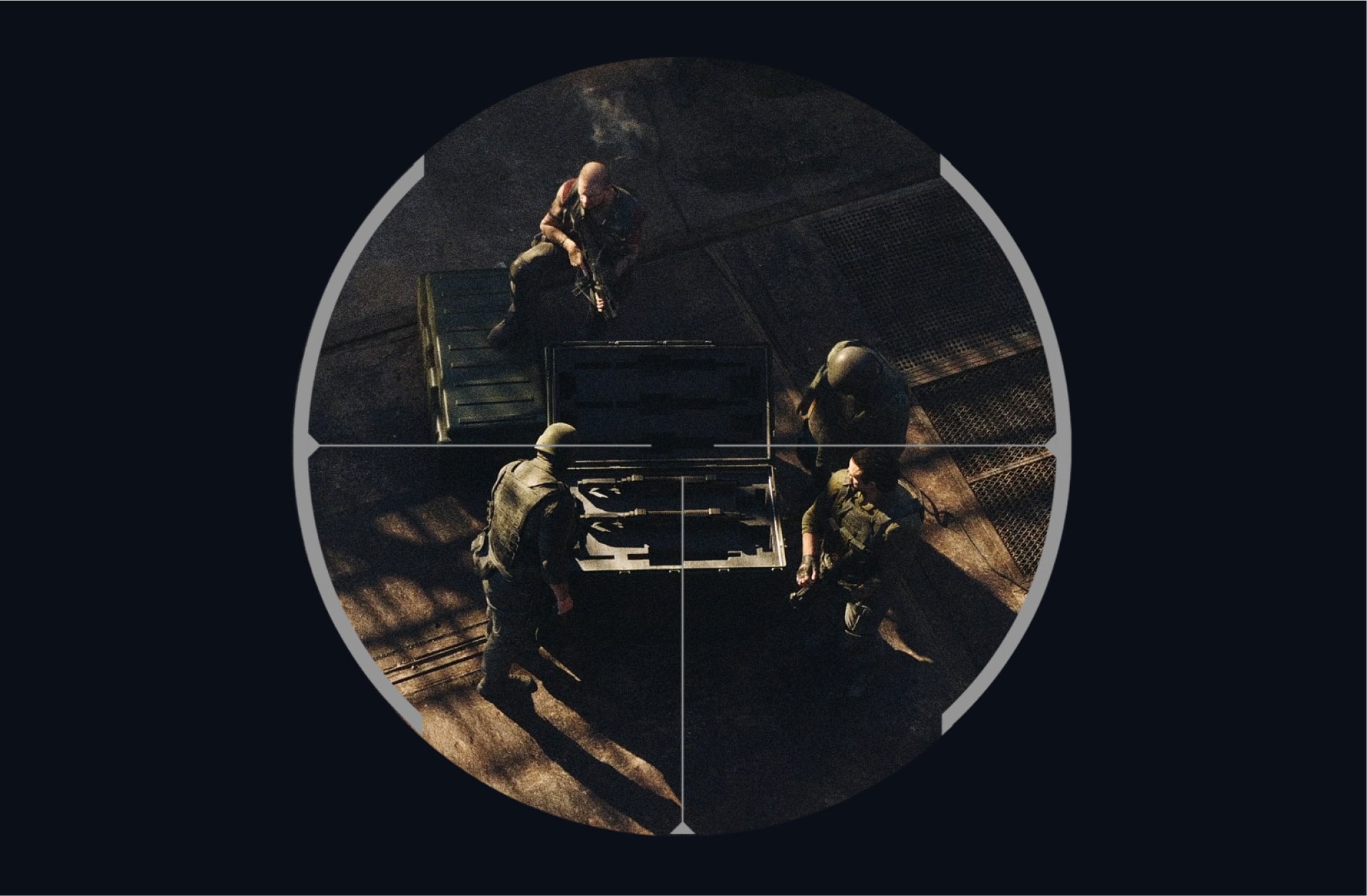
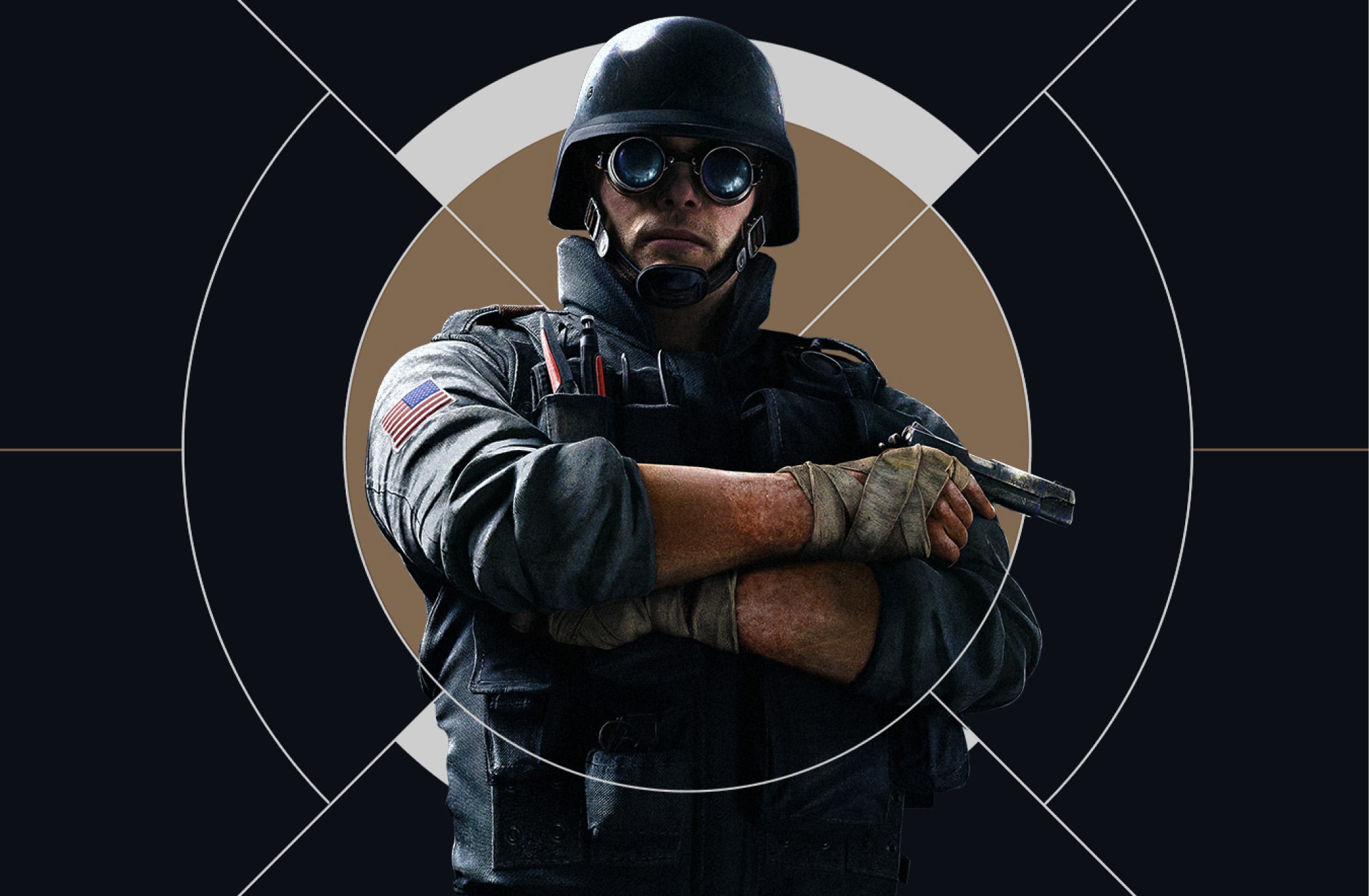
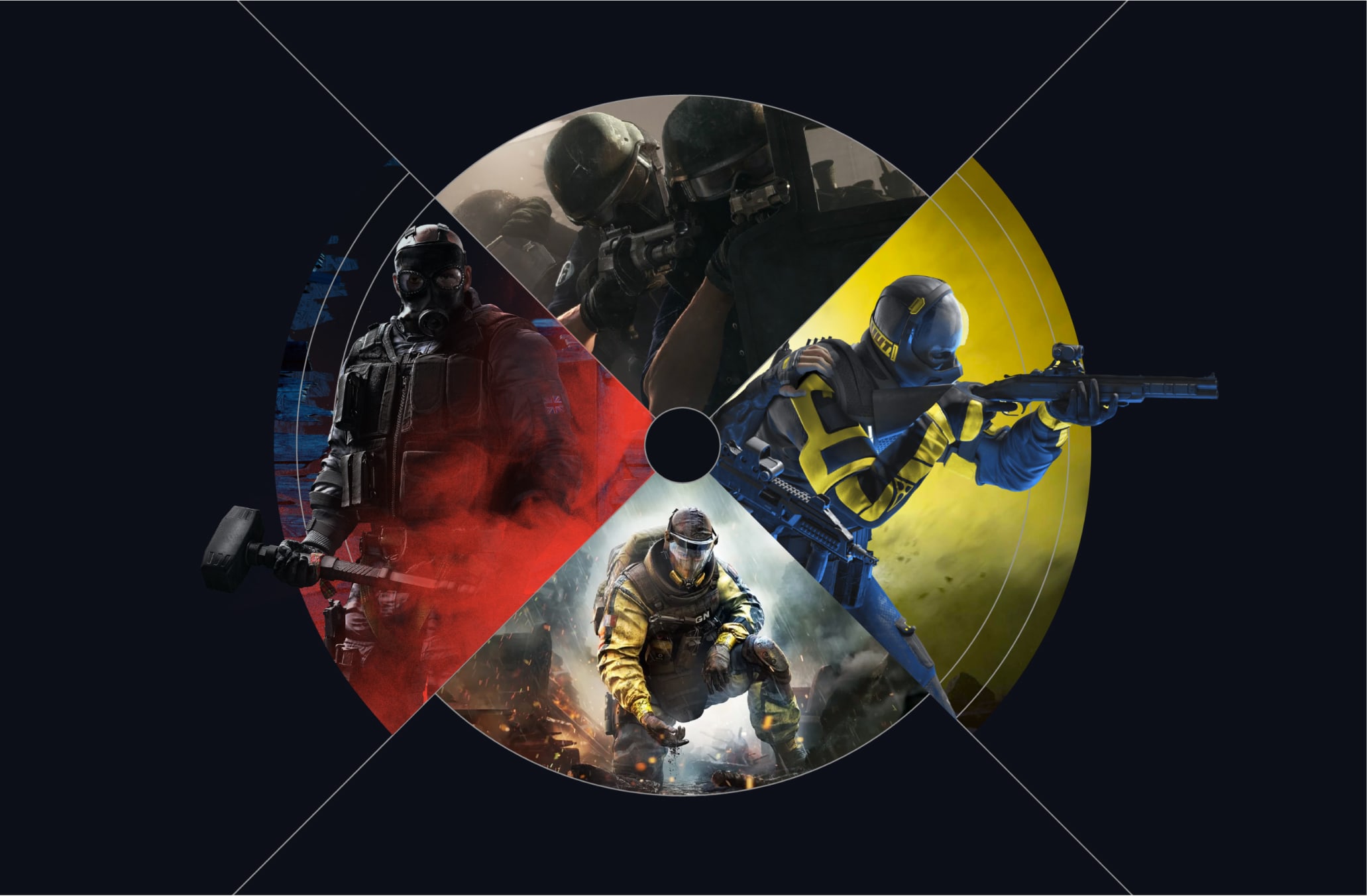
These examples demonstrate how we can use our different scopes to present multiple images and games at once. We make sure imagery is integrated with the scopes where possible, either through overlays or framing devices.
It's best practice to avoid placing solid crosslines over operators to prevent them from resembling targets. This helps maintain clarity in the design and avoids any unintended connotations, ensuring the operator remains distinct and easily identifiable.
Please visit our Downloads Centre to access all Scope assets.
Our Scope language is brought to life through motion that celebrates their individual meanings and design details.
To learn more about this and our Motion Principles, please refer to our Motion section.
Please visit our Downloads Centre for all motion assets.
Our scopes can come to life in motion across our animated backgrounds with intelligence and precision.
To learn more about this and our Motion Principles, please refer to our Motion section.
Please visit our Downloads Centre or all motion assets.
Make sure to follow this guidance to ensure our scopes are used correctly in all formats and applications.